

Reseña de Casefleet: Ventajas, Desventajas, Características y Precios Explicados
Casefleet destaca por sus sólidas herramientas de gestión de hechos y líneas de tiempo, lo que lo hace ideal para litigantes, pero puede ser menos adecuado para firmas que buscan soluciones integrales de gestión de despachos.

Revisamos las herramientas de forma independiente y las comisiones ayudan a financiar nuestras pruebas. Consulta nuestra política de transparencia, nuestra metodología o sugiere una herramienta.
CaseFleet is a legal case management software built for litigators who need to organize facts, build case chronologies, and track evidence across active matters. I'd consider it over something like Clio if your practice is litigation-focused. Clio covers more ground across practice types, but CaseFleet goes deeper on fact and timeline management.
CaseFleet Evaluation Summary
4.7/5
- From $30/user/month (billed annually)
- 14-day free trial
Por qué confiar en nuestras recomendaciones de software
6,700+
Reviews
20
Industry experts
16+
Evaluation factors
14
Years
Nuestro equipo lleva probando y evaluando software desde 2012. Como líderes de despachos jurídicos, sabemos lo difícil —y lo importante— que es elegir el software adecuado.
Para esta guía, evaluamos las herramientas mediante pruebas prácticas e investigación independiente, puntuando las herramientas según nuestros criterios de selección.
Nuestras reseñas reflejan nuestro criterio editorial humano, no un discurso de ventas.
CaseFleet Overview
Casefleet stands out for its detailed fact management, timeline building, and document linking, making it a top choice for litigators who need to organize complex cases. Its interface is clean and onboarding is straightforward, but integrations and broader practice management features are limited compared to some competitors. Pricing is transparent and support is responsive, which helps teams judge value quickly. If you're selecting software for litigation-heavy environments or investigative work, Casefleet's focus on chronology and evidence tracking gives it an edge, though firms needing billing or client management may find it underperforms in those areas.
Pros
- Timeline and fact management tools support complex litigation cases
- Document linking and source tracking improve evidence organization
- Chronology features help teams build clear case narratives
Cons
- Lacks built-in billing and client management modules
- Limited integrations with other legal and business tools
- Not designed for transactional or non-litigation practice areas
Is CaseFleet Right For Your Needs?
Who Would be a Good Fit for CaseFleet?
Casefleet is best suited for litigation-focused teams, investigative units, and legal professionals who need to organize facts, documents, and timelines in detail. Its strengths in chronology building, evidence linking, and fact management make it a strong choice for those handling complex disputes or investigations. If your law practice involves connecting source documents, tracking issues, and building case chronologies, Casefleet's specialized tools can help you manage and present information with clarity. Paralegals and attorneys alike benefit from the platform's user friendly design and focused functionality.
- Litigation Law FirmsCasefleet's timeline and fact management features are designed for complex litigation matters.
- In-House Litigation TeamsThe software helps corporate legal departments track internal investigations and disputes.
- Government Investigative UnitsChronology and document linking support regulatory or criminal investigations.
- Plaintiff AttorneysFact and evidence management tools assist in building strong case narratives.
- Insurance Defense TeamsCasefleet's issue tracking and source linking help manage high-volume claims.
- Legal ConsultantsConsultants handling case analysis or expert testimony benefit from detailed fact organization.
Who Would be a Bad Fit for CaseFleet?
Casefleet is less suitable for transactional practices, firms needing all-in-one management, or teams focused on high-volume administrative work. Its lack of billing, client management, and broader workflow tools means it may not meet the needs of those seeking a single platform for all legal operations. If your work centers on contracts, compliance, or routine legal processes, Casefleet's litigation focus may not align with your requirements.
- Transactional Law FirmsCasefleet lacks contract management and deal workflow features.
- Solo PractitionersThe platform may be too specialized for general practice needs.
- Corporate Compliance TeamsIt does not offer compliance tracking or regulatory workflow tools.
- Legal Aid OrganizationsCasefleet's litigation focus may not support high-volume intake or triage.
- Real Estate Law DepartmentsThe software does not address property or closing management.
- HR DepartmentsCasefleet is not designed for employment law or workplace investigations outside litigation.
Cómo Probamos y Puntúamos las Herramientas
Hemos pasado años construyendo, refinando y mejorando nuestro sistema de pruebas y puntuación de software. El marco está diseñado para captar las particularidades de la selección de software y lo que hace efectiva una herramienta, enfocándonos en aspectos críticos del proceso de toma de decisiones. A continuación, puede ver exactamente cómo funcionan nuestras pruebas y puntuaciones en siete criterios. Esto nos permite proporcionar una evaluación imparcial del software basada en la funcionalidad principal, características destacadas, facilidad de uso, incorporación, soporte al cliente, integraciones, opiniones de clientes y relación calidad-precio.
Funcionalidad Principal (25% de la puntuación final)
El punto de partida de nuestra evaluación siempre es la funcionalidad principal de la herramienta. ¿Cuenta con las funciones y características básicas que un usuario esperaría ver? ¿Alguna de esas funciones principales está restringida a planes de precios superiores? En esencia, esperamos que la herramienta esté a la altura de las capacidades básicas de sus competidores.
Características Destacadas (25% de la puntuación final)
Luego, evaluamos características destacadas poco comunes que vayan más allá de la funcionalidad principal que normalmente se encuentra en herramientas de su tipo. Una puntuación alta refleja características especializadas o únicas que hacen el producto más rápido, eficiente o que ofrecen valor adicional al usuario. También evaluamos la facilidad con la que puede integrarse con otras herramientas típicas de la pila tecnológica para ampliar la funcionalidad y utilidad del software. Las herramientas que ofrecen numerosas integraciones nativas, conexiones con terceros y acceso API para crear integraciones personalizadas obtienen la mejor puntuación.
Facilidad de Uso (10% de la puntuación final)
Consideramos la rapidez y facilidad con la que se pueden ejecutar las tareas definidas en la funcionalidad principal mediante la herramienta. El software con alta puntuación está bien diseñado, es intuitivo de usar, ofrece aplicaciones móviles, proporciona plantillas y hace que tareas relativamente complejas parezcan simples.
Incorporación (10% de la puntuación final)
Sabemos lo importante que es la rápida adopción de una nueva plataforma por parte del equipo, por eso evaluamos lo fácil que es aprender y usar una herramienta con capacitación mínima. Evaluamos la rapidez con la que un miembro del equipo puede configurarse y empezar a usar la herramienta sin experiencia previa. Las soluciones con alta puntuación indican que requieren poco o ningún soporte.
Soporte al Cliente (10% de la puntuación final)
Revisamos cuán rápido y fácil es obtener ayuda por teléfono, chat en vivo o base de conocimientos. Las herramientas y empresas que proporcionan soporte en tiempo real obtienen la mejor puntuación, mientras que los chatbots obtienen la más baja.
Opiniones de Clientes (10% de la puntuación final)
Más allá de nuestras propias pruebas y evaluaciones, tenemos en cuenta el puntaje neto de recomendación de los clientes actuales y anteriores. Revisamos la probabilidad de que, si tuvieran la opción, eligieran nuevamente la herramienta por su funcionalidad principal. Un software con alta puntuación refleja un alto puntaje neto de recomendación de clientes actuales o pasados.
Relación Calidad-Precio (10% de la puntuación final)
Por último, considerando todos los demás criterios, revisamos el precio promedio de los planes de nivel de entrada en comparación con las funciones principales y los otros factores de evaluación. El software que ofrece más por menos obtendrá una puntuación más alta.
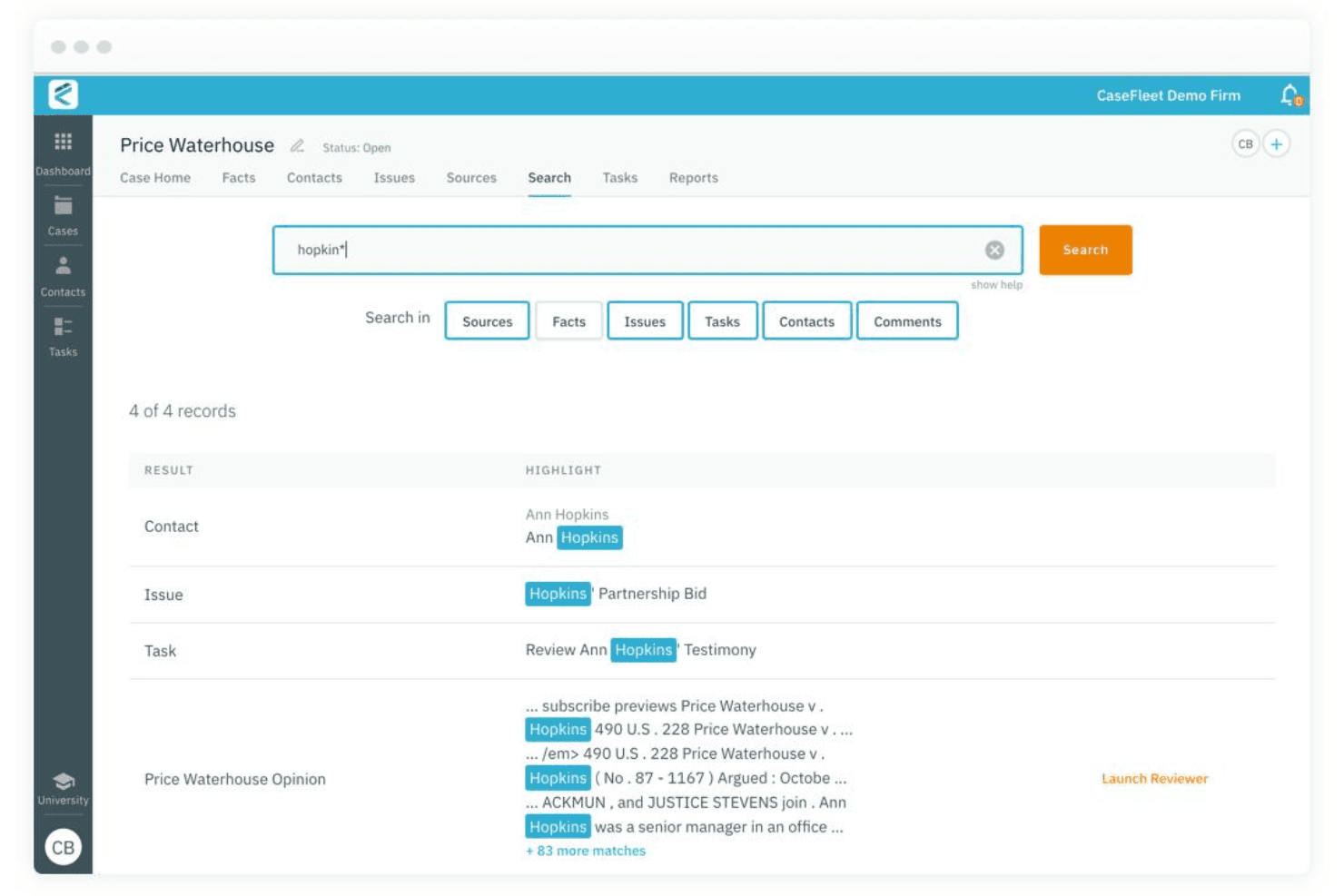
Core Features
Fact Management
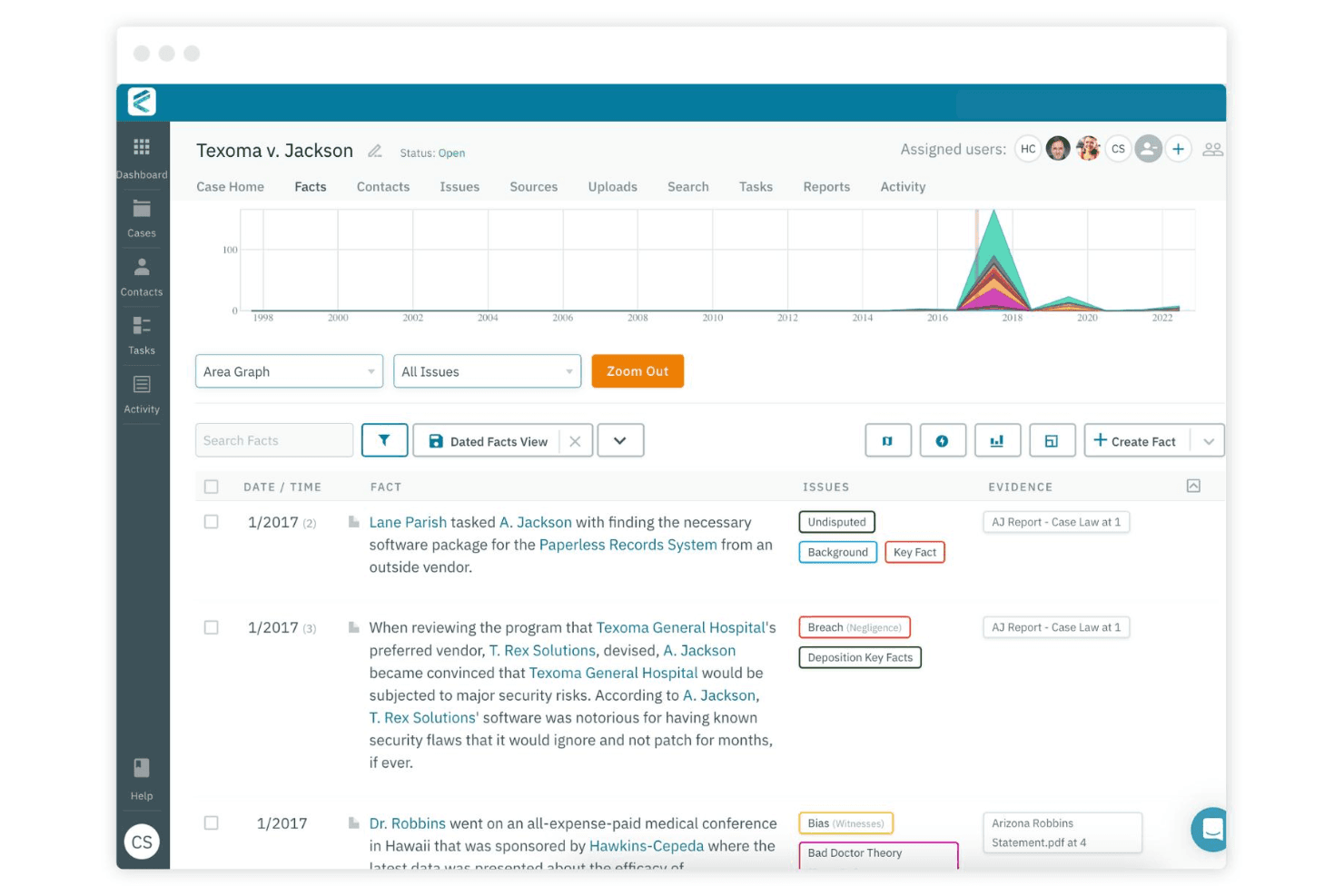
Organize facts, issues, and people in a structured database for each case. Link facts to source documents and issues to build a clear case narrative.
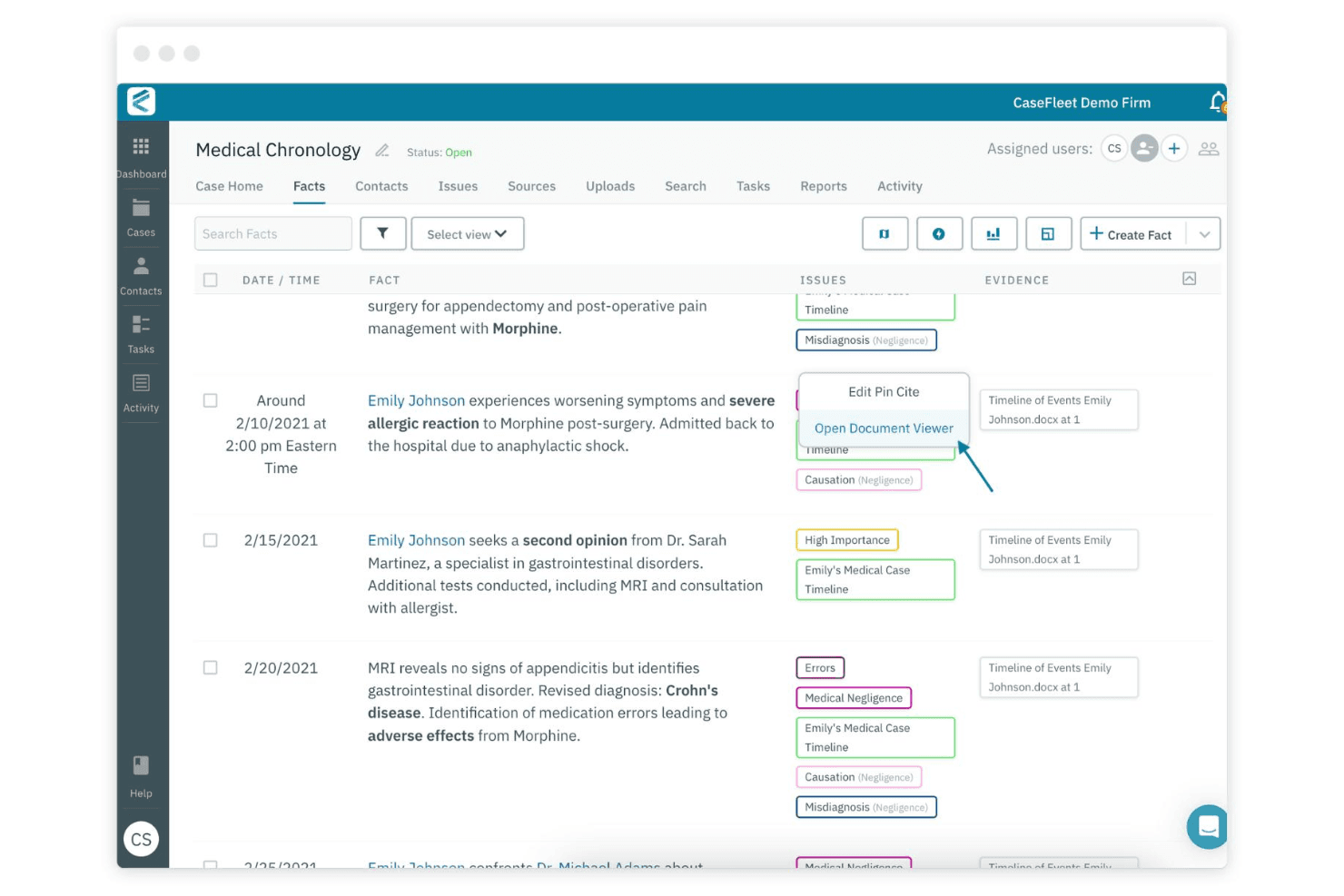
Fact Chronologies
Create detailed timelines that connect facts, documents, and events. Visualize case progress and identify gaps or inconsistencies quickly.
Document Management
Upload, tag, and search documents within each case file. Link documents directly to facts, issues, or witnesses for easy reference.
Issue Tagging
Assign issues to facts and documents to track legal arguments. Filter and sort information by issue to focus on what matters most.
Source Linking
Connect every fact to its supporting evidence, such as documents or testimony. Quickly trace the origin of each fact for review or disclosure.
Dashboard and Reporting Tools
Generate reports on facts, issues, and sources for case analysis or sharing. Export timelines and summaries to support collaboration or court filings.
Ease of Use
Casefleet is widely regarded as intuitive, with a clean interface and logical workflows that help users get started quickly. The timeline and fact management tools are easy to navigate, and onboarding resources are clear and accessible. Some users note that the platform's focus on litigation features keeps the experience streamlined, though those seeking broader practice management may find navigation limited. Overall, Casefleet's usability supports efficient case organization without overwhelming users with unnecessary options.
Integrations
Casefleet does not provide an integration interface or marketplace. The platform operates as a self-contained system, and the only external connectivity is limited to authentication methods such as SSO via Okta, which is managed outside the Casefleet application.
CaseFleet Specs
- 2-Factor Authentication: Yes
- API: Yes
- Approval Workflows: Yes
- Audit Trail: Yes
- Calendar Management: Yes
- Compliance Tracking: Yes
- Contract Management: Yes
- Custom Reports: Yes
- Customer Management: Yes
- Data Export: Yes
- Data Import: Yes
- Document Management: Yes
- External Integrations: Yes
- Multi-User: Yes
- NDA Management: Yes
- Notifications: Yes
- Policy Management: Yes
- Scheduling: Yes
- Workflow Management: Yes


