


CosmoLex vs. MyCase: Expert Comparison & Reviews 2026

We review tools independently, and commissions help fund our testing. See our transparency policy, our methodology, or suggest a tool.
CosmoLex
4.3/5
- 10-day free trial
- From $49/user/month (billed annually)
MyCase
4.6/5
- 10-day free trial
- From $50/user/month (billed annually)
Why Trust Our Software Recommendations
6,700+
Reviews
20
Industry experts
16+
Evaluation factors
14
Years
Our team has been testing and reviewing software since 2012. As legal practice leaders ourselves, we know how difficult—and important—it is to choose the right software.
For this guide, we evaluated tools using hands-on testing and independent research, scoring tools using our selection criteria.
Our reviews reflect our human editorial judgment, not a sales pitch.
CosmoLex Vs. MyCase Pricing & Hidden Costs
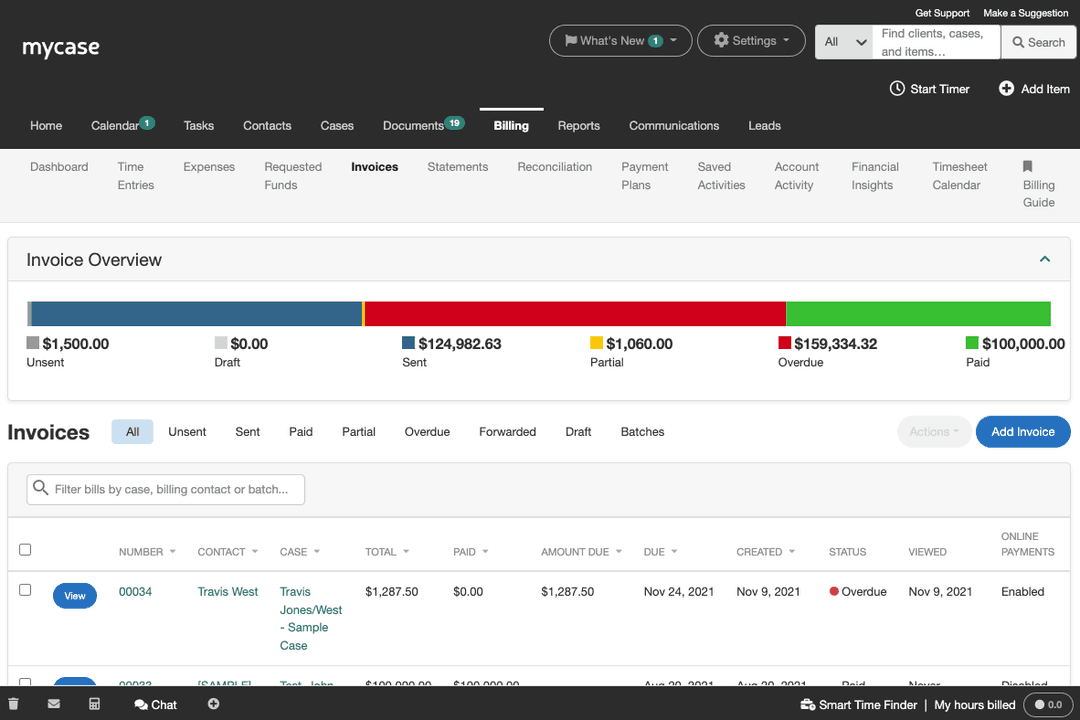
CosmoLex uses per-user monthly plans with a lower rate for annual billing. Core practice management, billing, trust accounting, and compliance features are included, while CRM, websites, marketing, secure document sharing, and e-signature tools may cost extra. MyCase also charges per active user monthly or annually, with higher tiers adding automation, advanced document tools, AI features, and integrations. Watch for separate MyCase Accounting fees, additional AI discovery-page charges, payment-processing rates, applicable taxes, and annual-plan refund restrictions.
To choose, map your required users, matters, billing volume, accounting processes, and add-ons before comparing plans. Ask each vendor for a written 12-month total-cost estimate that includes payment processing, extra storage or AI usage, implementation, integrations, and user growth. Then test your real intake, billing, trust-accounting, and client-communication workflows during the trial, because the cheaper base plan may cost more after you add essential functions.
CosmoLex Vs. MyCase Core Features
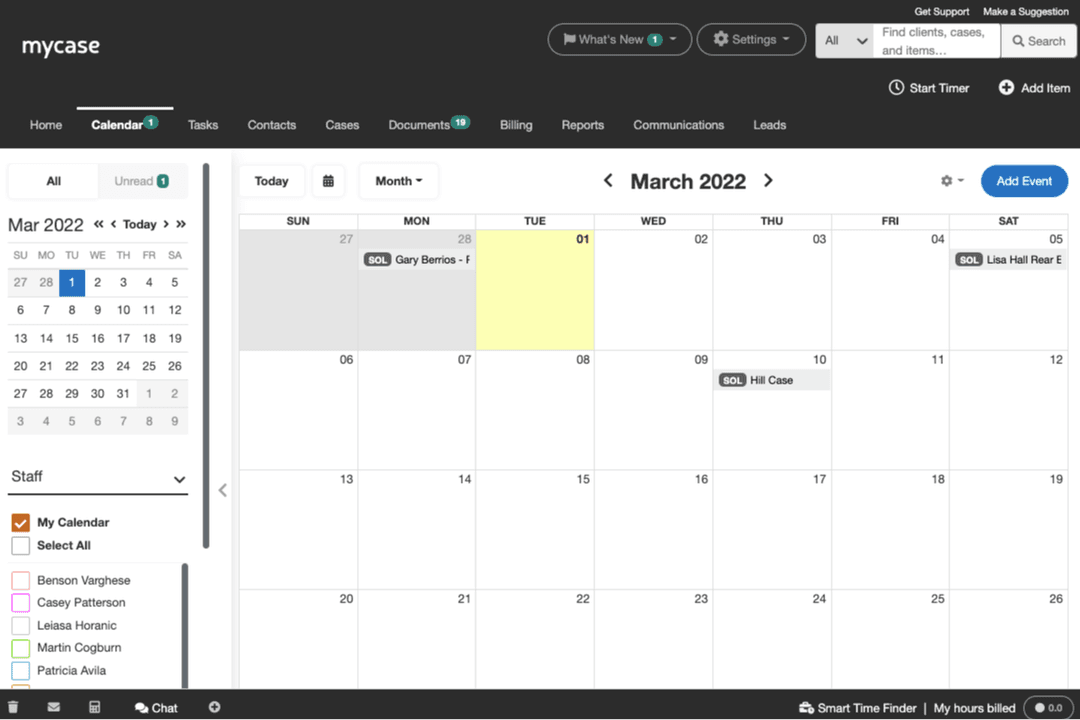
CosmoLex and MyCase both cover matter management, calendaring, task workflows, document storage, client portals, intake, time tracking, billing, payments, and e-signature. Each platform keeps case information, client communication, and financial activity connected in one legal workspace.
CosmoLex offers a built-in law firm website service and email or SMS drip campaigns for lead nurturing, which MyCase doesn’t match directly. MyCase counters with 8am IQ Case Assistant, which summarizes case files, builds timelines, identifies next steps, and searches scanned documents.
CosmoLex Vs. MyCase Integrations
| Integration | CosmoLex | MyCase |
|---|---|---|
| Google Calendar | ✅ | ✅ |
| Microsoft Outlook | ✅ | ✅ |
| Dropbox | ✅ | ✅ |
| QuickBooks Online | ✅ | ✅ |
| LawPay | ✅ | ✅ |
| Google Drive | ✅ | ❌ |
| Box | ✅ | ❌ |
| NetDocuments | ✅ | ✅ |
| LawToolBox | ❌ | ✅ |
| Smith.ai | ❌ | ✅ |
| Mailchimp | ❌ | ✅ |
| API | ❌ | ✅ |
| Zapier | ✅ | ✅ |
CosmoLex and MyCase share essential connections for calendars, email, documents, accounting, payments, and automation, while CosmoLex offers more direct document-storage choices and MyCase offers more intake, marketing, and legal-workflow connections. Both support Zapier for custom workflows, but MyCase also provides an open API, so either platform should fit most firms while MyCase suits teams that need deeper customization.
CosmoLex vs. MyCase Security, Compliance & Reliability
| Factor | CosmoLex | MyCase |
|---|---|---|
| Encryption | CosmoLex encrypts data in transit and at rest with bank-grade 256-bit SSL encryption. | MyCase uses 128-bit SSL encryption for data in transit and 256-bit AES encryption for stored information. |
| Access Controls | CosmoLex requires two-factor authentication and supports customizable user permissions for confidential matters. | MyCase uses multi-factor authentication, role-based permissions, activity tracking, and controlled access to client information. |
| Trust Compliance | CosmoLex separates trust and operating accounts, supports three-way reconciliation, and produces audit-ready fiduciary reports. | MyCase provides accounting tools designed to support IOLTA compliance and secure client payment processing through LawPay’s PCI-compliant environment. |
| Data Backups | CosmoLex backs up data every few hours and stores information securely in North America. | MyCase backs up data nightly to Amazon S3 servers and validates data integrity after each update. |
CosmoLex has the clearer documented security and trust-accounting controls, while MyCase offers strong encryption, access controls, backups, and payment safeguards without matching CosmoLex’s published SOC 2 Type 2 claim. In my experience, CosmoLex is strongest when audit-ready trust accounting and mandatory two-factor authentication drive the decision, while MyCase is strongest when dependable backups, permissioned collaboration, and responsive day-to-day case access matter most.
CosmoLex Vs. MyCase Ease of Use
| Factor | CosmoLex | MyCase |
|---|---|---|
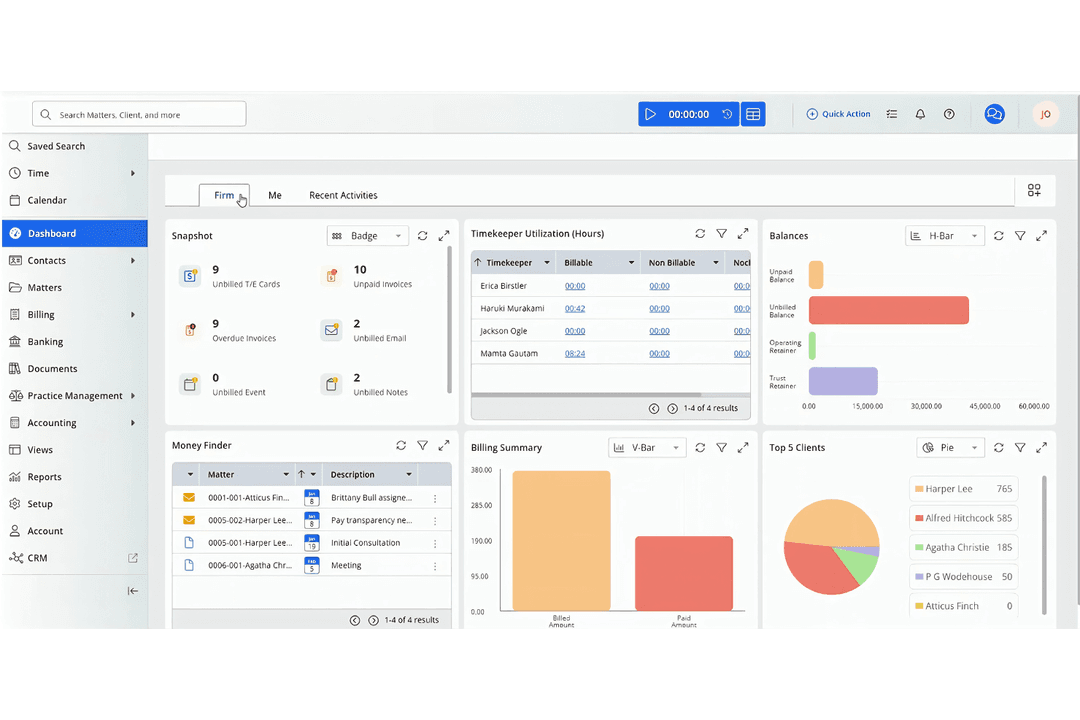
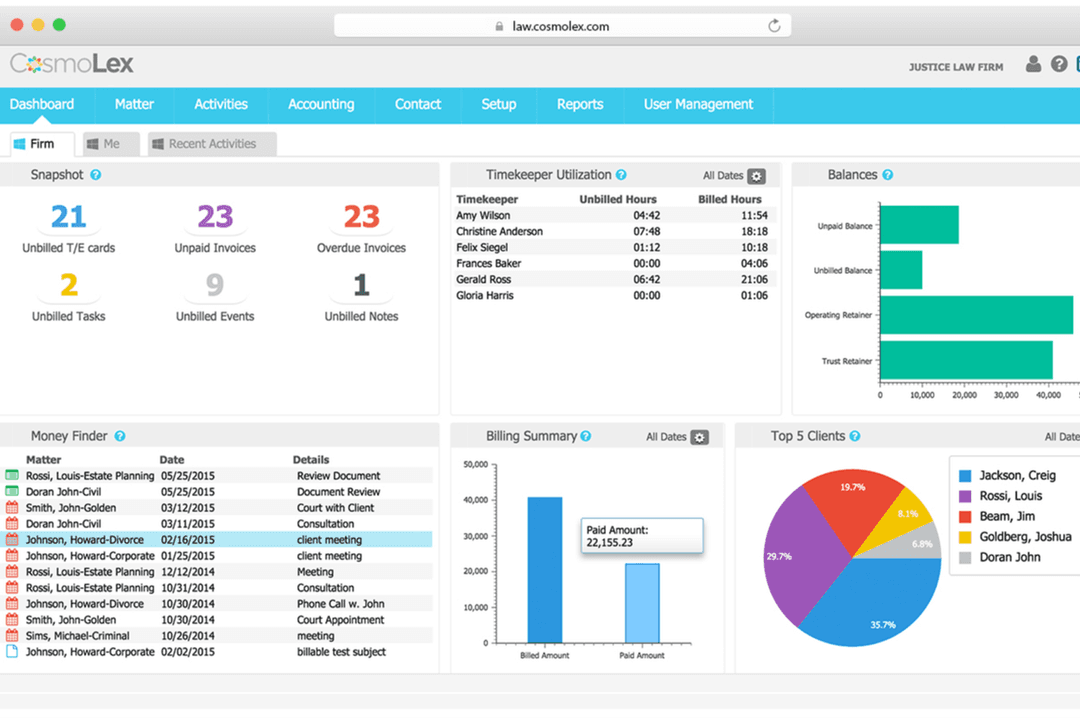
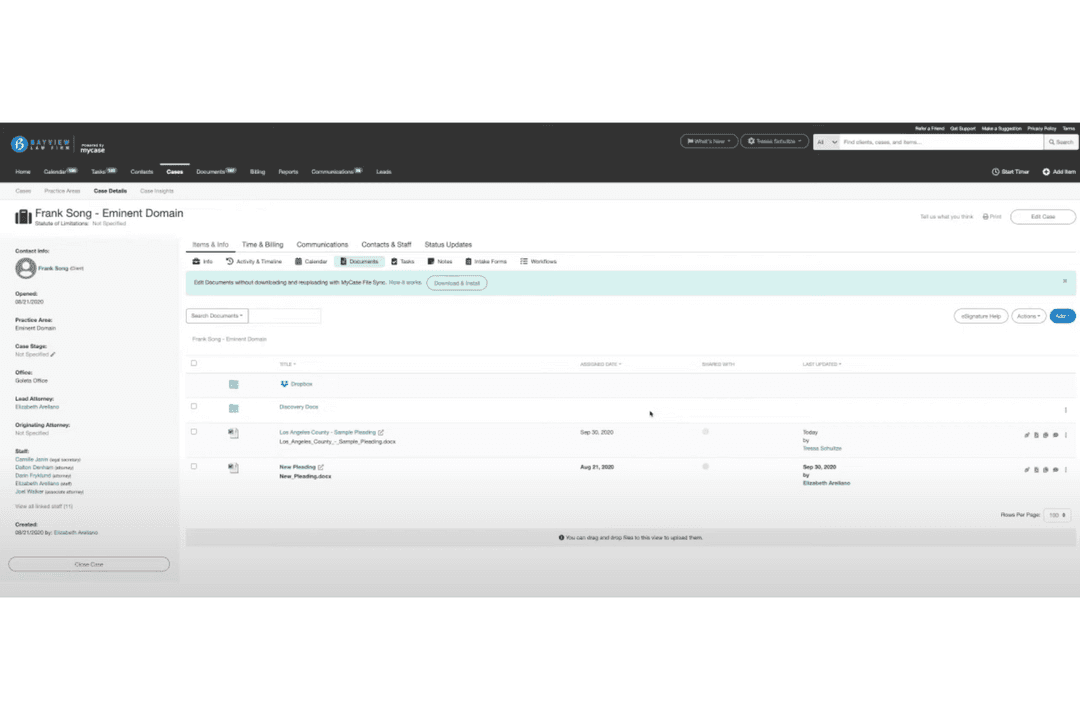
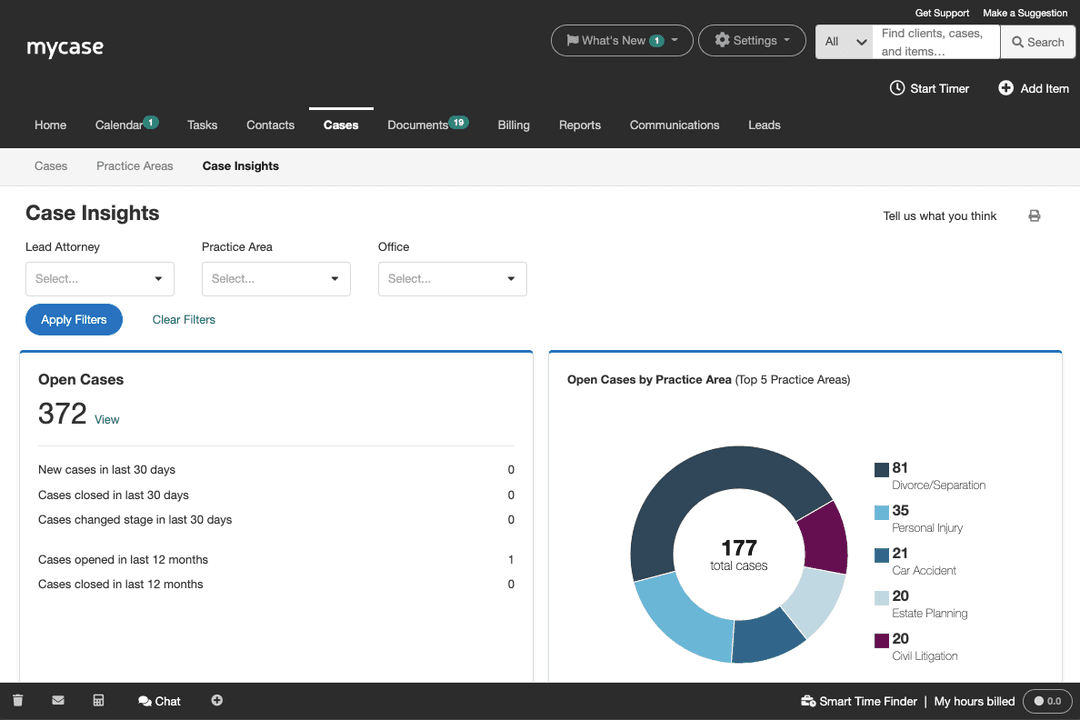
| User Interface | CosmoLex keeps matter records, billing, trust accounting, and financial reports together, although the broader workspace can take time to learn. | MyCase uses a more intuitive layout for opening matters, checking tasks, sending messages, and reviewing case activity. |
| Learning Curve | CosmoLex is approachable for routine case work, but its detailed billing and trust-accounting controls require more training. | MyCase has a gentler learning curve, so new users can usually find matters, calendars, documents, and communications quickly. |
| Onboarding | CosmoLex provides onboarding help, training resources, and instructional videos for configuring firm workflows. | MyCase offers guided onboarding, live training sessions, webinars, and help-center resources for setting up the platform. |
| Customer Support | CosmoLex users commonly value patient, knowledgeable support that helps resolve setup and workflow questions. | MyCase provides phone, email, and chat support, which gives teams several ways to get help with daily issues. |
| Daily Access | CosmoLex gives staff one workspace for matters, time entries, invoices, trust activity, and client communication. | MyCase makes frequent tasks easy to reach, including mobile case access, client messages, document sharing, and calendar updates. |
MyCase is easier for most teams to adopt, while CosmoLex rewards firms that can invest time in learning its deeper financial controls.
From my experience, CosmoLex’s strength is a guided, finance-aware workspace with helpful support, while MyCase feels friendlier for quick onboarding and everyday case navigation.
Who Should Use CosmoLex, and Who Should Use MyCase?
CosmoLex is the better choice for firms that need billing, trust accounting, compliance controls, and financial reporting in one workspace. It suits teams willing to invest more training to manage detailed financial workflows and audit-ready records. MyCase fits firms that prioritize quick adoption, intuitive case navigation, mobile access, client communication, and collaborative document sharing. Choose MyCase when your team values flexible integrations, AI-assisted case review, and a gentler learning curve over deeper built-in accounting controls.
CosmoLex
- Estate Planning FirmsTrust accounting and document automation fit estate planning workflows.
- In-House Legal DepartmentsCentralized matter management and billing streamline internal legal operations.
- Family Law PracticesMatter-centric workflows and document management support high-volume casework.
- Legal Aid OrganizationsIntegrated time tracking and billing help manage grant and case reporting.
- Solo PractitionersBuilt-in trust accounting and compliance features simplify solo practice management.
- Small Law FirmsCosmoLex’s all-in-one platform reduces the need for separate billing and accounting tools.
MyCase
- Small Law FirmsMyCase helps your small team manage cases and clients efficiently, keeping everything organized.
- Solo PractitionersWith MyCase, you can handle every aspect of your practice without feeling overwhelmed.
- Family LawMyCase’s communication tools keep you connected with clients during sensitive cases.
- Personal InjuryThe document management feature simplifies handling extensive paperwork for your cases.
- Criminal DefenseMyCase provides a structured way to manage complex criminal cases, ensuring nothing falls through the cracks.
- Legal Aid OrganizationsIts user-friendly interface allows your team to focus on helping clients rather than administrative tasks.