

Recensione LawPay 2026: Pro, Contro, Caratteristiche e Prezzi
LawPay si distingue per la fatturazione legale, unendo conformità e facilità d'uso—ideale se desideri pagamenti semplificati senza rinunciare a fiducia o professionalità. Ecco come si confronta.

Recensiamo gli strumenti in modo indipendente e le commissioni ci aiutano a finanziare i nostri test. Consulta la nostra politica sulla trasparenza, la nostra metodologia o suggerisci uno strumento.
LawPay is a legal billing software built for law firms that need to accept online payments while staying compliant with trust accounting rules like IOLTA. I'd mainly consider it over something like TimeSolv if payment processing and compliance are your core priorities—rather than a full suite of practice management features. LawPay keeps things focused, which means you get a tighter, more purpose-built tool for getting paid and protecting client funds, without paying for functionality your firm doesn't need.
LawPay Evaluation Summary
4.7/5
- From $19/month
- Free demo available
Perché fidarsi dei nostri consigli sui software
6,700+
Reviews
20
Industry experts
16+
Evaluation factors
14
Years
Il nostro team testa e recensisce software dal 2012. In quanto leader di studi legali noi stessi, sappiamo quanto sia difficile — e importante — scegliere il software giusto.
Per questa guida, abbiamo valutato gli strumenti attraverso test pratici e ricerche indipendenti, assegnando un punteggio agli strumenti in base ai nostri criteri di selezione.
Le nostre recensioni riflettono il nostro giudizio editoriale umano, non un discorso di vendita.
LawPay Overview
If you’re judging LawPay against other legal billing software, I think you’ll notice its compliance-first approach and intuitive interface set it apart. The pricing is transparent, and onboarding is quick—even for teams new to digital billing. LawPay’s integrations with practice management tools and responsive support make it a strong pick for firms prioritizing trust accounting and client payment options.
While it doesn’t offer deep customization or advanced reporting, I’d suggest it’s best for small to midsize firms that want reliable, legal-specific billing without a steep learning curve.
Pros
- Simple invoicing and payment request workflows
- Responsive, knowledgeable customer support team
- Built-in trust accounting compliance for legal payments
Cons
- Some users report higher transaction fees
- Reporting features are basic compared to others
- Limited automation for recurring billing tasks
Is LawPay Right For Your Needs?
Who Would be a Good Fit for LawPay?
LawPay is a strong choice for legal professionals and organizations that need payment processing built for compliance, trust accounting, and client convenience. I think you’ll find it especially useful if your team values straightforward invoicing, secure payment links, and responsive support. LawPay’s features are tailored for legal billing, so it’s best for firms or departments where regulatory requirements and client trust are top priorities.
- In-House Legal DepartmentsCorporate legal teams can use LawPay for outside counsel payments and retainers.
- Legal Aid OrganizationsNonprofits appreciate LawPay’s ability to handle client payments securely.
- Estate Planning AttorneysTrust accounting compliance helps estate planners avoid regulatory issues.
- Family Law PracticesFamily law teams can use LawPay’s secure payment links for sensitive client matters.
- Small Law FirmsSmaller firms benefit from LawPay’s easy setup and legal-specific payment features.
- Solo PractitionersLawPay’s simple workflows and compliance tools fit solo attorneys managing all billing.
Who Would be a Bad Fit for LawPay?
LawPay isn’t the best choice for organizations that need advanced billing automation, deep reporting, or industry-specific features outside of legal. If your team relies on complex billing structures or wants highly customizable workflows, you’ll likely find LawPay’s focus on legal simplicity limiting. It’s also not ideal for non-legal businesses or those with high-volume, non-client billing needs.
- Real Estate AgenciesReal estate teams need commission tracking and property management features not in LawPay.
- Tech StartupsStartups with subscription models need recurring billing automation LawPay lacks.
- Government AgenciesGovernment billing often requires integrations and compliance LawPay doesn’t support.
- High-Volume RetailersRetailers need POS and inventory tools not found in LawPay.
- Medical PracticesHealthcare billing requires features LawPay doesn’t offer.
- Large Accounting FirmsLawPay lacks the advanced billing and reporting tools accountants need.
Come Testiamo e Valutiamo gli Strumenti
Abbiamo trascorso anni a costruire, perfezionare e migliorare il nostro sistema di test e valutazione del software. La nostra rubrica è progettata per cogliere le sfumature della selezione del software e ciò che rende uno strumento efficace, concentrandosi sugli aspetti critici del processo decisionale. Qui sotto puoi vedere esattamente come funzionano i nostri test e la nostra valutazione su sette criteri. Questo ci permette di offrire una valutazione imparziale del software sulla base della funzionalità principale, delle caratteristiche distintive, facilità d’uso, onboarding, assistenza clienti, integrazioni, recensioni dei clienti e rapporto qualità-prezzo.
Funzionalità Principale (25% della valutazione finale)
Il punto di partenza della nostra valutazione è sempre la funzionalità principale dello strumento. Possiede le funzionalità e le caratteristiche di base che un utente si aspetterebbe di trovare? Alcune di queste funzionalità principali sono bloccate su piani tariffari più costosi? Ci aspettiamo che uno strumento sia competitivo rispetto alle capacità di base dei suoi concorrenti.
Caratteristiche Distintive (25% della valutazione finale)
Valutiamo quindi le caratteristiche distintive e non comuni che vanno oltre la funzionalità di base generalmente presente in strumenti dello stesso tipo. Un punteggio elevato riflette caratteristiche specializzate o uniche che rendono il prodotto più veloce, più efficiente, oppure che offrono ulteriore valore all’utente. Valutiamo anche quanto sia facile integrare con altri strumenti tipici della propria infrastruttura tecnologica per espandere la funzionalità e l’utilità del software. Gli strumenti che offrono molte integrazioni native, connessioni di terze parti e accesso API per costruire integrazioni personalizzate ottengono i punteggi migliori.
Facilità d’Uso (10% della valutazione finale)
Consideriamo quanto sia rapido e semplice eseguire le attività definite nella funzionalità principale utilizzando lo strumento. Il software con punteggio più alto è ben progettato, intuitivo da usare, offre app mobili, propone modelli e rende semplici anche le attività relativamente complesse.
Onboarding (10% della valutazione finale)
Sappiamo quanto sia importante una rapida adozione da parte del team per una nuova piattaforma, quindi valutiamo quanto sia facile imparare e usare uno strumento con il minimo di formazione. Esaminiamo quanto rapidamente un membro del team può essere operativo e iniziare a usare lo strumento senza esperienza. Le soluzioni con punteggi elevati richiedono poco o nessun supporto.
Assistenza Clienti (10% della valutazione finale)
Esaminiamo quanto sia rapido e semplice sbloccarsi e trovare aiuto tramite telefono, chat dal vivo o knowledge base. Gli strumenti e le aziende che forniscono supporto in tempo reale ottengono i punteggi migliori, mentre i chatbot ottengono i punteggi peggiori.
Recensioni dei Clienti (10% della valutazione finale)
Oltre ai nostri test e alle nostre valutazioni, consideriamo il net promoter score dei clienti attuali e passati. Esaminiamo la probabilità che, se avessero la scelta, selezionerebbero di nuovo lo strumento per la funzionalità principale. Un software con punteggio alto riflette un alto net promoter score da parte dei suoi utenti.
Rapporto Qualità-Prezzo (10% della valutazione finale)
Infine, considerando tutti gli altri criteri, valutiamo il prezzo medio dei piani entry level rispetto alle funzionalità principali e consideriamo anche il valore degli altri criteri di valutazione. Il software che offre di più, al costo minore, otterrà un punteggio più elevato.
Core Features
Trust Accounting Compliance
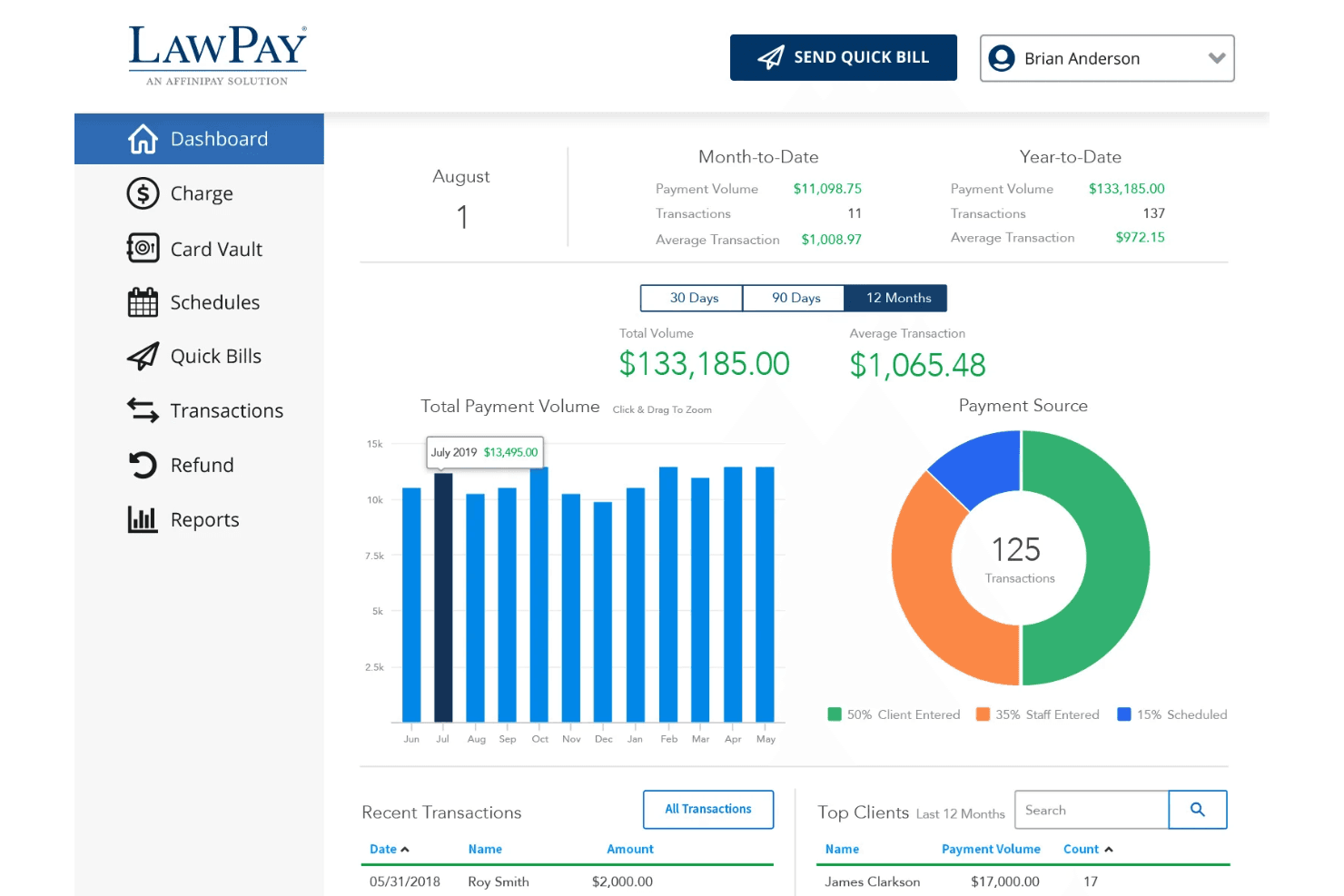
LawPay automatically separates earned and unearned funds, helping you stay compliant with IOLTA and ABA guidelines.
Online Payment Acceptance
Accept credit cards, debit cards, and eChecks from clients through secure payment links and custom payment pages.
Quick Bill and Invoicing
Create and send invoices in just a few clicks, with clear tracking of paid and outstanding bills.
Scheduled and Recurring Payments
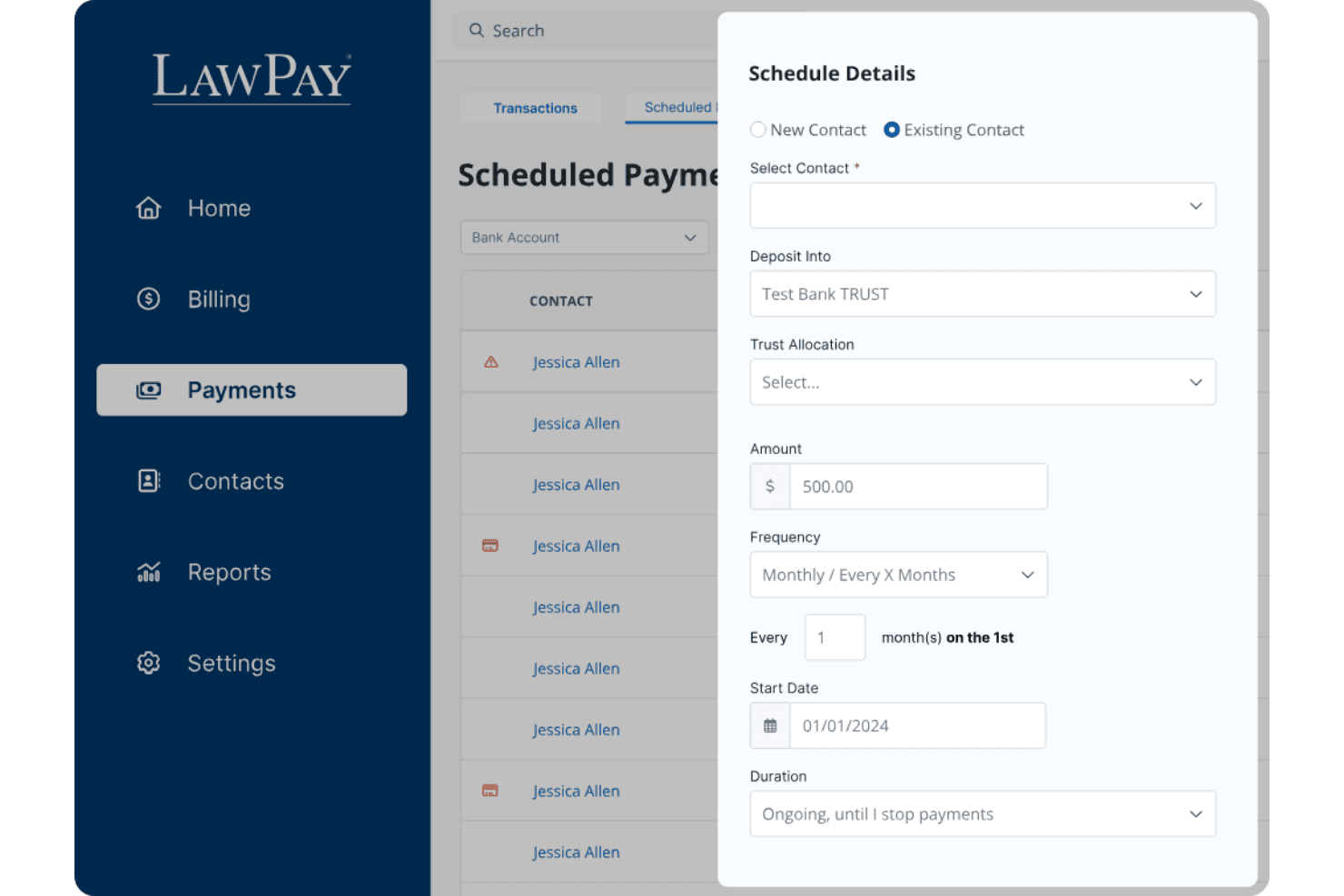
Set up payment plans or schedule future payments, making it easier for clients to pay retainers or ongoing fees.
Refund Management
Issue full or partial refunds directly from the dashboard, with all transactions tracked for audit purposes.
Next-Day Funding
Get access to client payments as soon as the next business day, improving your firm’s cash flow.
Ease of Use
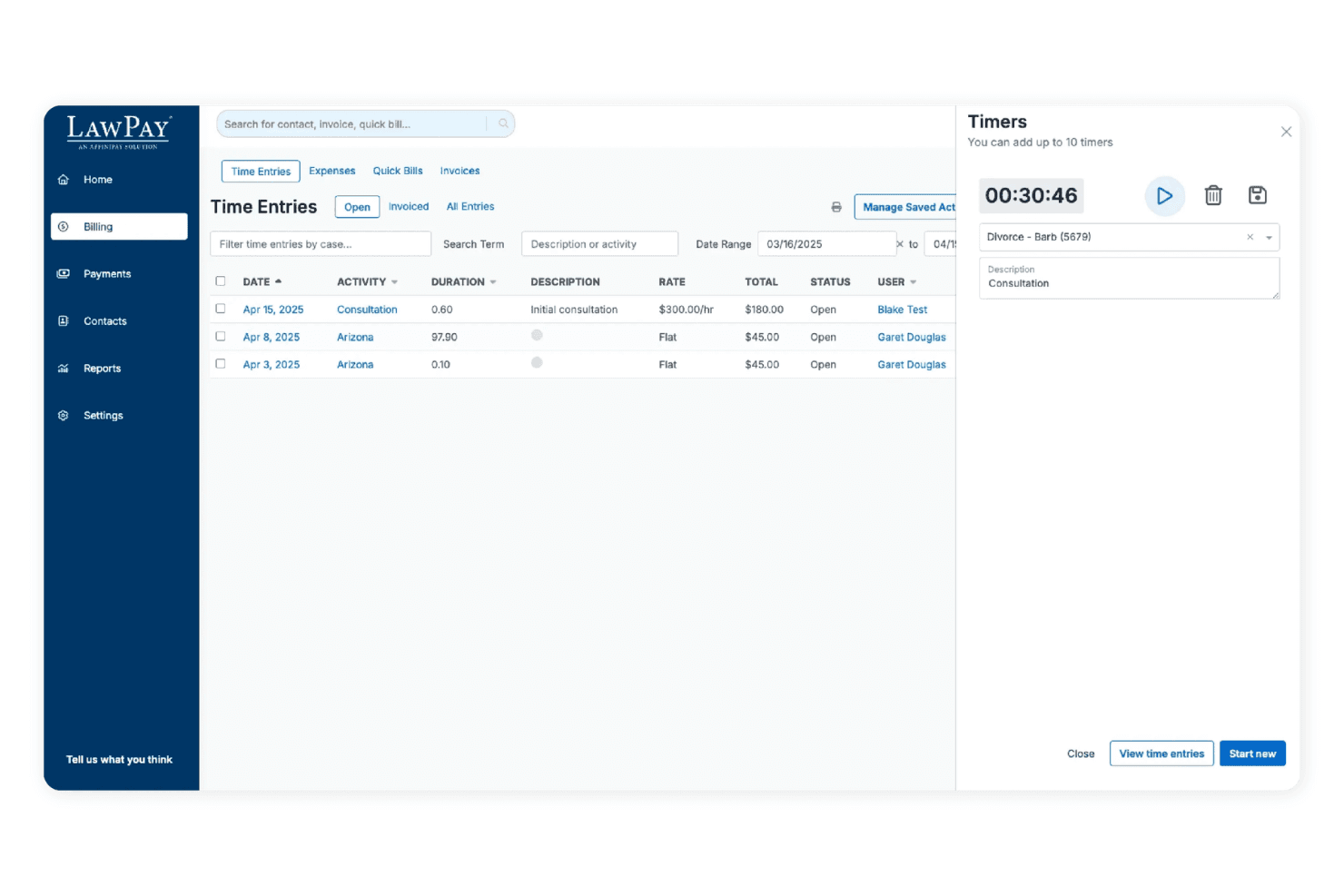
LawPay is straightforward to set up and navigate, even for legal professionals with limited tech experience. The dashboard is clean, and sending payment requests or managing trust accounts takes just a few clicks. Users often mention how quickly they can onboard staff and start processing payments. I think the clear workflows and minimal clutter make LawPay a good fit for firms that want billing software without a steep learning curve or unnecessary complexity.
Integrations
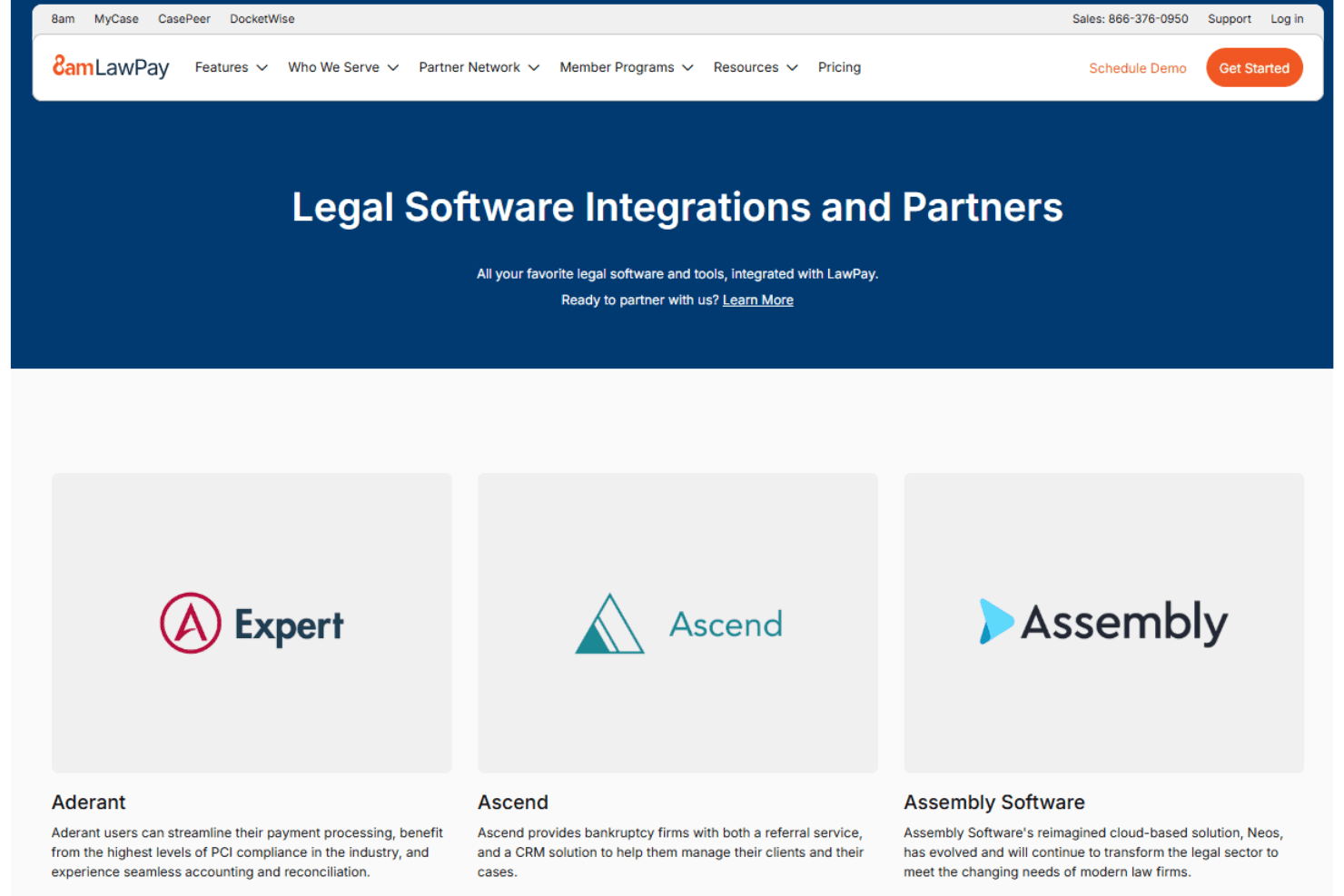
LawPay integrates with MyCase, Clio, PracticePanther, Rocket Matter, CosmoLex, TimeSolv, Zola Suite, Centerbase, LEAP, and Smokeball, among others.
LawPay also offers an API for custom integrations and connects with third-party integration tools.
LawPay Specs
- 2-Factor Authentication: Yes
- API: No
- Approval Workflows: No
- Audit Trail: Yes
- Calendar Management: No
- Compliance Tracking: Yes
- Contract Management: No
- Custom Reports: Yes
- Customer Management: Yes
- Data Export: Yes
- Data Import: Yes
- Document Management: No
- External Integrations: Yes
- Multi-User: Yes
- NDA Management: No
- Notifications: Yes
- Policy Management: No
- Scheduling: No
- Workflow Management: No


