

LawPay-anmeldelse 2026: Fordeler, ulemper, funksjoner og priser
LawPay utmerker seg innen juridisk fakturering ved å kombinere samsvar og brukervennlighet – ideelt hvis du ønsker strømlinjeformede betalinger uten å ofre tillit eller profesjonalitet. Slik står løsningen seg.

We review tools independently, and commissions help fund our testing. See our transparency policy, our methodology, or suggest a tool.
LawPay is a legal billing software built for law firms that need to accept online payments while staying compliant with trust accounting rules like IOLTA. I'd mainly consider it over something like TimeSolv if payment processing and compliance are your core priorities—rather than a full suite of practice management features. LawPay keeps things focused, which means you get a tighter, more purpose-built tool for getting paid and protecting client funds, without paying for functionality your firm doesn't need.
LawPay Evaluation Summary
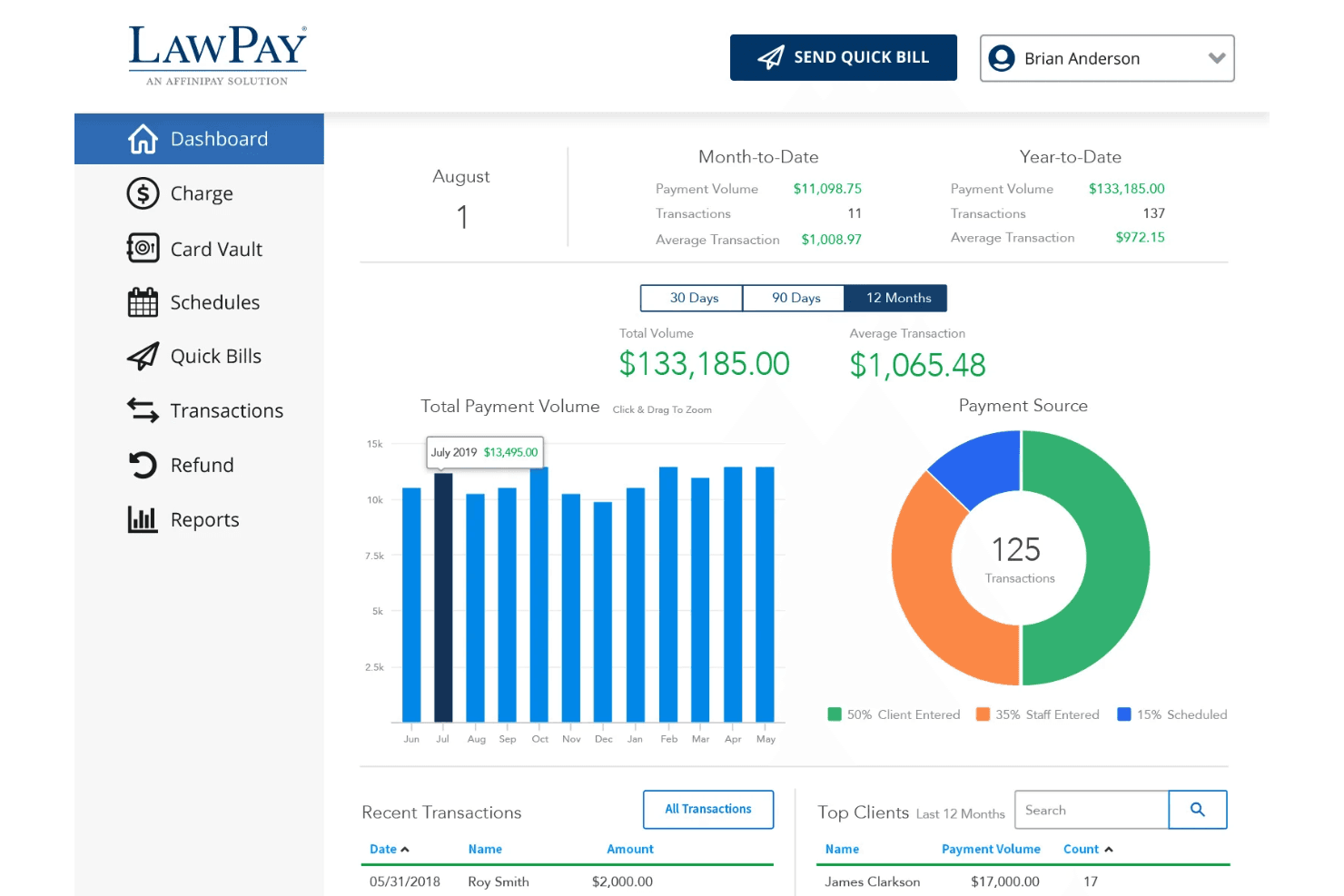
4.7/5
- From $19/month
- Free demo available
Hvorfor du kan stole på våre programvareanbefalinger
6,700+
Reviews
20
Industry experts
16+
Evaluation factors
14
Years
Teamet vårt har testet og anmeldt programvare siden 2012. Vi leder selv advokatfirmaer, så vi vet hvor vanskelig og hvor viktig det er å velge riktig programvare.
I denne guiden har vi vurdert verktøyene gjennom praktisk testing og uavhengig research og gitt dem poeng ut fra våre utvelgelseskriterier.
Anmeldelsene våre bygger på vår egen redaksjonelle vurdering. De er ikke et salgsargument.
LawPay Overview
If you’re judging LawPay against other legal billing software, I think you’ll notice its compliance-first approach and intuitive interface set it apart. The pricing is transparent, and onboarding is quick—even for teams new to digital billing. LawPay’s integrations with practice management tools and responsive support make it a strong pick for firms prioritizing trust accounting and client payment options.
While it doesn’t offer deep customization or advanced reporting, I’d suggest it’s best for small to midsize firms that want reliable, legal-specific billing without a steep learning curve.
Pros
- Simple invoicing and payment request workflows
- Responsive, knowledgeable customer support team
- Built-in trust accounting compliance for legal payments
Cons
- Some users report higher transaction fees
- Reporting features are basic compared to others
- Limited automation for recurring billing tasks
Is LawPay Right For Your Needs?
Who Would be a Good Fit for LawPay?
LawPay is a strong choice for legal professionals and organizations that need payment processing built for compliance, trust accounting, and client convenience. I think you’ll find it especially useful if your team values straightforward invoicing, secure payment links, and responsive support. LawPay’s features are tailored for legal billing, so it’s best for firms or departments where regulatory requirements and client trust are top priorities.
- In-House Legal DepartmentsCorporate legal teams can use LawPay for outside counsel payments and retainers.
- Legal Aid OrganizationsNonprofits appreciate LawPay’s ability to handle client payments securely.
- Estate Planning AttorneysTrust accounting compliance helps estate planners avoid regulatory issues.
- Family Law PracticesFamily law teams can use LawPay’s secure payment links for sensitive client matters.
- Small Law FirmsSmaller firms benefit from LawPay’s easy setup and legal-specific payment features.
- Solo PractitionersLawPay’s simple workflows and compliance tools fit solo attorneys managing all billing.
Who Would be a Bad Fit for LawPay?
LawPay isn’t the best choice for organizations that need advanced billing automation, deep reporting, or industry-specific features outside of legal. If your team relies on complex billing structures or wants highly customizable workflows, you’ll likely find LawPay’s focus on legal simplicity limiting. It’s also not ideal for non-legal businesses or those with high-volume, non-client billing needs.
- Real Estate AgenciesReal estate teams need commission tracking and property management features not in LawPay.
- Tech StartupsStartups with subscription models need recurring billing automation LawPay lacks.
- Government AgenciesGovernment billing often requires integrations and compliance LawPay doesn’t support.
- High-Volume RetailersRetailers need POS and inventory tools not found in LawPay.
- Medical PracticesHealthcare billing requires features LawPay doesn’t offer.
- Large Accounting FirmsLawPay lacks the advanced billing and reporting tools accountants need.
How We Test & Score Tools
We’ve spent years building, refining, and improving our software testing and scoring system. The rubric is designed to capture the nuances of software selection and what makes a tool effective, focusing on critical aspects of the decision-making process.
Below, you can see exactly how our testing and scoring works across seven criteria. It allows us to provide an unbiased evaluation of the software based on core functionality, standout features, ease of use, onboarding, customer support, integrations, customer reviews, and value for money.
Core Functionality (25% of final scoring)
The starting point of our evaluation is always the core functionality of the tool. Does it have the basic features and functions that a user would expect to see? Are any of those core features locked to higher-tiered pricing plans? At its core, we expect a tool to stand up against the baseline capabilities of its competitors.
Standout Features (25% of final scoring)
Next, we evaluate uncommon standout features that go above and beyond the core functionality typically found in tools of its kind. A high score reflects specialized or unique features that make the product faster, more efficient, or offer additional value to the user.
We also evaluate how easy it is to integrate with other tools typically found in the tech stack to expand the functionality and utility of the software. Tools offering plentiful native integrations, 3rd party connections, and API access to build custom integrations score best.
Ease of Use (10% of final scoring)
We consider how quick and easy it is to execute the tasks defined in the core functionality using the tool. High scoring software is well designed, intuitive to use, offers mobile apps, provides templates, and makes relatively complex tasks seem simple.
Onboarding (10% of final scoring)
We know how important rapid team adoption is for a new platform, so we evaluate how easy it is to learn and use a tool with minimal training. We evaluate how quickly a team member can get set up and start using the tool with no experience. High scoring solutions indicate little or no support is required.
Customer Support (10% of final scoring)
We review how quick and easy it is to get unstuck and find help by phone, live chat, or knowledge base. Tools and companies that provide real-time support score best, while chatbots score worst.
Customer Reviews (10% of final scoring)
Beyond our own testing and evaluation, we consider the net promoter score from current and past customers. We review their likelihood, given the option, to choose the tool again for the core functionality. A high scoring software reflects a high net promoter score from current or past customers.
Value for Money (10% of final scoring)
Lastly, in consideration of all the other criteria, we review the average price of entry level plans against the core features and consider the value of the other evaluation criteria. Software that delivers more, for less, will score higher.
Core Features
Trust Accounting Compliance
LawPay automatically separates earned and unearned funds, helping you stay compliant with IOLTA and ABA guidelines.
Online Payment Acceptance
Accept credit cards, debit cards, and eChecks from clients through secure payment links and custom payment pages.
Quick Bill and Invoicing
Create and send invoices in just a few clicks, with clear tracking of paid and outstanding bills.
Scheduled and Recurring Payments
Set up payment plans or schedule future payments, making it easier for clients to pay retainers or ongoing fees.
Refund Management
Issue full or partial refunds directly from the dashboard, with all transactions tracked for audit purposes.
Next-Day Funding
Get access to client payments as soon as the next business day, improving your firm’s cash flow.
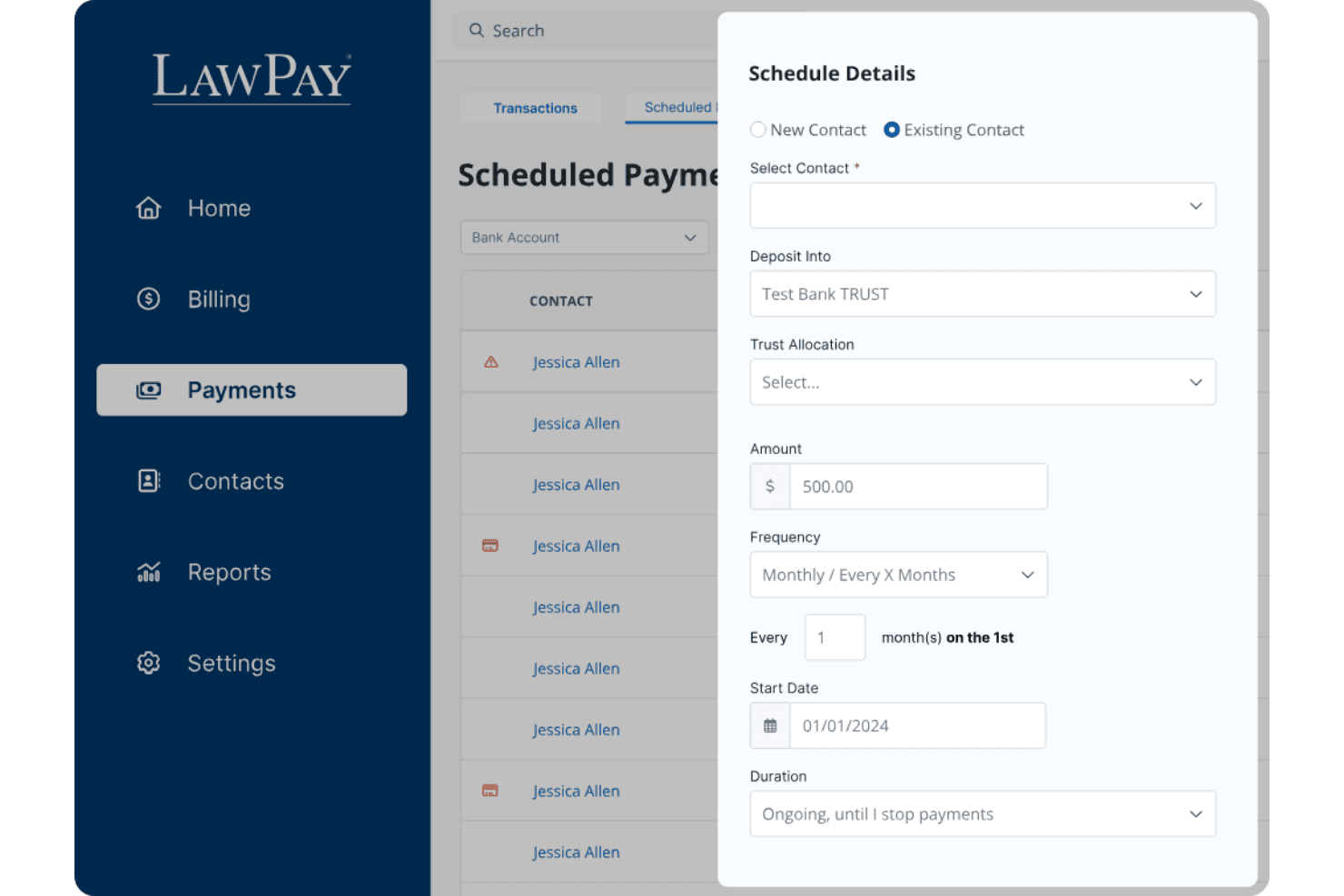
Ease of Use
LawPay is straightforward to set up and navigate, even for legal professionals with limited tech experience. The dashboard is clean, and sending payment requests or managing trust accounts takes just a few clicks. Users often mention how quickly they can onboard staff and start processing payments. I think the clear workflows and minimal clutter make LawPay a good fit for firms that want billing software without a steep learning curve or unnecessary complexity.
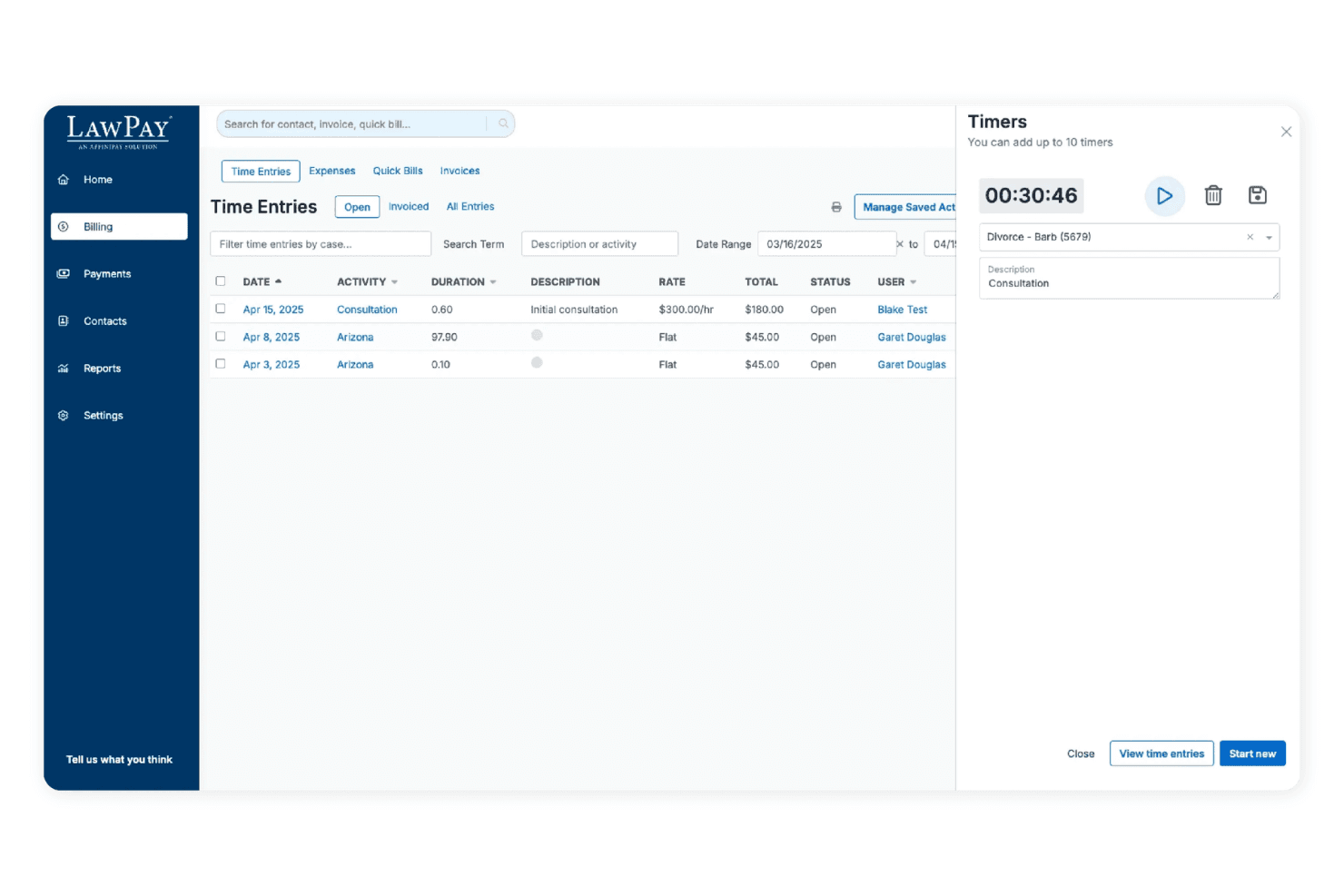
Integrations
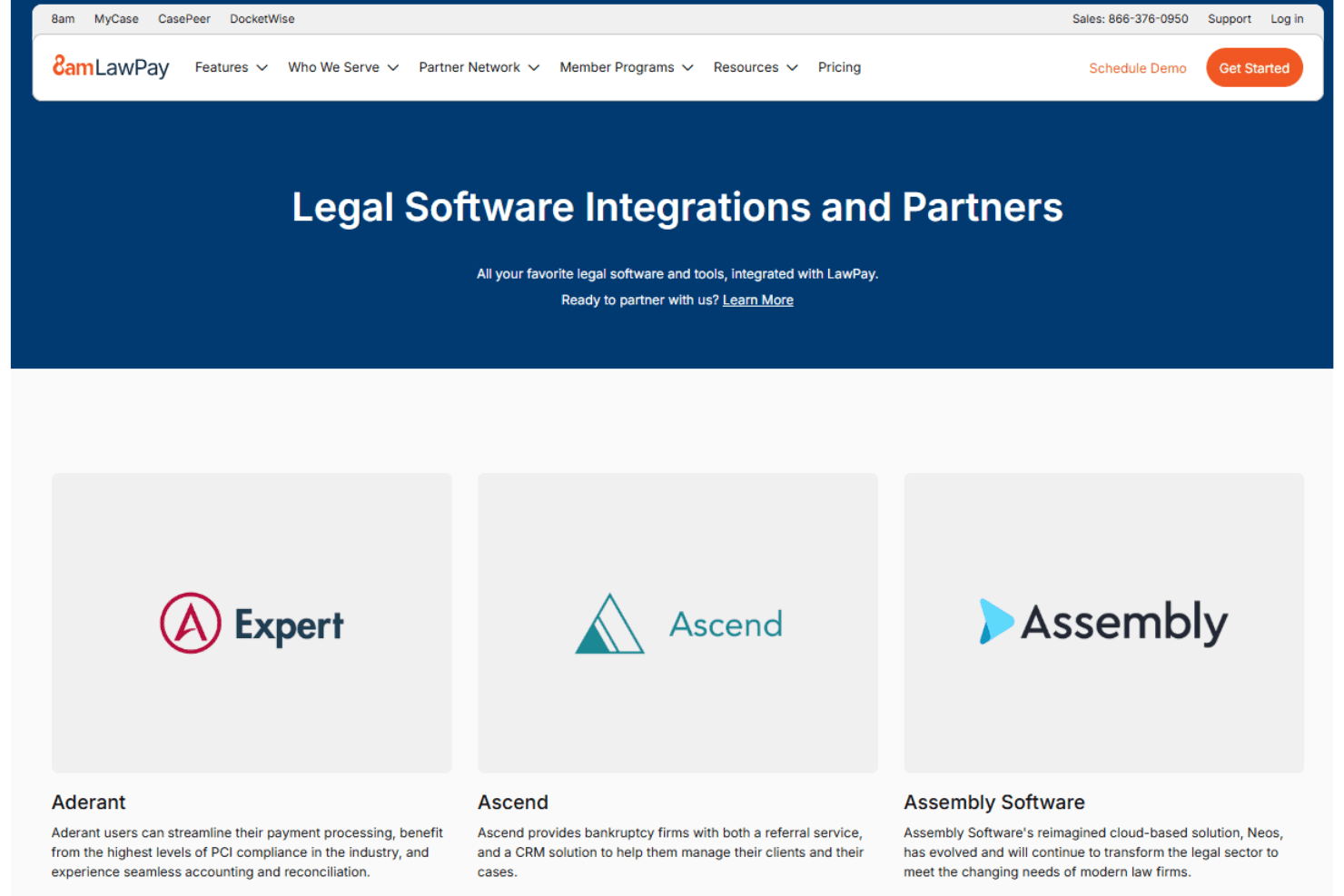
LawPay integrates with MyCase, Clio, PracticePanther, Rocket Matter, CosmoLex, TimeSolv, Zola Suite, Centerbase, LEAP, and Smokeball, among others.
LawPay also offers an API for custom integrations and connects with third-party integration tools.
LawPay Specs
- 2-Factor Authentication: Yes
- API: No
- Approval Workflows: No
- Audit Trail: Yes
- Calendar Management: No
- Compliance Tracking: Yes
- Contract Management: No
- Custom Reports: Yes
- Customer Management: Yes
- Data Export: Yes
- Data Import: Yes
- Document Management: No
- External Integrations: Yes
- Multi-User: Yes
- NDA Management: No
- Notifications: Yes
- Policy Management: No
- Scheduling: No
- Workflow Management: No


