


CosmoLex jämfört med PracticePanther: jämförelse och recensioner för 2026
Sålla bort bruset – här är min praktiska bedömning av CosmoLex jämfört med PracticePanther. Se vilken juridisk programvara som verkligen passar ditt arbetsflöde under 2026.

We review tools independently, and commissions help fund our testing. See our transparency policy, our methodology, or suggest a tool.
Choosing the right legal case management software can make or break your day-to-day flow. Maybe you're spending more time chasing paperwork and less tackling legal work—or debating between CosmoLex and PracticePanther because each promises to solve your biggest headaches. When every detail counts, picking the right platform could finally bring the clarity and control your team needs.
In this article, you’ll get a full comparison of CosmoLex vs. PracticePanther—covering pros, cons, must-know use cases, pricing, security, and day-to-day usability. I’ll break down what each tool gets right, where they fall short, and help you decide which one matches your practice’s needs.
CosmoLex
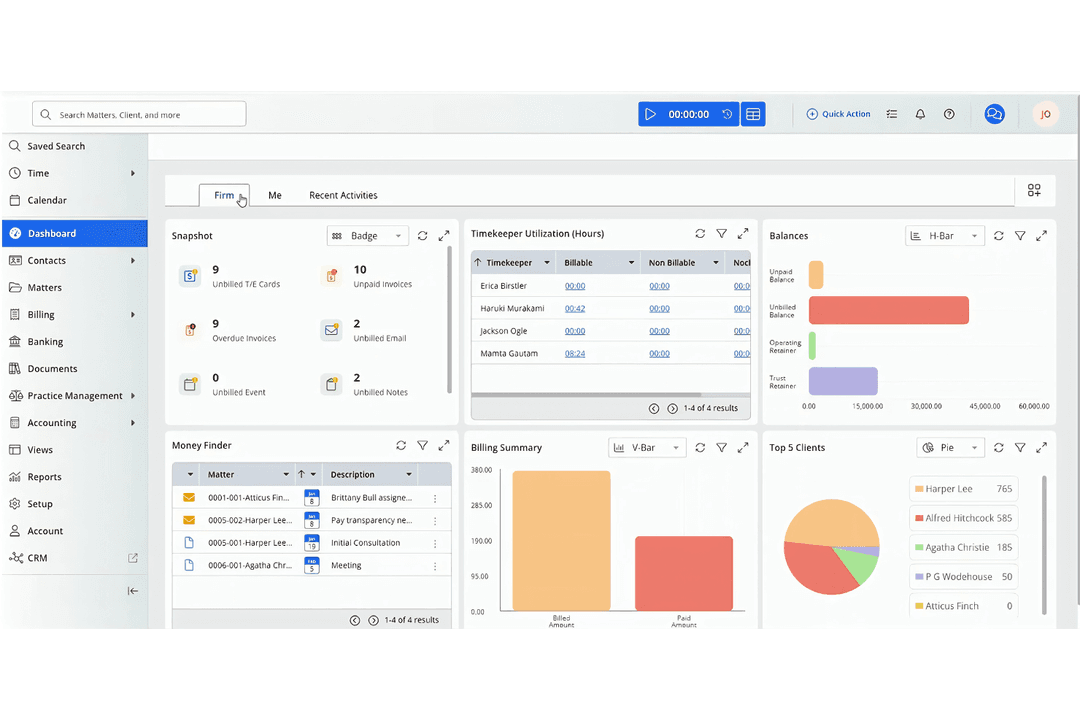
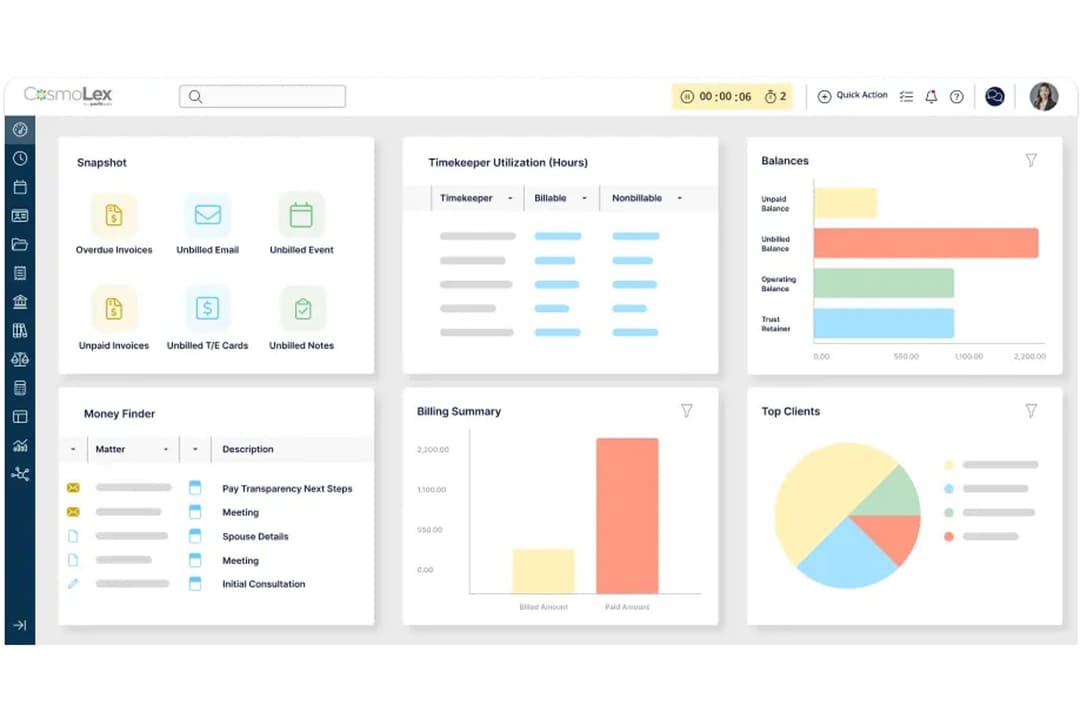
4.4/5
- 10-day free trial
- From $49/user/month (billed annually)
PracticePanther
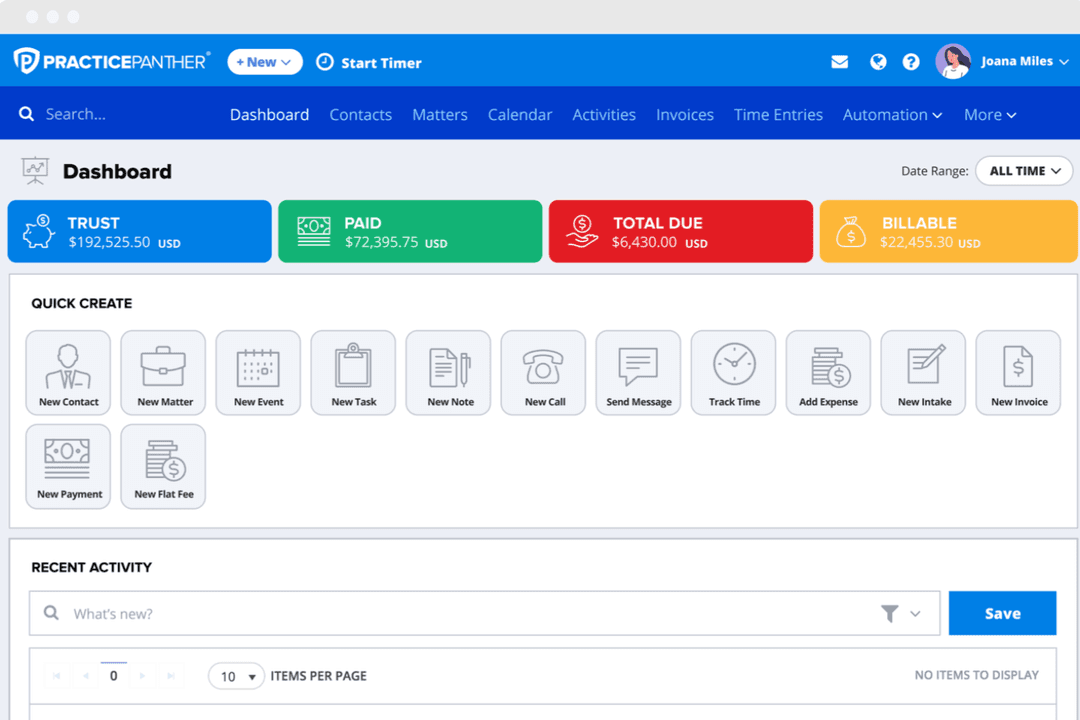
4.3/5
- Free trial available
- From $49/user/month (billed annually)
Varför du kan lita på våra programvarurekommendationer
6,700+
Reviews
20
Industry experts
16+
Evaluation factors
14
Years
Vårt team har testat och recenserat programvara sedan 2012. Vi leder själva advokatbyråer, så vi vet hur svårt och hur viktigt det är att välja rätt programvara.
I den här guiden har vi utvärderat verktygen genom praktiska tester och oberoende research och poängsatt dem utifrån våra urvalskriterier.
Våra recensioner bygger på vår egen redaktionella bedömning. De är inte ett säljargument.
| CosmoLex | PracticePanther | |
|---|---|---|
| Free Trial | 10-day free trial | Free trial available |
| Pricing | From $49/user/month (billed annually) | From $49/user/month (billed annually) |
CosmoLex jämfört med PracticePanther: prissättning & dolda kostnader
Prissättningen skiljer sig främst åt genom hur funktionerna paketeras. CosmoLex inkluderar centrala juridiska verktyg, redovisningsverktyg och verktyg för regelefterlevnad i sitt basabonnemang, medan PracticePanther reserverar viss automatisering, anpassade fält och integrationer för högre nivåer.
Båda kan också ta betalt för datamigrering, premiumintegrationer eller valfria tillägg. För att jämföra kostnaderna bör du identifiera vilka funktioner du måste ha, kontrollera vilket abonnemang som inkluderar dem och granska policyerna för support, dataexport och skalning när din byrå växer.
CosmoLex och PracticePanther levererar båda de grundläggande funktioner du förväntar dig av programvara för juridisk ärendehantering. Du får ärendeuppföljning, dokumenthantering, fakturering, klientmedelsredovisning och inbyggda klientportaler. Båda plattformarna stöder tidsregistrering, registrering av utgifter och rapportering för att hjälpa teamet att hålla koll på det dagliga arbetet.
Där CosmoLex ligger steget före är den heltäckande juridiska redovisningen – med en fullständig huvudbok och inbyggd regelefterlevnad för klientmedel, så att du inte behöver verktyg från tredje part. PracticePanther utmärker sig genom anpassning av arbetsflöden och automatisering, inklusive flexibla utlösare och anpassade fält som ger teamen större kontroll över sina unika processer. Båda får pluspoäng av olika anledningar, så ditt val beror på vad som är viktigast för din byrå.
| CosmoLex | PracticePanther | |
|---|---|---|
| 2-Factor Authentication | Yes | Yes |
| API | No | Yes |
| Approval Workflows | No | Yes |
| Audit Trail | No | Yes |
| Calendar Management | Yes | Yes |
| Compliance Tracking | No | Yes |
| Contract Management | No | Yes |
| Custom Reports | No | Yes |
| Customer Management | Yes | Yes |
| Data Export | No | Yes |
| Data Import | Yes | Yes |
| Document Management | No | Yes |
| External Integrations | Yes | Yes |
| Multi-User | Yes | Yes |
| NDA Management | No | Yes |
| Notifications | Yes | Yes |
| Policy Management | No | Yes |
| Scheduling | Yes | Yes |
| Workflow Management | No | Yes |
| Integration | CosmoLex | PracticePanther |
|---|---|---|
| IntegrationQuickBooks Online | CosmoLex❌ | PracticePanther✅ |
| IntegrationLawPay | CosmoLex✅ | PracticePanther✅ |
| IntegrationDropbox | CosmoLex✅ | PracticePanther✅ |
| IntegrationGoogle Drive | CosmoLex✅ | PracticePanther✅ |
| IntegrationMicrosoft 365 | CosmoLex✅ | PracticePanther✅ |
| IntegrationNetDocuments | CosmoLex✅ | PracticePanther❌ |
| IntegrationXero | CosmoLex❌ | PracticePanther✅ |
| IntegrationBox | CosmoLex❌ | PracticePanther✅ |
| IntegrationAPI | CosmoLex✅ | PracticePanther✅ |
| IntegrationZapier | CosmoLex❌ | PracticePanther✅ |
CosmoLex och PracticePanther överlappar varandra när det gäller standardintegrationer som LawPay, Dropbox, Google Drive och Microsoft 365, men skiljer sig åt på viktiga punkter – CosmoLex ansluter direkt till NetDocuments, medan PracticePanther integreras med QuickBooks, Xero, Box och Zapier. Båda stöder anpassade anslutningar via API:er, men PracticePanther sticker ut om du vill ha ett bredare utbud av inbyggda integrationer eller större flexibilitet i arbetsflödena genom Zapier.
| Faktor | CosmoLex | PracticePanther |
|---|---|---|
| FaktorAnvändargränssnitt | CosmoLexIntuitiv instrumentpanel med minimalt brus, vilket gör navigeringen tydlig för nya och tillfälliga användare. | PracticePantherLjust gränssnitt med snabbåtkomstmenyer som låter dig växla mellan uppgifter, även om anpassning kan skapa komplexitet. |
| FaktorInstallationsprocess | CosmoLexDen vägledda installationen tar dig igenom kärninställningar och dataimport, vilket minskar den initiala förvirringen. | PracticePantherSnabb initial installation med alternativ för att hoppa över steg, men avancerade funktioner kräver extra konfigurationstid. |
| FaktorInlärningskurva | CosmoLexDe flesta uppgifter är direkt tillgängliga, med inbyggda tips och juridiska mallar som ger sammanhang. | PracticePantherErbjuder popup-guider och en kunskapsbas, men automatiseringar och anpassade fält innebär fler steg att lära sig. |
| FaktorSupportåtkomst | CosmoLexChattbaserad hjälp i appen och korta videoguider finns tillgängliga under installationen eller när du har frågor. | PracticePantherResponsivt supportteam och ett sökbart hjälpcenter samt diskussionstrådar med frågor och svar från communityn för felsökning. |
| FaktorAnvändarvänlighet på mobilen | CosmoLexEn ren mobilapp täcker de flesta arbetsflöden från datorversionen, med lättanvända tryckytor och checklistor. | PracticePantherFullmatad mobilapp med pushnotiser, även om vissa alternativ är dolda bakom extra tryck. |
Både CosmoLex och PracticePanther känns lättillgängliga, men CosmoLex hamnar något före när det gäller snabb introduktion och vardaglig användning. Jag tycker att CosmoLex fungerar bäst för byråer som vill ha omedelbar användbarhet, medan PracticePanther passar dem som uppskattar att finjustera arbetsflöden och utforska anpassade alternativ.
CosmoLex
- Built-in legal accounting eliminates need for third-party tools.
- Trust accounting and compliance features are included.
- Responsive customer support and onboarding assistance.
- Some users report slow performance during peak hours.
- Portal access issues occasionally disrupt client communications.
- Lacks advanced reporting customization options.
PracticePanther
- Automated workflows and reminders reduce manual admin work
- Responsive customer support with live chat and onboarding help
- Built-in e-signature and payment processing included in all plans
- Trust accounting can be less intuitive for complex needs
- Document management tools are basic compared to some competitors
- Reporting features lack advanced customization options
CosmoLex
- Estate Planning FirmsTrust accounting and document automation fit estate planning workflows.
- In-House Legal DepartmentsCentralized matter management and billing streamline internal legal operations.
- Family Law PracticesMatter-centric workflows and document management support high-volume casework.
- Legal Aid OrganizationsIntegrated time tracking and billing help manage grant and case reporting.
- Solo PractitionersBuilt-in trust accounting and compliance features simplify solo practice management.
- Small Law FirmsCosmoLex’s all-in-one platform reduces the need for separate billing and accounting tools.
PracticePanther
- Legal Billing DepartmentsIntegrated time tracking and payment processing simplify invoicing and collections.
- Virtual Law FirmsCloud-based access and mobile app enable remote work and collaboration.
- Immigration Law OfficesAutomated reminders and workflow templates support high-volume casework.
- Family Law PracticesSecure client portals and document sharing help manage sensitive cases.
- Small Law FirmsFlat-rate pricing and easy onboarding suit firms with limited IT resources.
- Solo PractitionersPracticePanther’s all-in-one dashboard and automation save time for solo attorneys.
Vem bör använda CosmoLex och vem bör använda PracticePanther?
Välj CosmoLex om du vill ha allt-i-ett-verktyg för juridik och redovisning med färdig efterlevnad – perfekt för byråer som behöver inbyggd klientmedelsredovisning och inte vill behöva hantera integrationer.
PracticePanther passar team som efterfrågar anpassning av arbetsflöden, automatiseringar och ett bredare utbud av integrationer, särskilt om ni redan använder verktyg som QuickBooks eller Xero. CosmoLex är ett bra val för mindre och medelstora byråer som vill ha enkelhet, medan PracticePanther passar bättre om du tycker om att anpassa programvaran efter din arbetsstil eller har mer komplexa affärsprocesser.
| CosmoLex | PracticePanther | |
|---|---|---|
| Accounting | CosmoLex Full legal, trust, and business accounting built in—no need for QuickBooks. | PracticePanther Requires QuickBooks or Xero for full accounting—focuses on billing and tracking. |
| Integrations | CosmoLex Strong legal-specific and document storage integrations; lacks Zapier. | PracticePanther Broad integrations, including Zapier, Box, QuickBooks, and Xero. |
| Pricing Approach | CosmoLex All-in-one flat price includes all core features. | PracticePanther Tiered pricing—advanced features and integrations cost more. |
| User Interface | CosmoLex Clean, intuitive dashboard—minimal setup for new users. | PracticePanther Bright and customizable interface—can get more complex as you tweak. |
| Workflow Automation | CosmoLex Limited rules-based automations—best for simple processes. | PracticePanther Flexible automation with triggers, custom fields, and workflow options. |
| Cloud-Based | Both solutions are fully cloud-based, letting you and your team access matters, documents, and billing from anywhere. CosmoLex provides near 24/7 uptime with cloud backups, while PracticePanther monitors system status and ensures regular backups—both support remote work and mobile access for on-the-go collaboration. |
|---|---|
| Core Features | Both CosmoLex and PracticePanther deliver essential legal case management features like matter tracking, document management, billing, trust accounting, and client portals. Each platform makes it easy to log time, track expenses, and generate reports—CosmoLex does this with everything built into a single package, while PracticePanther offers these features across its pricing tiers with options to add advanced tools. |
| Ease of Use | Each platform stands out for approachable, user-friendly interfaces designed for legal workflows. CosmoLex’s minimal dashboard layout is great for quick onboarding, while PracticePanther’s bright, customizable interface lets you jump between key tasks. Both offer guided setup, in-app support, and mobile apps to make daily casework smooth for any team member. |
| Security Focus | CosmoLex and PracticePanther take security and compliance seriously. Each uses encryption for data at rest and in transit, role-based user permissions, audit trails, and secure cloud infrastructure. CosmoLex emphasizes built-in trust compliance, while PracticePanther highlights bank-grade security and easy monitoring of user actions. |
| Subscription Model | Both tools use per-user, subscription-based pricing models, so costs scale with your team size. Each offers monthly billing and different tiers to suit varied law firm needs—CosmoLex includes all core features at its base rate, and PracticePanther allows you to unlock advanced options as you move up in tiers. |