

Recensione di Actionstep: Pro, Contro, Funzionalità e Prezzi Spiegati
Actionstep si distingue per la profonda automazione dei flussi di lavoro e la personalizzazione, rendendolo ideale per studi legali di medie dimensioni che cercano una gestione legale flessibile e scalabile.

Recensiamo gli strumenti in modo indipendente e le commissioni ci aiutano a finanziare i nostri test. Consulta la nostra politica sulla trasparenza, la nostra metodologia o suggerisci uno strumento.
Actionstep is a cloud-based legal practice management software built for law firms that need deep workflow customization across matters, billing, and client intake. I'd consider it if your firm has outgrown a tool like Clio—Actionstep gives you far more control over how you structure and automate internal processes without requiring a full enterprise implementation.
Actionstep Evaluation Summary
4.2/5
- Pricing upon request
- Not available
Perché fidarsi dei nostri consigli sui software
6,700+
Reviews
20
Industry experts
16+
Evaluation factors
14
Years
Il nostro team testa e recensisce software dal 2012. In quanto leader di studi legali noi stessi, sappiamo quanto sia difficile — e importante — scegliere il software giusto.
Per questa guida, abbiamo valutato gli strumenti attraverso test pratici e ricerche indipendenti, assegnando un punteggio agli strumenti in base ai nostri criteri di selezione.
Le nostre recensioni riflettono il nostro giudizio editoriale umano, non un discorso di vendita.
Actionstep Overview
When judging Actionstep against other legal practice management software providers, its workflow automation and customization options set it apart, especially for firms with complex or evolving processes. The interface is modern, and integrations cover most needs, though onboarding can require more time than simpler platforms. Pricing is competitive for midsize firms, and support is responsive. If you’re selecting a solution for a growing firm that values tailored workflows and advanced matter management, Actionstep is a strong contender. However, smaller firms or those seeking out-of-the-box simplicity may find the learning curve steeper than alternatives.
Pros
- Workflow automation supports complex, multi-step legal processes.
- Customizable matter types fit diverse practice areas and needs.
- Built-in document management includes version control and templates.
Cons
- Reporting features lack advanced analytics and visualization options.
- Mobile app functionality is limited compared to the web version.
- Initial setup requires significant configuration for most firms.
Is Actionstep Right For Your Needs?
Who Would be a Good Fit for Actionstep?
Actionstep is best suited for midsize to large law firms, legal departments, and organizations that need advanced workflow automation and customizable matter management. Its flexible configuration, document management, and compliance features make it a strong choice for teams handling complex, multi-step legal work or those operating in regulated environments. Firms with multiple practice areas or those requiring detailed task tracking and document versioning will find Actionstep’s capabilities especially valuable.
- Legal Operations TeamsCustom reporting and workflow design enable process optimization and oversight.
- Regulated IndustriesCompliance features and audit trails help meet industry-specific legal requirements.
- Litigation PracticesTask automation and document versioning streamline case preparation and court filings.
- Multi-Office FirmsCloud-based access and permissions controls support distributed teams and remote work.
- In-House Legal DepartmentsCentralized document management and compliance tracking help manage internal legal operations.
- Midsize Law FirmsActionstep’s workflow automation and matter customization support growing caseloads and diverse practice areas.
Who Would be a Bad Fit for Actionstep?
Actionstep is less suitable for solo practitioners, small firms, or teams seeking a simple, out-of-the-box solution. Its advanced configuration and feature set can be more than what’s needed for straightforward legal work or firms with limited IT resources. Organizations with minimal workflow complexity or those prioritizing mobile-first access may find other platforms a better match.
- Firms With No IT SupportInitial setup and ongoing customization require technical resources.
- Mobile-First TeamsThe mobile app lacks the full functionality of the web version.
- Firms With Simple CasesBasic matter management needs don’t require Actionstep’s advanced automation.
- Non-Legal DepartmentsActionstep’s features are tailored for legal workflows, not general business use
- Small Law FirmsConfiguration requirements and pricing may not align with limited budgets.
- Solo PractitionersThe extensive setup and features exceed the needs of single-attorney practices.
Come Testiamo e Valutiamo gli Strumenti
Abbiamo trascorso anni a costruire, perfezionare e migliorare il nostro sistema di test e valutazione del software. La nostra rubrica è progettata per cogliere le sfumature della selezione del software e ciò che rende uno strumento efficace, concentrandosi sugli aspetti critici del processo decisionale. Qui sotto puoi vedere esattamente come funzionano i nostri test e la nostra valutazione su sette criteri. Questo ci permette di offrire una valutazione imparziale del software sulla base della funzionalità principale, delle caratteristiche distintive, facilità d’uso, onboarding, assistenza clienti, integrazioni, recensioni dei clienti e rapporto qualità-prezzo.
Funzionalità Principale (25% della valutazione finale)
Il punto di partenza della nostra valutazione è sempre la funzionalità principale dello strumento. Possiede le funzionalità e le caratteristiche di base che un utente si aspetterebbe di trovare? Alcune di queste funzionalità principali sono bloccate su piani tariffari più costosi? Ci aspettiamo che uno strumento sia competitivo rispetto alle capacità di base dei suoi concorrenti.
Caratteristiche Distintive (25% della valutazione finale)
Valutiamo quindi le caratteristiche distintive e non comuni che vanno oltre la funzionalità di base generalmente presente in strumenti dello stesso tipo. Un punteggio elevato riflette caratteristiche specializzate o uniche che rendono il prodotto più veloce, più efficiente, oppure che offrono ulteriore valore all’utente. Valutiamo anche quanto sia facile integrare con altri strumenti tipici della propria infrastruttura tecnologica per espandere la funzionalità e l’utilità del software. Gli strumenti che offrono molte integrazioni native, connessioni di terze parti e accesso API per costruire integrazioni personalizzate ottengono i punteggi migliori.
Facilità d’Uso (10% della valutazione finale)
Consideriamo quanto sia rapido e semplice eseguire le attività definite nella funzionalità principale utilizzando lo strumento. Il software con punteggio più alto è ben progettato, intuitivo da usare, offre app mobili, propone modelli e rende semplici anche le attività relativamente complesse.
Onboarding (10% della valutazione finale)
Sappiamo quanto sia importante una rapida adozione da parte del team per una nuova piattaforma, quindi valutiamo quanto sia facile imparare e usare uno strumento con il minimo di formazione. Esaminiamo quanto rapidamente un membro del team può essere operativo e iniziare a usare lo strumento senza esperienza. Le soluzioni con punteggi elevati richiedono poco o nessun supporto.
Assistenza Clienti (10% della valutazione finale)
Esaminiamo quanto sia rapido e semplice sbloccarsi e trovare aiuto tramite telefono, chat dal vivo o knowledge base. Gli strumenti e le aziende che forniscono supporto in tempo reale ottengono i punteggi migliori, mentre i chatbot ottengono i punteggi peggiori.
Recensioni dei Clienti (10% della valutazione finale)
Oltre ai nostri test e alle nostre valutazioni, consideriamo il net promoter score dei clienti attuali e passati. Esaminiamo la probabilità che, se avessero la scelta, selezionerebbero di nuovo lo strumento per la funzionalità principale. Un software con punteggio alto riflette un alto net promoter score da parte dei suoi utenti.
Rapporto Qualità-Prezzo (10% della valutazione finale)
Infine, considerando tutti gli altri criteri, valutiamo il prezzo medio dei piani entry level rispetto alle funzionalità principali e consideriamo anche il valore degli altri criteri di valutazione. Il software che offre di più, al costo minore, otterrà un punteggio più elevato.
Core Features
Workflow Automation
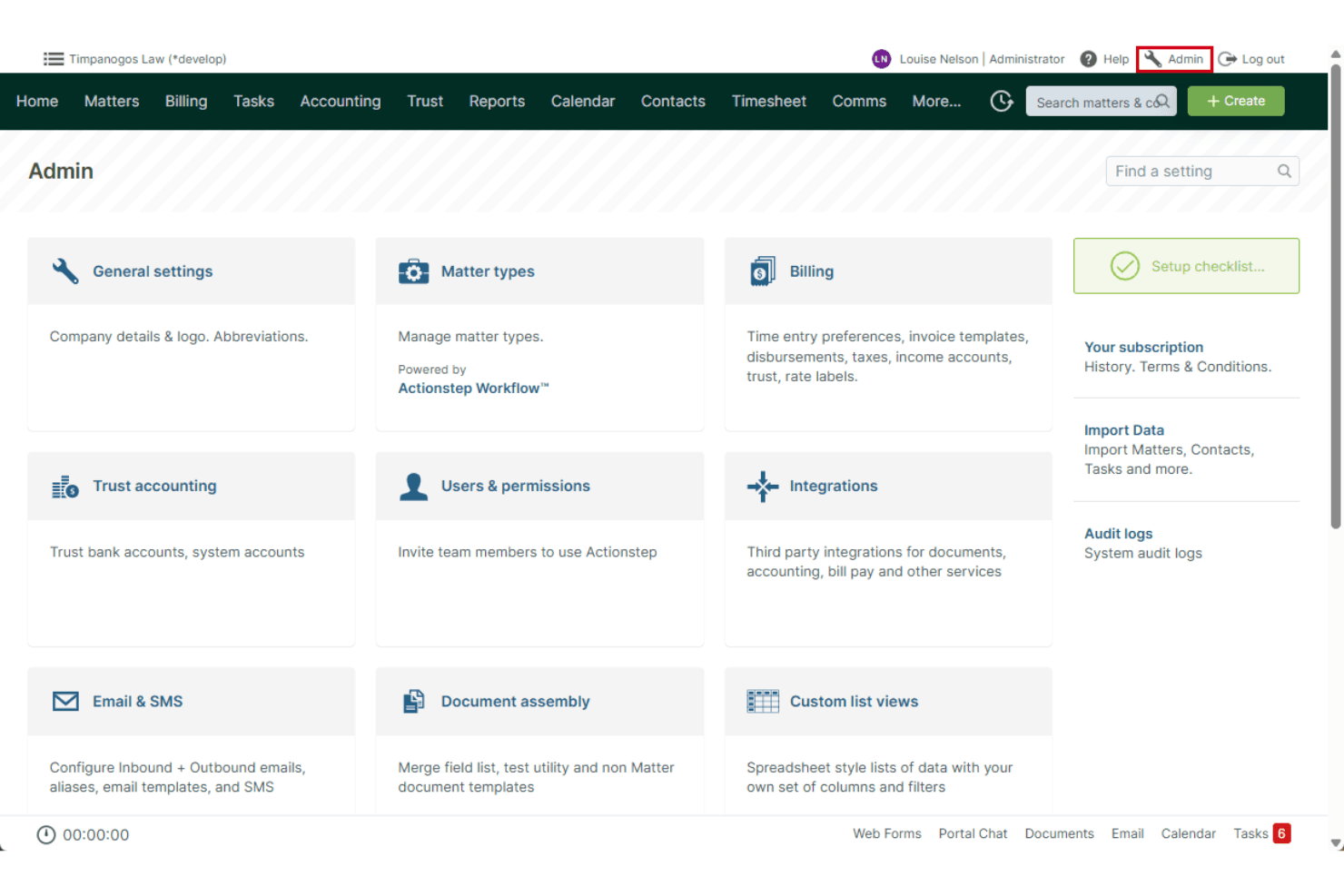
Automate multi-step legal processes, from client intake to matter closure. Users can design custom workflows to match firm-specific procedures.
Matter Management
Track all case details, client data, deadlines, and communications in one place. Customizable matter types support different practice areas and case structures.
Document Management
Store, organize, and version legal documents securely within the platform. Built-in document templates and document generation tools speed up drafting.
Time and Billing
Log billable hours, generate invoices, and manage trust accounting. Automated time tracking links activities directly to matters.
Task Management
Assign, schedule, and monitor tasks for individuals or teams in real-time. Task lists and reminders help ensure deadlines are met.
Compliance and Audit Trails
Track all user actions and document changes for regulatory compliance. Detailed audit logs support internal reviews and external audits.
Ease of Use
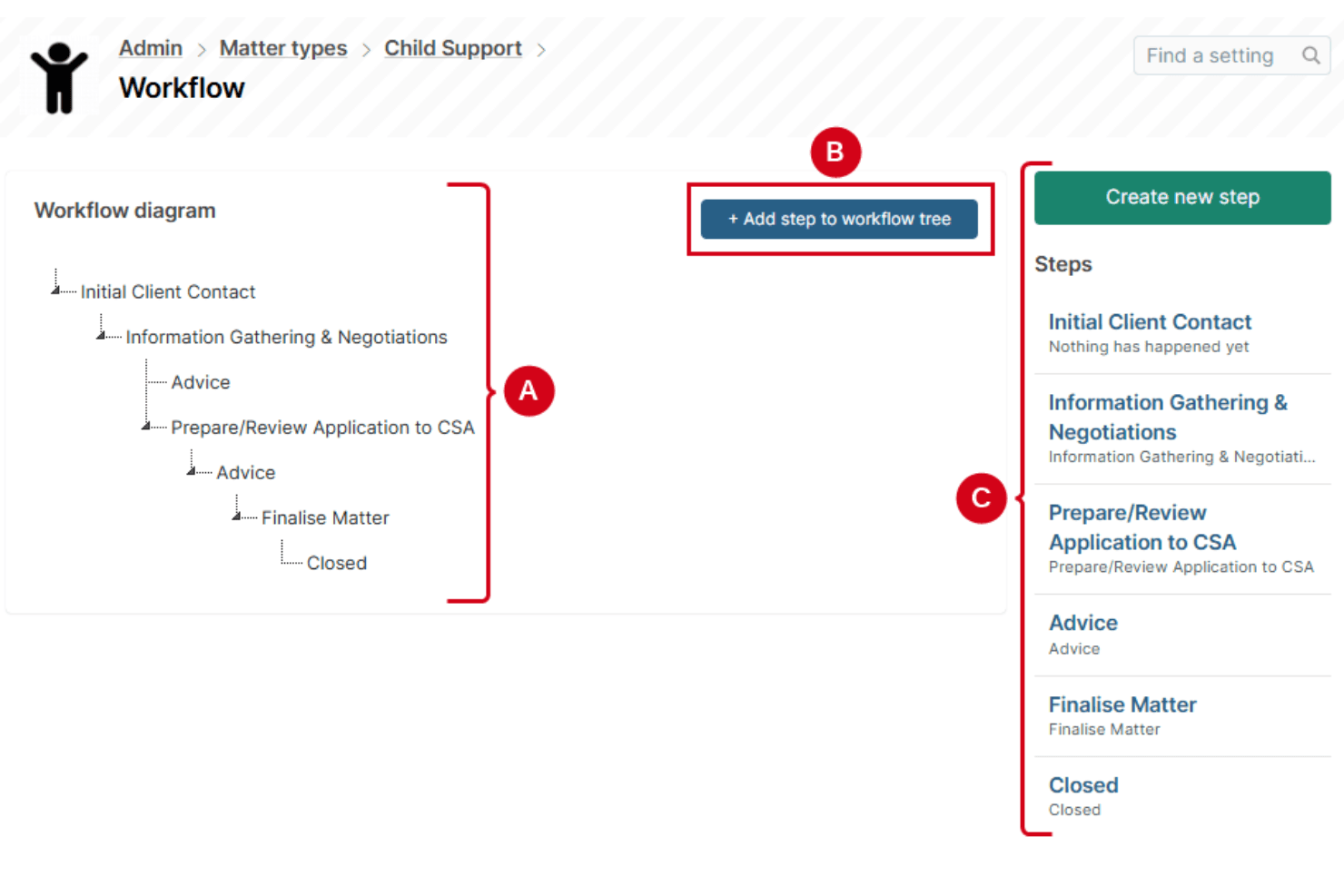
Actionstep offers a modern, intuitive interface and dashboards, but its depth of customization and workflow options can make onboarding more involved than simpler platforms. User reviews often mention that initial setup and configuration require time and attention, especially for firms with complex needs. However, once workflows and matter types are tailored, daily navigation and task management become straightforward. The platform’s detailed help resources and responsive support team help users overcome early hurdles.
Integrations
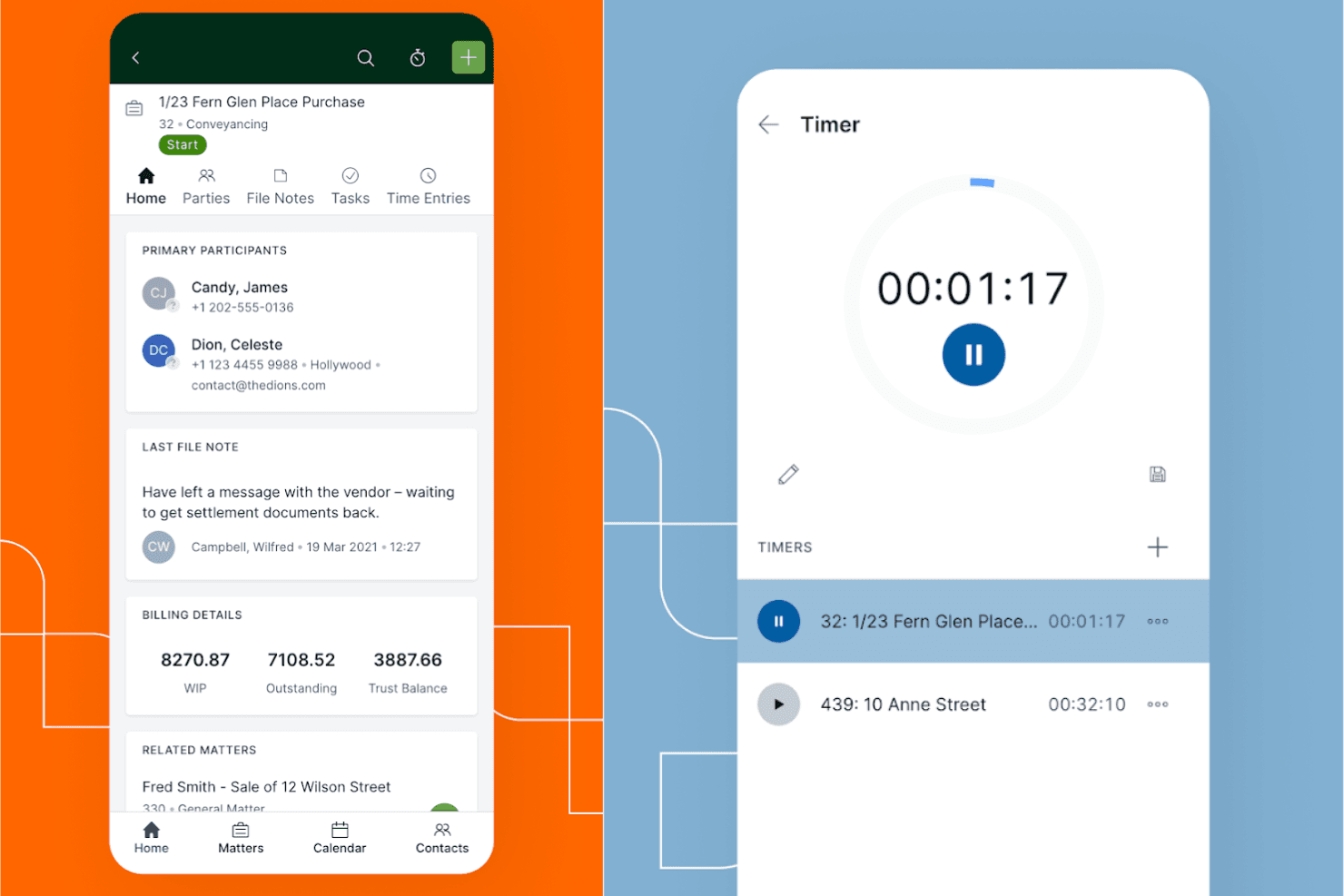
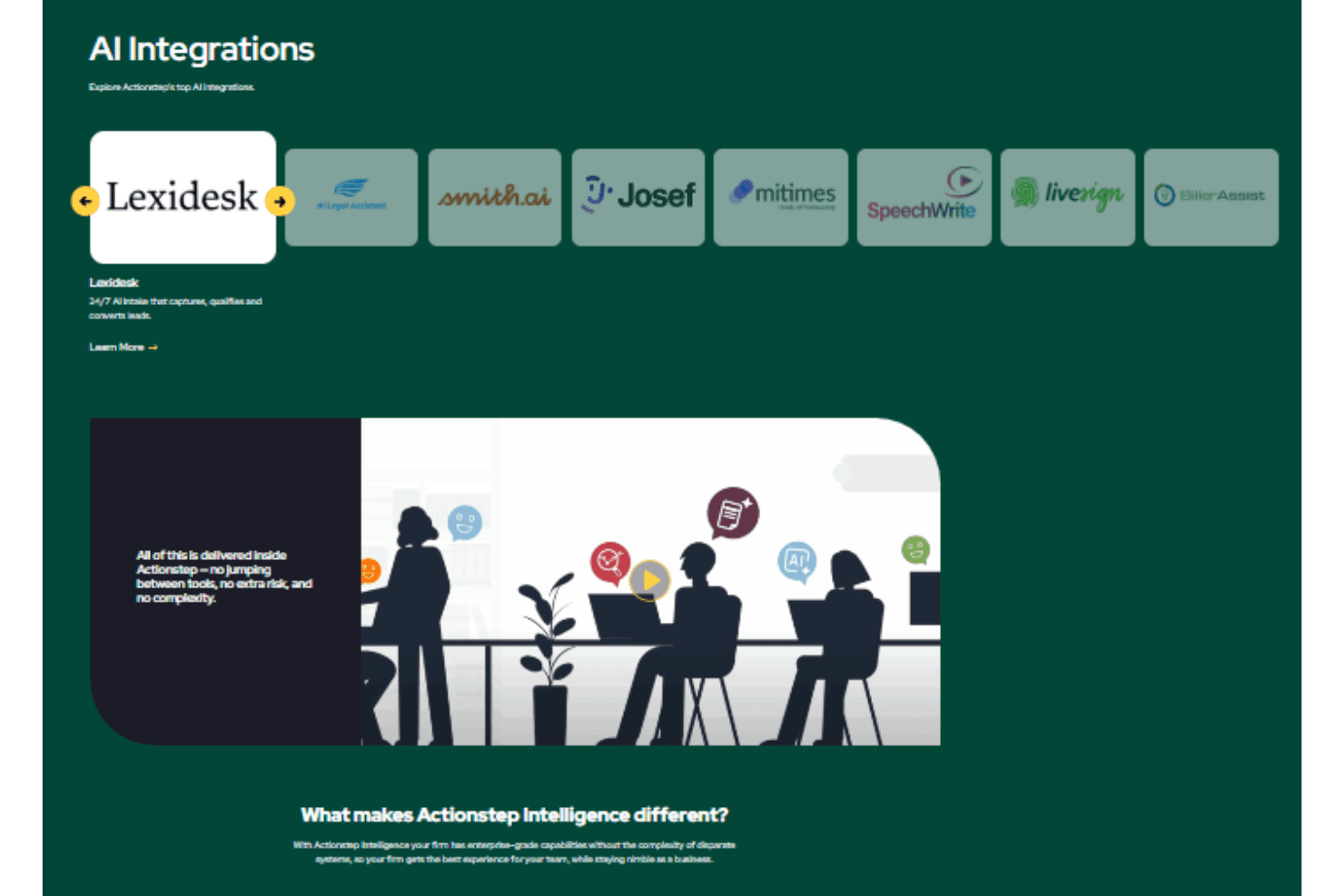
Actionstep integrates with Microsoft 365, Xero, Box, InfoTrack, Adfin, DocuSign, and Google Workspace among others.
Actionstep also offers a REST based API and connects with third-party integration tools like Zapier for expanded functionality.
Actionstep Specs
- 2-Factor Authentication: Yes
- API: Yes
- Appointment Scheduling: Yes
- Batch Permissions & Access: Yes
- Billing/Invoicing: Yes
- Budgeting: Yes
- Customer Management: Yes
- Data Export: Yes
- Data Import: Yes
- Data Visualization: Yes
- Electronic Prescribing: Yes
- Expense Tracking: Yes
- External Integrations: Yes
- File Transfer: Yes
- HIPAA Compliance: Yes
- Multi-User: Yes
- Notifications: Yes
- Patient Management: Yes
- Report & Compliance: Yes
- Self-service Portal: Yes
- Task Scheduling/Tracking: Yes