


CosmoLex vs. Clio: Detailed Comparison and Expert Reviews for 2026



Running a law firm means balancing casework, billing, and strict compliance requirements—all at once. If you’re comparing CosmoLex and Clio, you’re likely looking for legal practice management software that simplifies those demands instead of adding more complexity. Both platforms aim to streamline your operations, but they take different approaches when it comes to features, flexibility, and overall experience.
In this article, you’ll get a clear comparison of CosmoLex and Clio—including pros and cons, use cases, pricing, security, and usability. I’ll help you decide which solution fits your firm’s needs and budget.
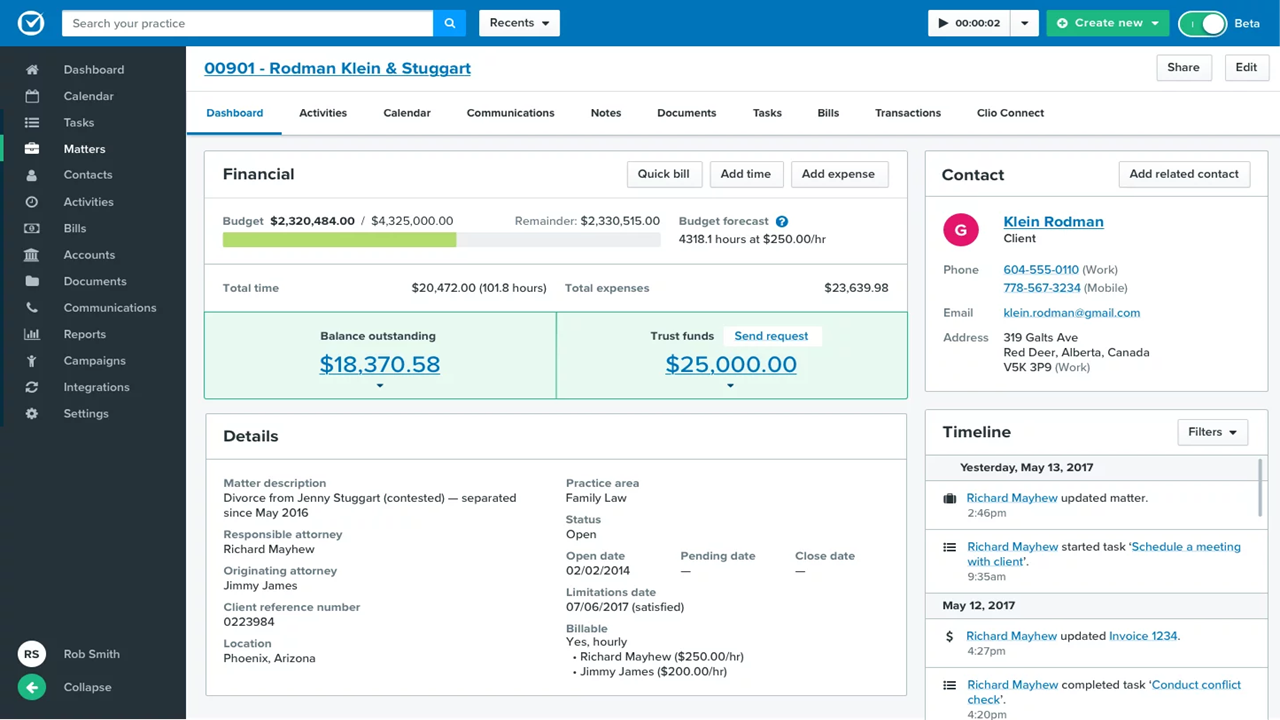
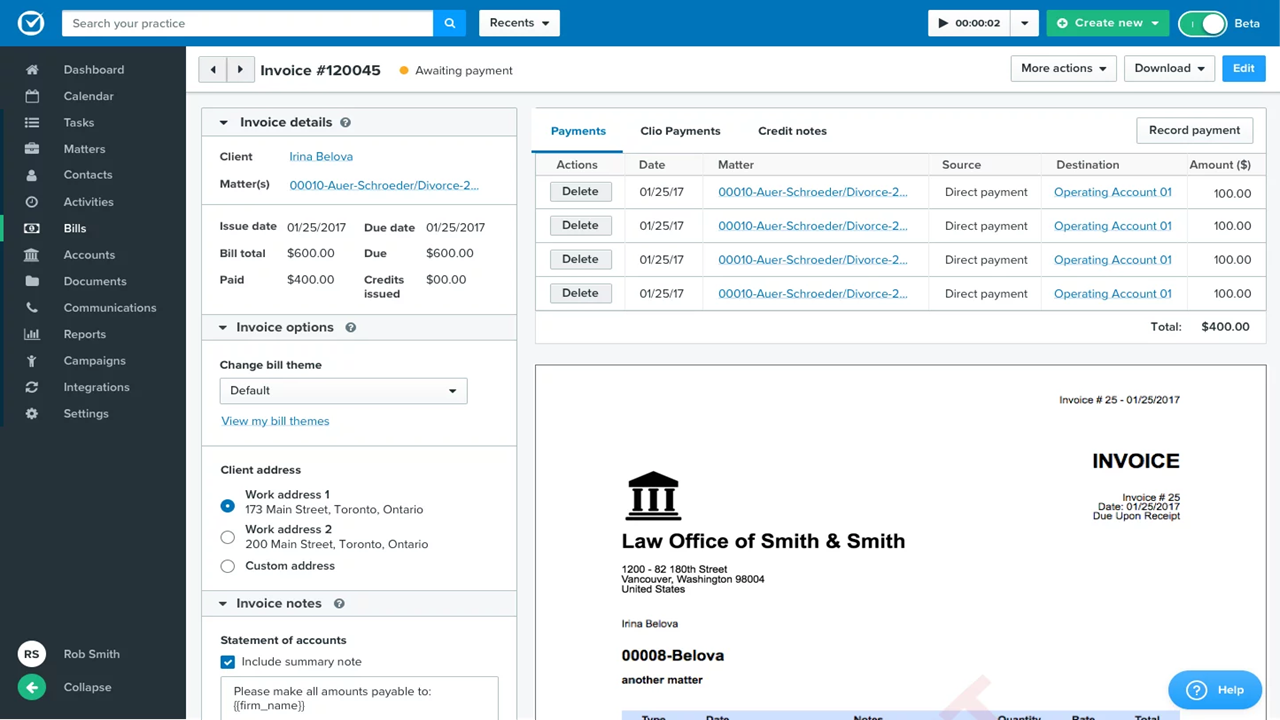
CosmoLex vs. Clio: An Overview
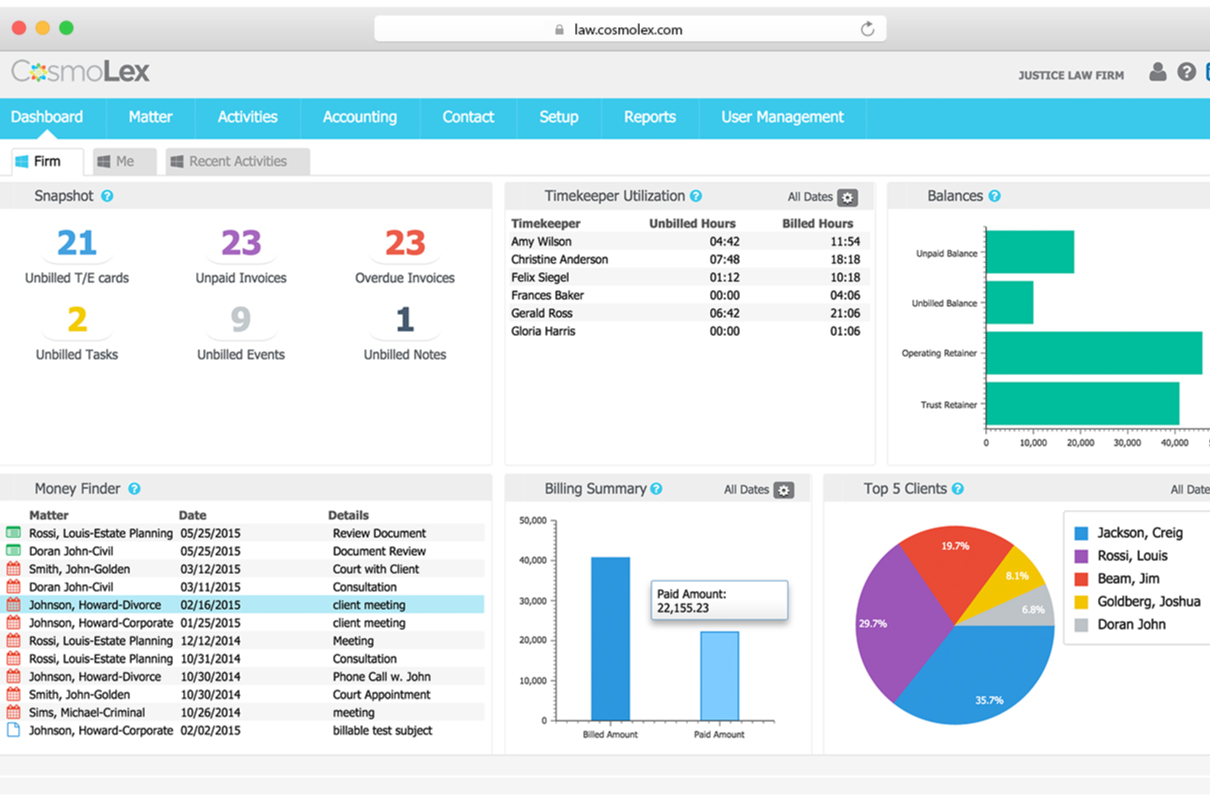
CosmoLex
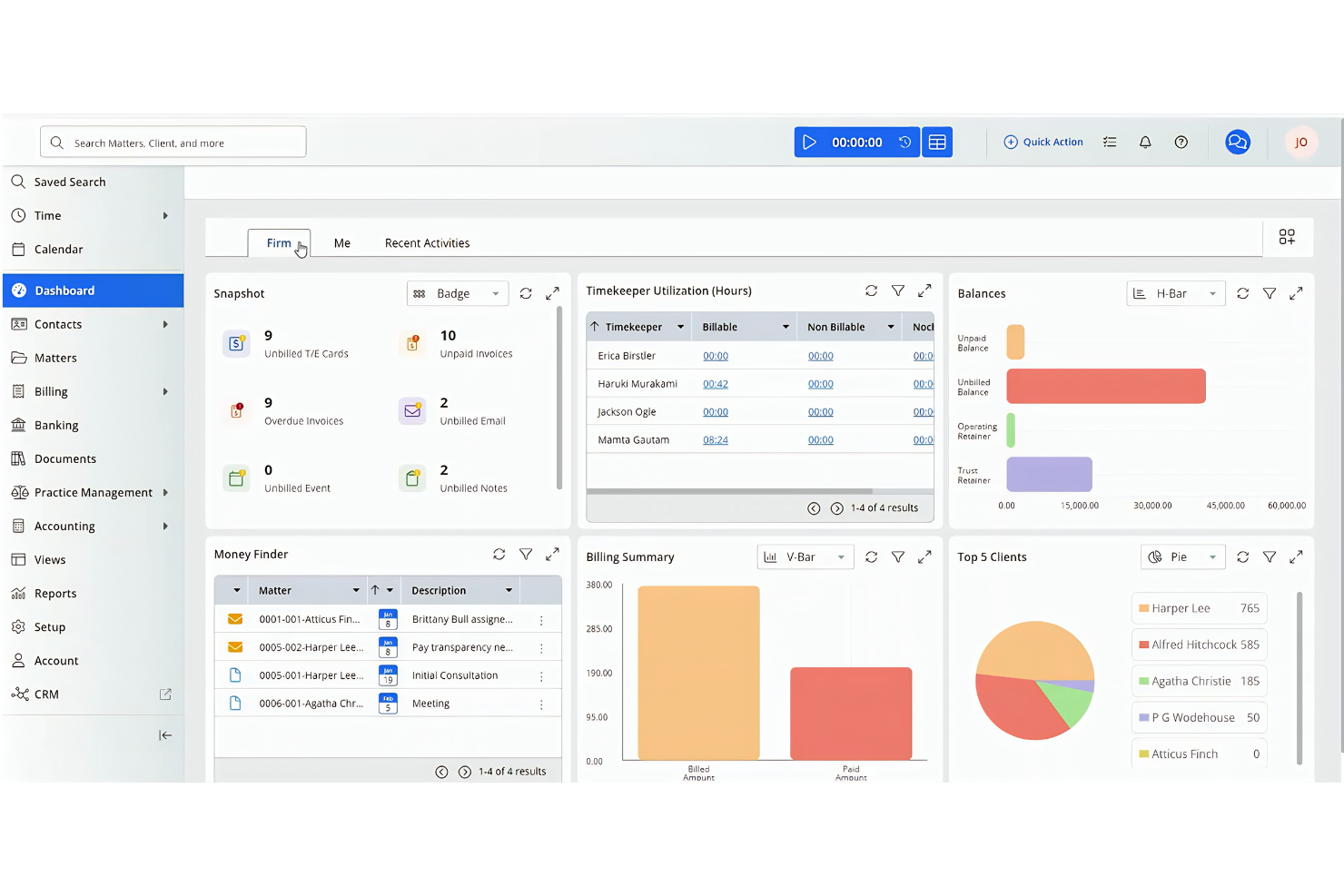
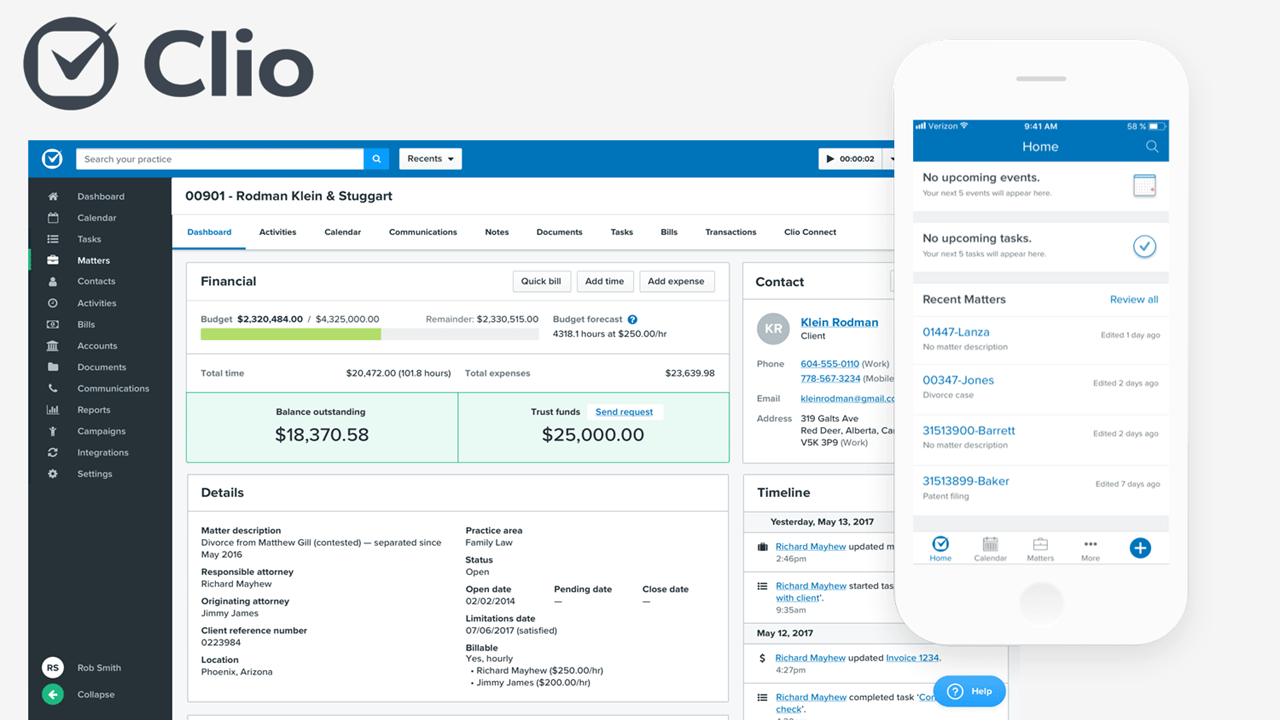
Clio

Why Trust Our Software Recommendations
Our team has been testing and reviewing software since 2012. As legal practice leaders ourselves, we know how difficult—and important—it is to choose the right software.
For this guide, we evaluated tools using hands-on testing and independent research, scoring tools using our selection criteria.
Our reviews reflect our human editorial judgment, not a sales pitch.
CosmoLex vs. Clio Pricing Comparison
| CosmoLex | Clio | |
|---|---|---|
| Free Trial | 10-day free trial | Free trial available |
| Pricing | From $49/user/month (billed annually) | From £79/user/month |
CosmoLex vs. Clio Pricing & Hidden Costs
Both CosmoLex and Clio use tiered pricing models, but they structure their tiers differently. CosmoLex offers plans like Standard and Elite, where core features—such as billing, trust accounting, and matter management—are included across tiers, with higher plans adding more advanced workflow automation and customization.
Clio also uses tiered pricing (EasyStart through Expand), but more functionality is segmented across plans and add-ons. Features like advanced automation, custom reporting, and CRM tools may require upgrading tiers or adding products like Clio Grow or Clio Accounting, which can increase overall costs depending on your setup.
To choose the right option, look beyond the base subscription and consider your total cost over time. Compare which features are included in each tier, identify any add-ons you’ll need, and evaluate how each platform’s pricing structure aligns with your firm’s workflow. This approach helps you assess true value—not just the starting price.
CosmoLex vs. Clio Feature Comparison
Both CosmoLex and Clio cover the core needs of running a law firm, including case management, time tracking, billing, document management, and client communication. They also support calendaring, task management, and secure client portals, so you can manage day-to-day operations from a single system. At a baseline level, either platform will handle the essential workflows most firms rely on.
Where they differ is in their standout strengths. CosmoLex sets itself apart with fully integrated legal accounting and built-in compliance tools, making it especially strong for firms that want finances and trust accounting handled natively. Clio, on the other hand, stands out for its extensive integration ecosystem and modular product suite—giving you more flexibility to customize your tech stack and scale with tools like CRM, AI, and advanced automation.
| CosmoLex | Clio | |
|---|---|---|
| 2-Factor Authentication | ||
| API | ||
| Approval Workflows | ||
| Audit Trail | ||
| Calendar Management | ||
| Compliance Tracking | ||
| Contract Management | ||
| Custom Reports | ||
| Customer Management | ||
| Data Export | ||
| Data Import | ||
| Document Management | ||
| External Integrations | ||
| Multi-User | ||
| NDA Management | ||
| Notifications | ||
| Policy Management | ||
| Scheduling | ||
| Workflow Management |
CosmoLex vs. Clio Integrations
| Integration | CosmoLex | Clio |
|---|---|---|
| Microsoft 365 | ✅ | ✅ |
| Google Workspace | ✅ | ✅ |
| QuickBooks Online | ❌ | ✅ |
| Xero | ❌ | ✅ |
| Dropbox | ✅ | ✅ |
| NetDocuments | ✅ | ✅ |
| Box | ✅ | ✅ |
| LexShare | ✅ | ❌ |
| DocuSign | ❌ | ✅ |
| LexSign | ✅ | ❌ |
| API | ✅ | ✅ |
| Zapier | ❌ | ✅ |
Clio offers a much broader range of integrations, especially with accounting tools and legal tech favorites, while CosmoLex covers the basics and shines with tighter integrations with products in their own ecosystem (LexSign for e-signatures and LexShare for file sharing). Both platforms offer an API, but only Clio connects with Zapier, giving you more flexibility if you rely on a diverse tech stack.
CosmoLex vs. Clio Security, Compliance & Reliability
| Factor | CosmoLex | Clio |
|---|---|---|
| Data Encryption | Uses bank-grade encryption for data at rest and in transit. | Uses 256-bit SSL encryption for all data and communications. |
| Regulatory Compliance | Built to support ABA and state bar trust accounting rules. | Offers compliance tools for ABA, GDPR, and regional legal standards. |
| Data Backups | Provides daily automated backups with secure offsite storage. | Performs regular automated backups and offers disaster recovery. |
| Access Controls | Role-based permissions and two-factor authentication for all users. | Customizable user permissions and two-factor authentication. |
| Uptime Guarantee | 99.9% uptime with real-time system status monitoring. | 99.9% uptime SLA and transparent status updates. |
Both CosmoLex and Clio provide a high level of security, reliability, and compliance, covering the essentials law firms need to protect sensitive client data and meet regulatory requirements. Each platform includes strong encryption, access controls, and consistent system uptime, making them dependable choices for day-to-day operations.
The key differences come down to focus rather than capability. CosmoLex leans more heavily into built-in compliance—especially around trust accounting—while Clio emphasizes broader coverage and infrastructure at scale. In practice, both platforms offer a secure and reliable foundation, with the better fit depending on your firm’s specific compliance priorities and operational needs.
CosmoLex vs. Clio Ease of Use
| Factor | CosmoLex | Clio |
|---|---|---|
| User Interface | Structured interface with detailed workflows, especially around accounting and compliance, which can feel dense at first. | Modern, polished interface with clear navigation across features and modules. |
| Onboarding | Guided onboarding with training, data migration support, and dedicated assistance. | Step-by-step onboarding with in-app guidance, training resources, and optional live onboarding. |
| Learning Curve | Moderate learning curve, particularly due to integrated accounting and financial management features. | Generally easier to learn initially, though complexity increases with higher-tier features and add-ons. |
| Customer Support | Phone, email, and chat support, plus onboarding and account management support. | 24/5 support via phone, chat, and email, plus extensive help center and training (Clio Academy). |
| Mobile Experience | Mobile app available for core tasks like case updates and time tracking. | Robust mobile apps with broader functionality and strong parity with desktop features. |
Both CosmoLex and Clio are designed to be usable for legal professionals, but they take different approaches to ease of use. CosmoLex prioritizes depth and structure—especially around accounting and compliance—which can require more time to learn but keeps everything tightly integrated. Clio is generally easier to get started with, thanks to its streamlined interface and guided onboarding, though it can become more complex as you layer on additional features and products.
CosmoLex vs Clio: Pros & Cons
CosmoLex
- Built-in legal accounting eliminates need for third-party tools.
- Trust accounting and compliance features are included.
- Responsive customer support and onboarding assistance.
- Some users report slow performance during peak hours.
- Portal access issues occasionally disrupt client communications.
- Lacks advanced reporting customization options.
Clio
- The software provides efficient billing and invoicing tools to streamline your financial tasks.
- Clio offers responsive customer support that helps your team quickly resolve issues.
- You can manage cases and documents easily with Clio's intuitive interface.
- Some users report occasional glitches that disrupt their workflow.
- Advanced customization options are limited compared to other tools.
- Your team might find the onboarding process a bit cumbersome.
Best Use Cases for CosmoLex and Clio
CosmoLex
- Estate Planning Firms Trust accounting and document automation fit estate planning workflows.
- In-House Legal Departments Centralized matter management and billing streamline internal legal operations.
- Family Law Practices Matter-centric workflows and document management support high-volume casework.
- Legal Aid Organizations Integrated time tracking and billing help manage grant and case reporting.
- Solo Practitioners Built-in trust accounting and compliance features simplify solo practice management.
- Small Law Firms CosmoLex’s all-in-one platform reduces the need for separate billing and accounting tools.
Clio
- Solo Practitioners You can easily handle client interactions and document management with Clio's straightforward interface.
- Small Law Firms Use Clio's billing and case management tools to help your small firm manage tasks efficiently without the need for extensive resources.
- Family Law Practices Clio's intuitive tools keep your case management organized, ensuring you focus on your clients' needs.
- Legal Departments The platform supports your legal department with responsive customer service and efficient workflow management.
- Real Estate Law Firms Clio's document automation and billing features streamline your work, allowing you to handle transactions smoothly.
- Corporate Legal Departments Clio's powerful features help your corporate team maintain compliance and manage cases effectively.
Who Should Use CosmoLex, and Who Should Use Clio?
CosmoLex is ideal if you want a true all-in-one system with fully built-in legal accounting and compliance tools. It’s especially well-suited for small to mid-sized firms—particularly in Canada and the United States—that need trust accounting, financial reporting, and law society compliance handled in a single platform without relying on integrations. If your priority is simplifying accounting and staying compliant while managing cases, CosmoLex is a strong fit.
You should use Clio if you want more flexibility, integrations, and scalability as your firm grows. Clio is better suited for firms that prefer a modular approach—adding tools for CRM, accounting (only available in the United States), or document automation as needed—and want access to a large ecosystem of integrations. If you value customization and plan to scale operations or workflows over time, Clio is the better long-term option.
Differences Between CosmoLex and Clio
| CosmoLex | Clio | |
|---|---|---|
| Accounting | Fully built-in legal accounting (trust, operating, business) with reconciliation. | Accounting available via Clio Accounting or integrations like QuickBooks. |
| Compliance | Strong focus on law society compliance (especially in Canada). | Compliance supported, but less centralized and often handled via integrations. |
| Document Management | Built-in document management with secure sharing and eSignature. | Advanced document automation, templates, and court e-filing. |
| Geographic Limitations | Designed for U.S. and Canadian firms, with built-in support for regional compliance (e.g., Canadian law society requirements). | Available globally, but some advanced features—like Clio Accounting, personal injury tools, and certain compliance features—are limited to the U.S. |
| Integrations | Integrates with key tools (Outlook, Google, Zapier), but smaller ecosystem. | 250+ integrations across legal and business apps. |
| Read CosmoLex ReviewOpens new window | Read Clio ReviewOpens new window |
Similarities Between CosmoLex and Clio
| Billing & Invoicing | Both support customizable invoices, batch billing, and online payment options for streamlined collections. |
|---|---|
| Case Management | Both offer robust matter management, letting you track cases, deadlines, and documents in one place. |
| Client Portal | Both provide secure client portals for sharing documents, messages, and case updates. |
| Cloud-Based Access | Both are fully cloud-based, allowing secure access to your firm’s data from anywhere, on any device. |
| Time Tracking | Each platform provides built-in timers and easy time entry for accurate billing and productivity tracking. |
| Read CosmoLex ReviewOpens new window Read Clio ReviewOpens new window | |