

iManage-anmeldelse: Fordele, ulemper, funktioner og priser forklaret
iManage skiller sig ud med robuste sikkerheds- og samarbejdsværktøjer, hvilket gør platformen til et oplagt valg for advokatfirmaer, der søger avanceret dokumenthåndtering.

We review tools independently, and commissions help fund our testing. See our transparency policy, our methodology, or suggest a tool.
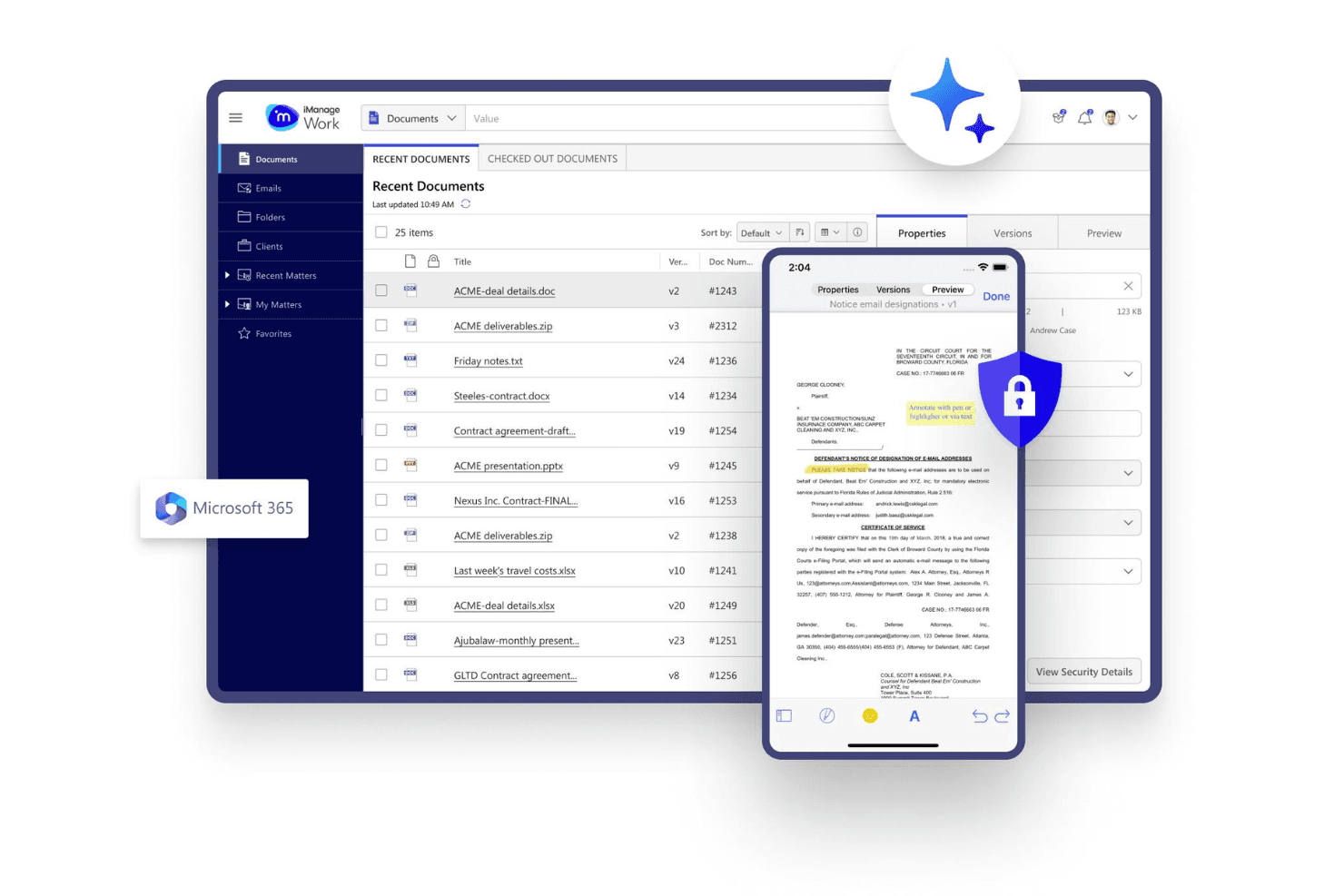
iManage is a legal document management software built for law firms and in-house legal teams that need to organize, search, and collaborate on documents and emails without leaving their existing tools. If your team runs on Microsoft 365, I'd consider iManage because of its integration with Outlook and Word, so your team works within familiar tools rather than switching between platforms, as would be required with other platforms like NetDocuments.
iManage Evaluation Summary
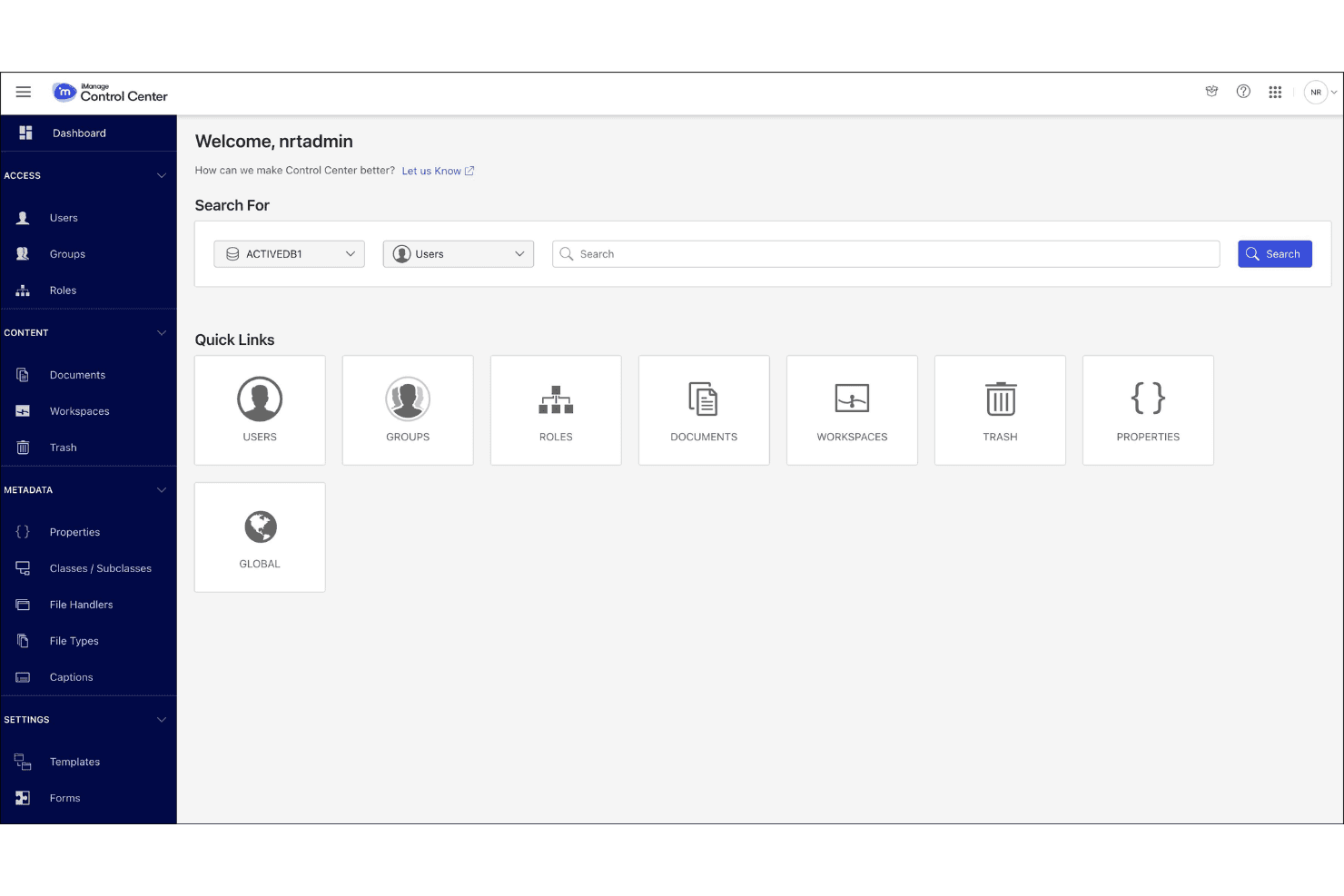
4.3/5
- Pricing upon request
- Free demo available
Why Trust Our Software Recommendations
6,700+
Reviews
20
Industry experts
16+
Evaluation factors
14
Years
Our team has been testing and reviewing software since 2012. As legal practice leaders ourselves, we know how difficult—and important—it is to choose the right software.
For this guide, we evaluated tools using hands-on testing and independent research, scoring tools using our selection criteria.
Our reviews reflect our human editorial judgment, not a sales pitch.
iManage Overview
When judging iManage as a legal document management software, its security, document versioning functionality, and email management set it apart for firms handling sensitive matters. The interface is modern but can feel complex during onboarding, especially for smaller teams. Pricing is on the higher end, reflecting its advanced features and responsive support. If you're selecting a solution for a midsize or large law firm with strict compliance needs and established information technology resources, iManage is a strong contender. However, if ease of setup or lightweight workflows are your top priorities, you may find its depth more than you need.
Pros
- Advanced document security and compliance features.
- Strong email and document versioning capabilities.
- Reliable support and detailed audit trails.
Cons
- Complex setup and configuration requirements.
- Higher pricing than many alternatives.
- Occasional performance lags with large document volumes.
Is iManage Right For Your Needs?
Who Would be a Good Fit for iManage?
iManage is best suited for organizations that require advanced document security, granular access controls, and detailed audit trails. Teams handling sensitive or regulated information, especially in legal services, financial, and compliance-driven environments, will benefit from its robust feature set. Its strong document versioning and email management tools make it ideal for larger firms or departments with complex workflows and high document volumes.
- Large Law FirmsiManage supports complex matter management and strict compliance requirements.
- In-House Legal TeamsCentralizes contracts and legal documents with secure access controls.
- Financial ServicesMeets regulatory demands for document retention and auditability.
- Government AgenciesProvides secure collaboration and detailed audit trails for sensitive data.
- Compliance DepartmentsTracks document changes and enforces policy-driven access restrictions.
- Multinational CorporationsHandles high document volumes and supports global data privacy needs.
Who Would be a Bad Fit for iManage?
iManage is less suitable for organizations with limited information technology resources, simple document needs, or tight budgets. Smaller teams or industries without strict compliance requirements may find its complexity and cost unnecessary. If your workflows are straightforward or you need rapid deployment, iManage's advanced features may be more than you need.
- Small Law PracticesSetup complexity and cost outweigh basic document needs.
- StartupsLacks lightweight workflows and quick deployment options.
- Creative AgenciesDoes not prioritize media asset management or design collaboration.
- NonprofitsAdvanced compliance features are unnecessary for most nonprofit workflows.
- HR DepartmentsOverly complex for standard employee document management.
- Construction FirmsDoes not focus on project drawings or field document access.
How We Test & Score Tools
We’ve spent years building, refining, and improving our software testing and scoring system. The rubric is designed to capture the nuances of software selection and what makes a tool effective, focusing on critical aspects of the decision-making process.
Below, you can see exactly how our testing and scoring works across seven criteria. It allows us to provide an unbiased evaluation of the software based on core functionality, standout features, ease of use, onboarding, customer support, integrations, customer reviews, and value for money.
Core Functionality (25% of final scoring)
The starting point of our evaluation is always the core functionality of the tool. Does it have the basic features and functions that a user would expect to see? Are any of those core features locked to higher-tiered pricing plans? At its core, we expect a tool to stand up against the baseline capabilities of its competitors.
Standout Features (25% of final scoring)
Next, we evaluate uncommon standout features that go above and beyond the core functionality typically found in tools of its kind. A high score reflects specialized or unique features that make the product faster, more efficient, or offer additional value to the user.
We also evaluate how easy it is to integrate with other tools typically found in the tech stack to expand the functionality and utility of the software. Tools offering plentiful native integrations, 3rd party connections, and API access to build custom integrations score best.
Ease of Use (10% of final scoring)
We consider how quick and easy it is to execute the tasks defined in the core functionality using the tool. High scoring software is well designed, intuitive to use, offers mobile apps, provides templates, and makes relatively complex tasks seem simple.
Onboarding (10% of final scoring)
We know how important rapid team adoption is for a new platform, so we evaluate how easy it is to learn and use a tool with minimal training. We evaluate how quickly a team member can get set up and start using the tool with no experience. High scoring solutions indicate little or no support is required.
Customer Support (10% of final scoring)
We review how quick and easy it is to get unstuck and find help by phone, live chat, or knowledge base. Tools and companies that provide real-time support score best, while chatbots score worst.
Customer Reviews (10% of final scoring)
Beyond our own testing and evaluation, we consider the net promoter score from current and past customers. We review their likelihood, given the option, to choose the tool again for the core functionality. A high scoring software reflects a high net promoter score from current or past customers.
Value for Money (10% of final scoring)
Lastly, in consideration of all the other criteria, we review the average price of entry level plans against the core features and consider the value of the other evaluation criteria. Software that delivers more, for less, will score higher.
Core Features
Document Version Control
Track, compare, and restore previous versions of documents. This helps teams manage edits and maintain a clear audit trail.
Advanced Search
Search across documents, emails, and metadata using filters and keywords. Users can quickly locate relevant files, even in large repositories.
Email Management
Save, organize, and search emails alongside related documents. This keeps all matter-related communications and files in one place.
Granular Access Controls
Set permissions at the document, folder, or matter level. Only authorized users can view, edit, or share sensitive information.
Audit Trails
Automatically log all document activity, including views, edits, and shares. This supports compliance and internal investigations.
Document Collaboration
Enable real-time co-authoring, commenting, and secure file sharing. Teams work together efficiently without leaving the platform.
Ease of Use
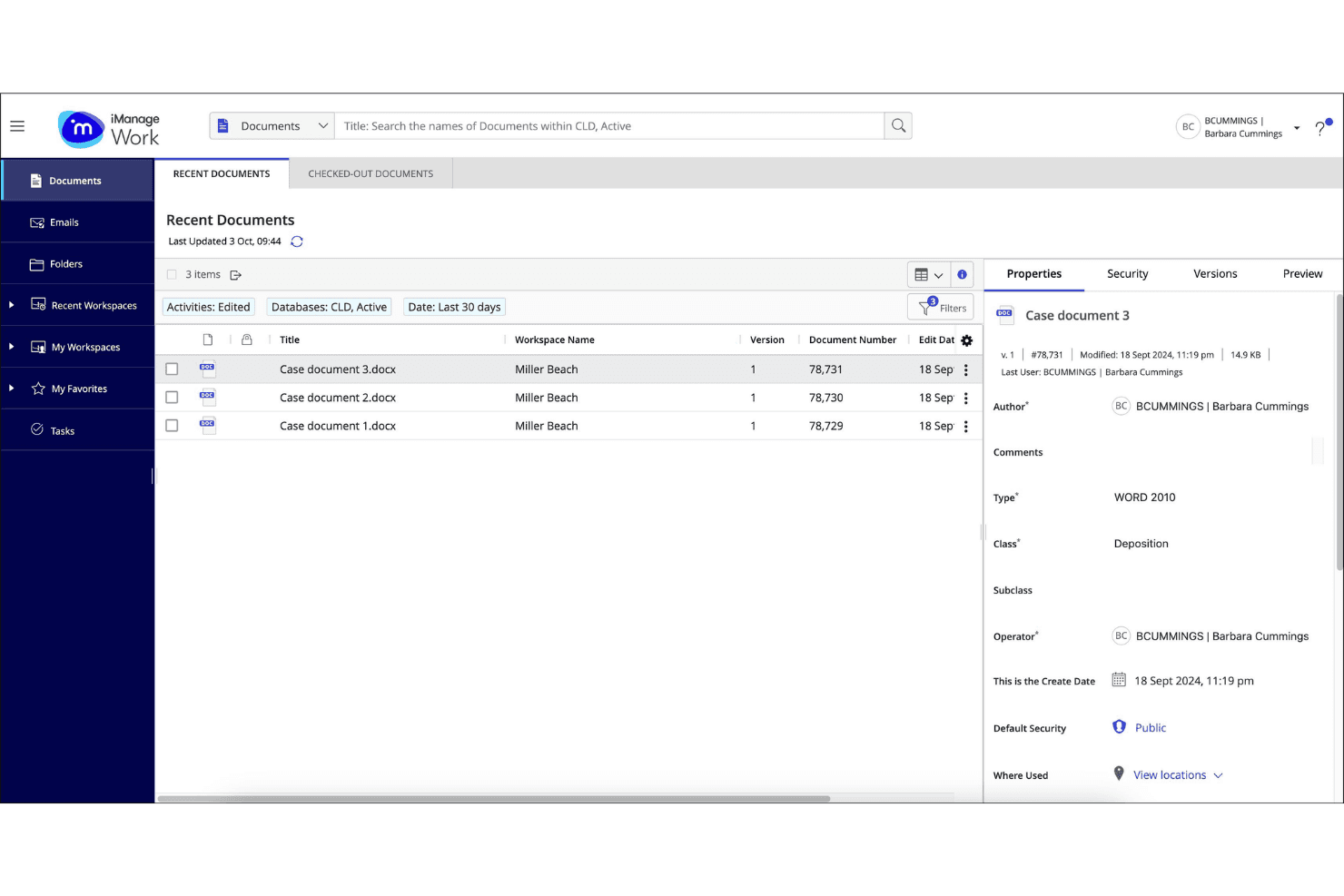
iManage offers a modern user interface with powerful features, but user reviews consistently note that its complexity can slow down onboarding and daily use, especially for smaller teams. Navigating advanced settings, permissions, and document workflows often requires training or IT support. However, once configured, real users appreciate the platform's consistency and depth, particularly for managing large volumes of sensitive documents. The initial learning curve is balanced by strong documentation and responsive customer support.
Integrations
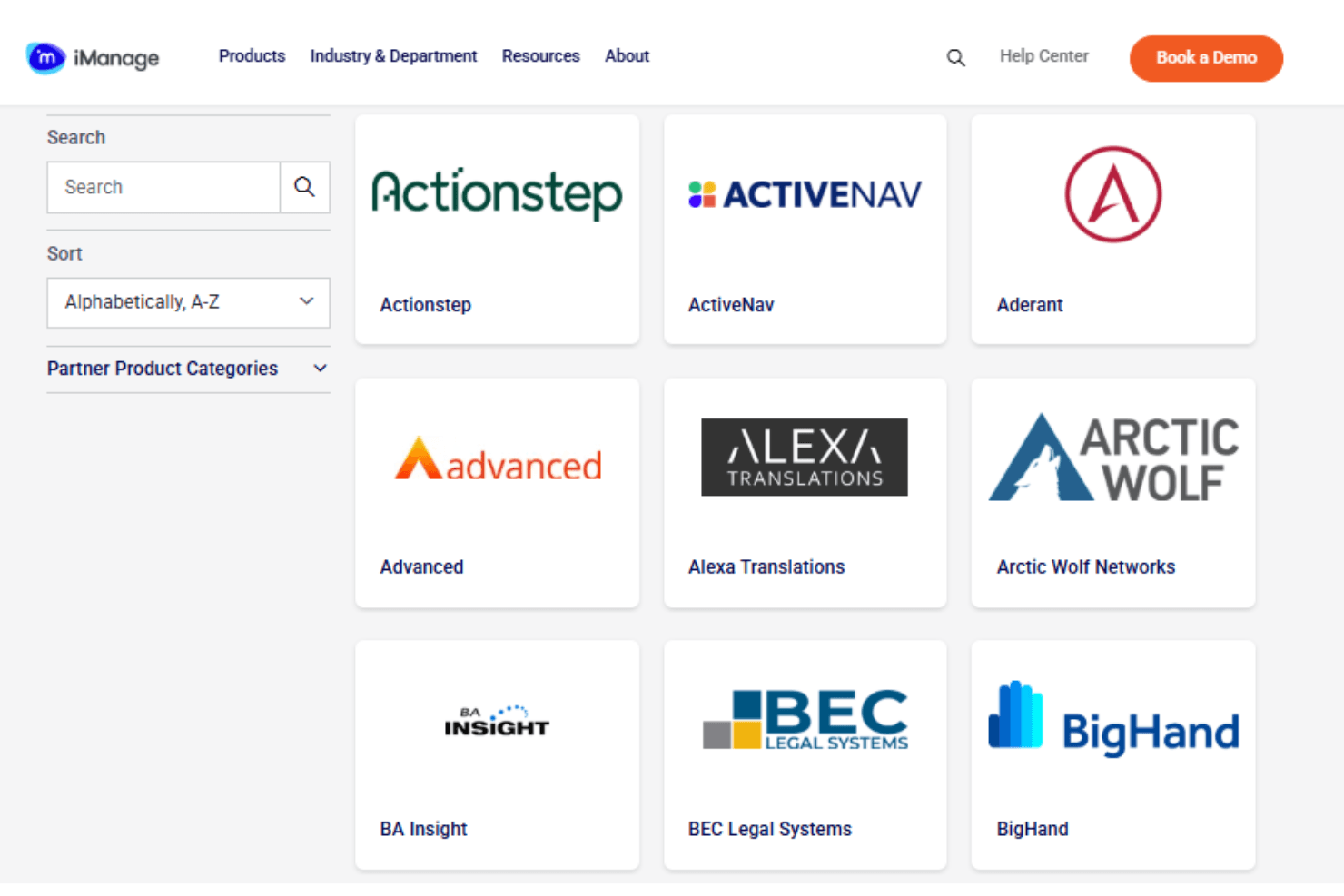
iManage integrates with Microsoft Office Web, Microsoft Outlook, DocStyle, Draftable, ActiveNav, Aderant, Centerbase, and Actionstep, among others.
iManage also offers a robust API for custom integrations and connects with select third-party integration tools.
iManage Specs
- 2-Factor Authentication: Yes
- API: Yes
- Approval Workflows: Yes
- Audit Trail: Yes
- Batch Permissions & Access: Yes
- Chat: Yes
- Dashboard: Yes
- Data Export: Yes
- Data Import: Yes
- Document Comparison: Yes
- Document Sharing: Yes
- Electronic Signature: Yes
- Email Integration: Yes
- External Integrations: Yes
- File Sharing: Yes
- File Transfer: Yes
- Google Apps Integration: Yes
- History/Version Control: Yes
- Metadata Management: Yes
- Multi-User: Yes
- NDA Management: Yes
- Notifications: Yes
- Password & Access Management: Yes
- Project Management: Yes
- Template Designer: Yes


