


Reseña de PracticePanther: Ventajas, Desventajas, Características y Precios



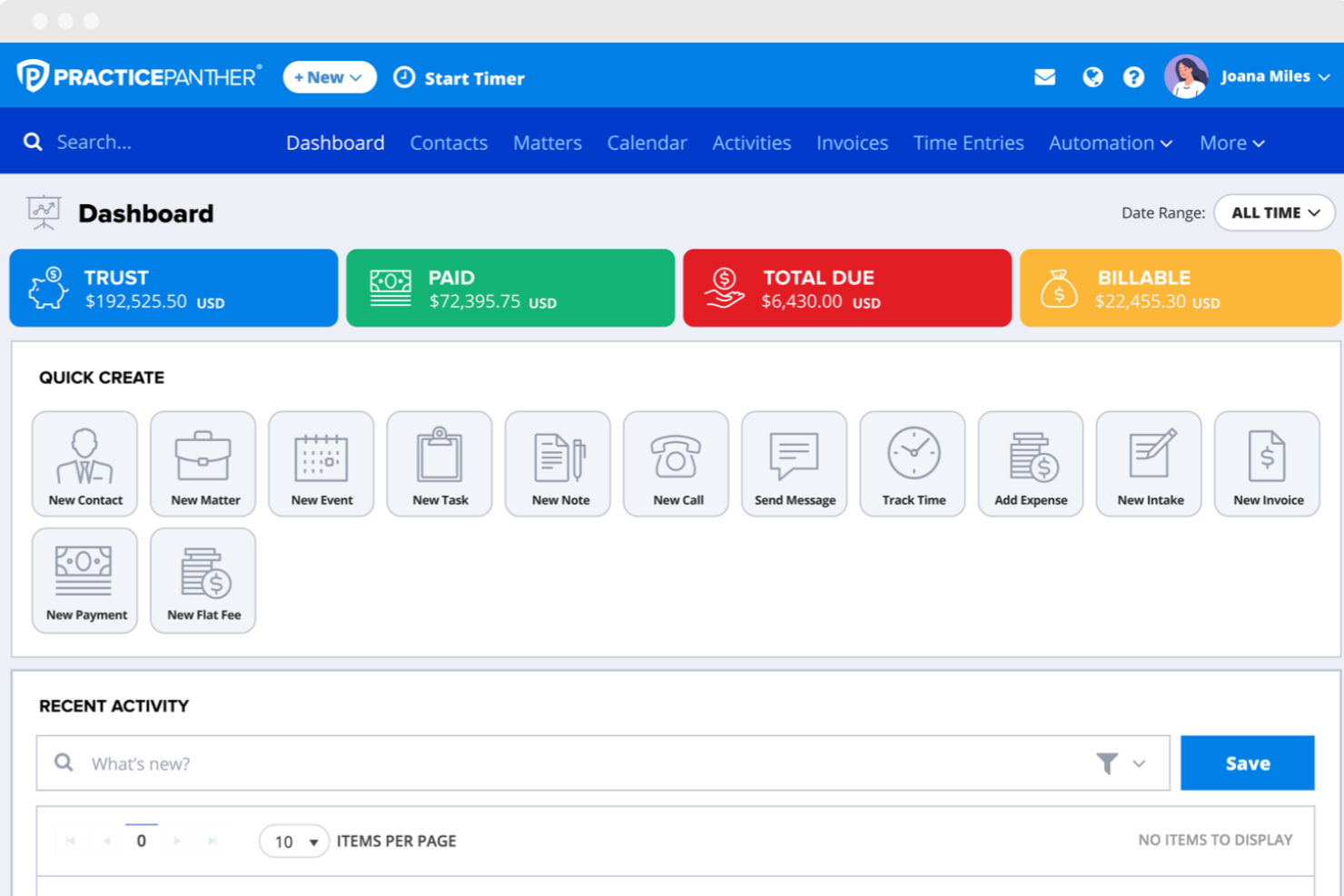
PracticePanther is a legal software designed to help law firms manage cases, billing, and client communications in one place. If you’re comparing options, you know how tough it is to find a tool that balances usability, automation, and compliance without adding complexity or cost. PracticePanther aims to simplify daily workflows for legal teams, offering features like document management, time tracking, and secure client portals.
In this review, I’ll break down its features, best and worst use cases, pros and cons, and pricing so you can decide if it’s the right fit for your firm.
PracticePanther Evaluation Summary
- From $49/user/month (billed annually)
- 7-day free trial
Por qué confiar en nuestras recomendaciones de software
Nuestro equipo lleva probando y evaluando software desde 2012. Como líderes de despachos jurídicos, sabemos lo difícil —y lo importante— que es elegir el software adecuado.
Para esta guía, evaluamos las herramientas mediante pruebas prácticas e investigación independiente, puntuando las herramientas según nuestros criterios de selección.
Nuestras reseñas reflejan nuestro criterio editorial humano, no un discurso de ventas.
PracticePanther Overview
When I compare PracticePanther to other legal software, I think its clean interface, customizable workflows, and responsive support make it a strong choice for small and midsize firms. Its flat-rate pricing and built-in e-signature tools stand out, while some advanced reporting and accounting features feel less robust.
If you’re judging options for a tech-forward, client-focused practice, PracticePanther is going to suit you best—especially if you value easy setup and reliable customer service.
pros
-
Automated workflows and reminders reduce manual admin work
-
Responsive customer support with live chat and onboarding help
-
Built-in e-signature and payment processing included in all plans
cons
-
Trust accounting can be less intuitive for complex needs
-
Document management tools are basic compared to some competitors
-
Reporting features lack advanced customization options
-

CARET Legal
Visit WebsiteThis rating combines scores from multiple user review sites to reflect overall customer sentiment about the product.4.4 -
Mitratech TAP Workflow Automation
Visit WebsiteThis rating combines scores from multiple user review sites to reflect overall customer sentiment about the product.4.2 -
Redactable
Visit WebsiteThis rating combines scores from multiple user review sites to reflect overall customer sentiment about the product.4.8


Cómo Probamos y Puntúamos las Herramientas
Hemos pasado años construyendo, refinando y mejorando nuestro sistema de pruebas y puntuación de software. El marco está diseñado para captar las particularidades de la selección de software y lo que hace efectiva una herramienta, enfocándonos en aspectos críticos del proceso de toma de decisiones. A continuación, puede ver exactamente cómo funcionan nuestras pruebas y puntuaciones en siete criterios. Esto nos permite proporcionar una evaluación imparcial del software basada en la funcionalidad principal, características destacadas, facilidad de uso, incorporación, soporte al cliente, integraciones, opiniones de clientes y relación calidad-precio.
Funcionalidad Principal (25% de la puntuación final)
El punto de partida de nuestra evaluación siempre es la funcionalidad principal de la herramienta. ¿Cuenta con las funciones y características básicas que un usuario esperaría ver? ¿Alguna de esas funciones principales está restringida a planes de precios superiores? En esencia, esperamos que la herramienta esté a la altura de las capacidades básicas de sus competidores.
Características Destacadas (25% de la puntuación final)
Luego, evaluamos características destacadas poco comunes que vayan más allá de la funcionalidad principal que normalmente se encuentra en herramientas de su tipo. Una puntuación alta refleja características especializadas o únicas que hacen el producto más rápido, eficiente o que ofrecen valor adicional al usuario. También evaluamos la facilidad con la que puede integrarse con otras herramientas típicas de la pila tecnológica para ampliar la funcionalidad y utilidad del software. Las herramientas que ofrecen numerosas integraciones nativas, conexiones con terceros y acceso API para crear integraciones personalizadas obtienen la mejor puntuación.
Facilidad de Uso (10% de la puntuación final)
Consideramos la rapidez y facilidad con la que se pueden ejecutar las tareas definidas en la funcionalidad principal mediante la herramienta. El software con alta puntuación está bien diseñado, es intuitivo de usar, ofrece aplicaciones móviles, proporciona plantillas y hace que tareas relativamente complejas parezcan simples.
Incorporación (10% de la puntuación final)
Sabemos lo importante que es la rápida adopción de una nueva plataforma por parte del equipo, por eso evaluamos lo fácil que es aprender y usar una herramienta con capacitación mínima. Evaluamos la rapidez con la que un miembro del equipo puede configurarse y empezar a usar la herramienta sin experiencia previa. Las soluciones con alta puntuación indican que requieren poco o ningún soporte.
Soporte al Cliente (10% de la puntuación final)
Revisamos cuán rápido y fácil es obtener ayuda por teléfono, chat en vivo o base de conocimientos. Las herramientas y empresas que proporcionan soporte en tiempo real obtienen la mejor puntuación, mientras que los chatbots obtienen la más baja.
Opiniones de Clientes (10% de la puntuación final)
Más allá de nuestras propias pruebas y evaluaciones, tenemos en cuenta el puntaje neto de recomendación de los clientes actuales y anteriores. Revisamos la probabilidad de que, si tuvieran la opción, eligieran nuevamente la herramienta por su funcionalidad principal. Un software con alta puntuación refleja un alto puntaje neto de recomendación de clientes actuales o pasados.
Relación Calidad-Precio (10% de la puntuación final)
Por último, considerando todos los demás criterios, revisamos el precio promedio de los planes de nivel de entrada en comparación con las funciones principales y los otros factores de evaluación. El software que ofrece más por menos obtendrá una puntuación más alta.
Core Features
Case Management
Track matters, deadlines, and related documents in one dashboard. Custom fields and tags help you organize cases your way.
Time Tracking
Log billable hours from any device with one-click timers. Easily convert tracked time into invoices for faster billing.
Billing and Invoicing
Create, send, and manage invoices with built-in payment processing. Automated reminders help reduce late payments.
Document Management
Store, share, and e-sign documents securely within the platform. Version control and audit trails keep everything organized.
Client Portal
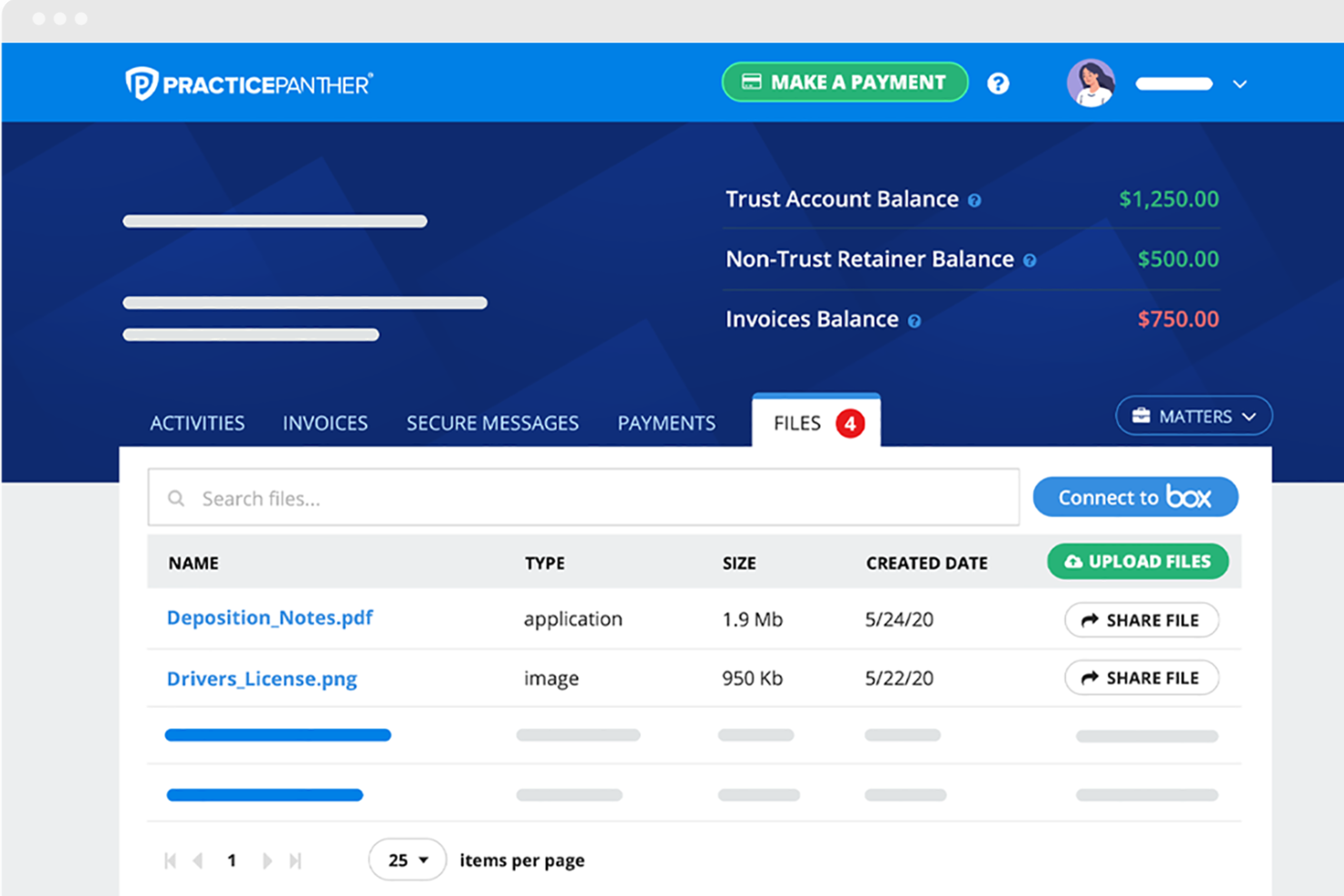
Give clients secure access to case updates, invoices, and messages. Clients can upload documents and pay bills online.
Task Automation
Set up automated workflows for routine tasks and reminders. Templates help standardize processes across your team.
Ease of Use
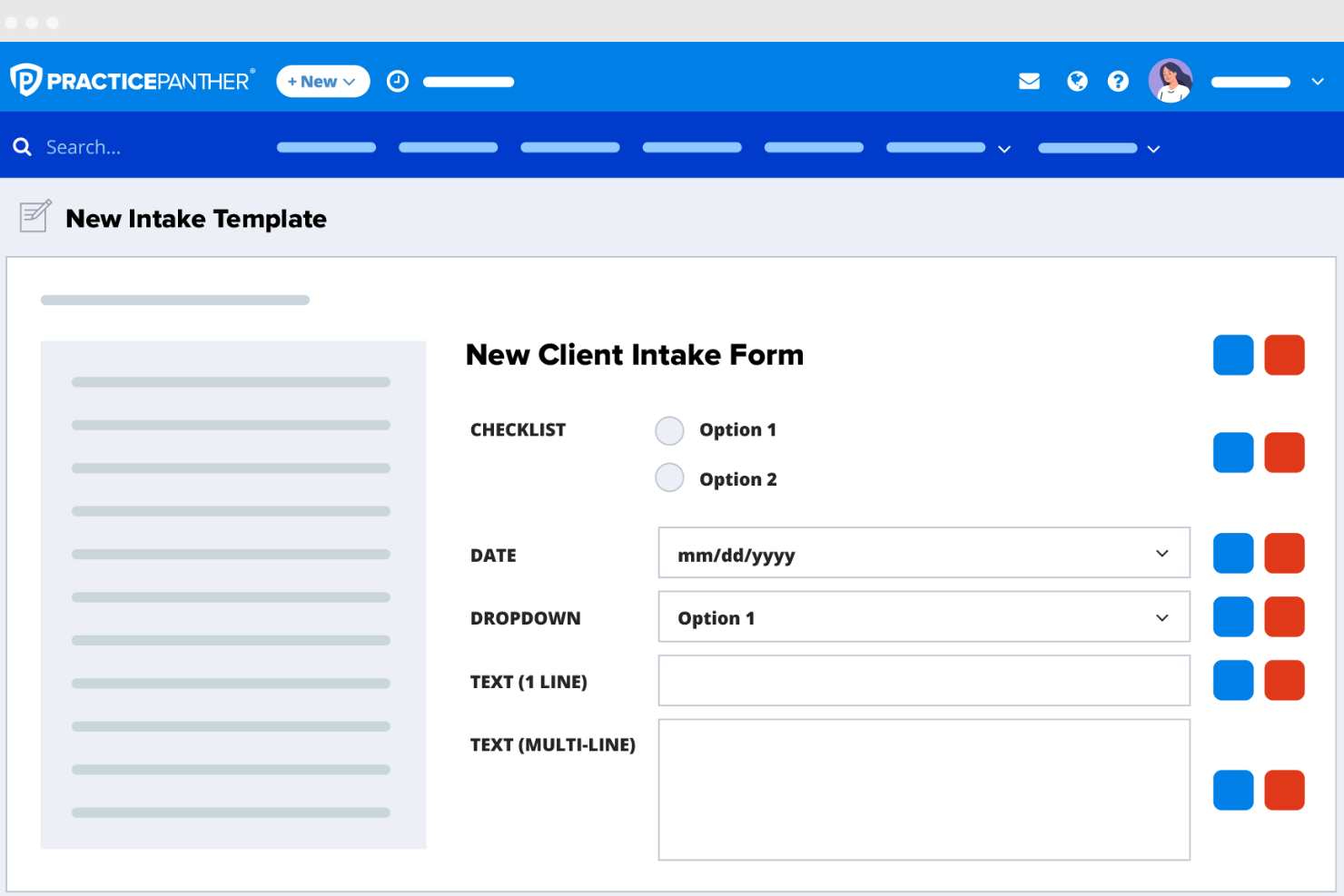
PracticePanther stands out for its clean, intuitive interface and quick onboarding process. Most users say navigation feels straightforward, with dashboards and workflows that don’t overwhelm new staff. Features like drag-and-drop document uploads and one-click timers make daily tasks simple.
I think even teams with limited tech experience will find it easy to get started, and the in-app help resources and live chat support add extra confidence for anyone learning the system.
Integrations
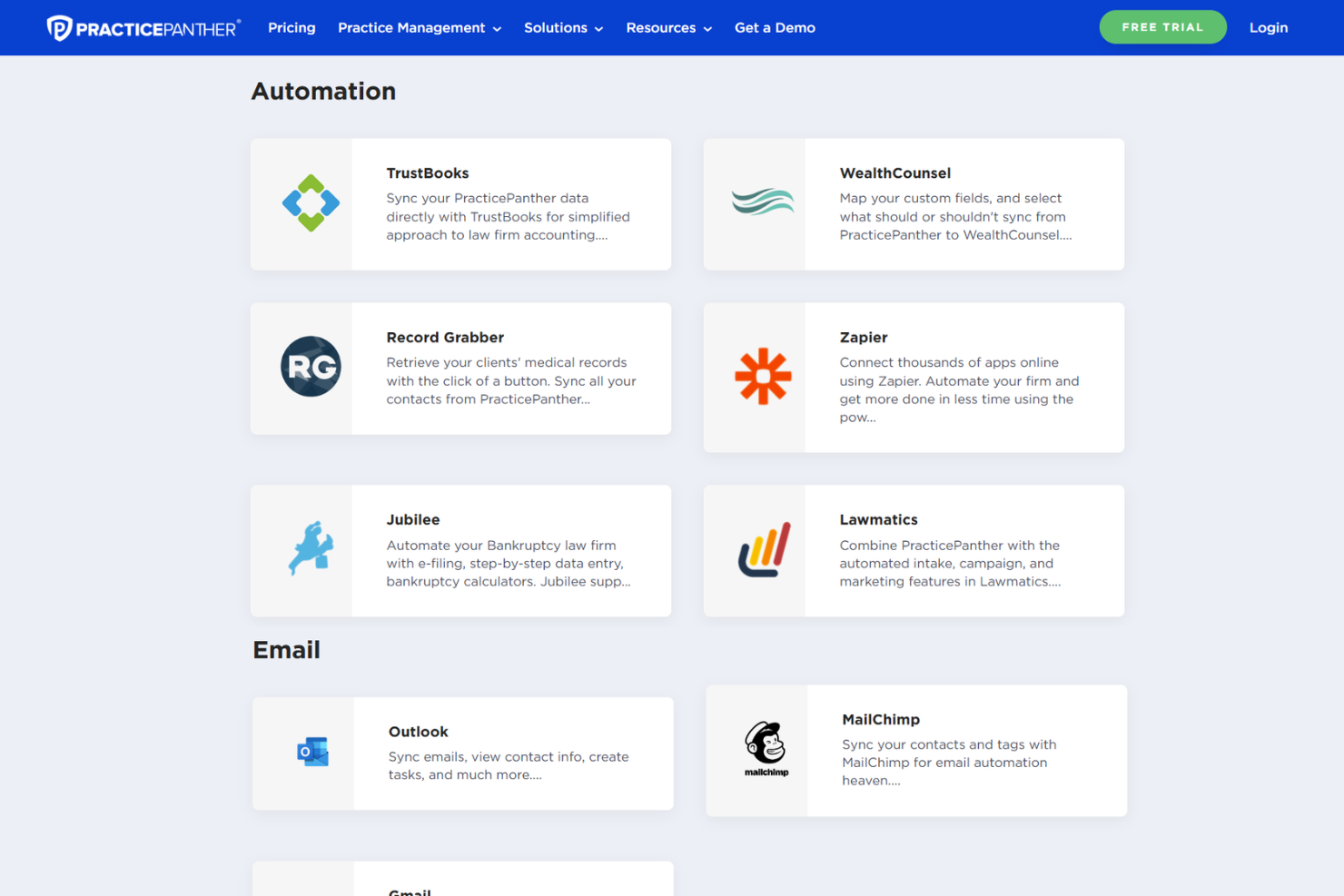
PracticePanther integrates with QuickBooks Online, Gmail, Outlook, Google Drive, Dropbox, Lawmatics, Zapier, OneDrive, Box, and Docketwise, among others.
PracticePanther also offers an open API and connects with third-party integration tools like Zapier for expanded automation and connectivity.
New Product Updates from PracticePanther

PantherAccounting Plus Unveiled
PracticePanther introduces PantherAccounting Plus, adding native accounting capabilities for managing financial operations within the platform. This update streamlines accounting workflows, improves compliance, and eliminates the need for third-party tools. Highlights include:
- Trust and Operating Account Management: Track transactions, balances, and ledger activity in one centralized system.
- Compliance and Reconciliation: Perform three-way reconciliations and maintain IOLTA and ABA compliance with built-in tools.
- Financial Management: Manage general ledger, accounts receivable, expenses, and generate key financial reports.
Visit PracticePanther’s official site for more details.
 for more details.
PracticePanther Specs
- 2-Factor Authentication
- API
- Approval Workflows
- Audit Trail
- Calendar Management
- Compliance Tracking
- Contract Management
- Custom Reports
- Customer Management
- Data Export
- Data Import
- Document Management
- External Integrations
- Multi-User
- NDA Management
- Notifications
- Policy Management
- Scheduling
- Workflow Management


