


Rocket Matter Review: Pros, Cons, Features and Pricing



Rocket Matter is a matter management software built for law firms that need to track matters, log time, and manage billing in a single platform. I'd consider it most seriously if your firm wants more granular billing controls than what other tools like Clio provide—especially if you're working across multiple rate structures or need trust accounting tightly integrated into the same workflow rather than bolted on as an afterthought.
Rocket Matter Evaluation Summary
- From $59/user/month
- Free trial available
Why Trust Our Software Recommendations
Our team has been testing and reviewing software since 2012. As legal practice leaders ourselves, we know how difficult—and important—it is to choose the right software.
For this guide, we evaluated tools using hands-on testing and independent research, scoring tools using our selection criteria.
Our reviews reflect our human editorial judgment, not a sales pitch.
Rocket Matter Overview
If you’re judging Rocket Matter against other legal matter management software, I think its clean interface, strong billing features, and responsive support set it apart. Pricing is competitive, and onboarding is straightforward—even for teams new to cloud tools. While its integrations list isn’t the longest, the core features cover most daily needs.
I’d suggest Rocket Matter for small to midsize firms that want reliable time tracking, document management, and easy invoicing without a steep learning curve. For example, solo practitioners and boutique firms can get up and running quickly and see immediate value.
pros
-
Billing and invoicing features are highly detailed and reliable.
-
Customer support is responsive and knowledgeable for legal workflows.
-
Time tracking and expense capture are accurate and easy to use.
cons
-
Mobile app performance is inconsistent and sometimes unreliable.
-
Reporting customization options are limited compared to some competitors.
-
Occasional slowdowns or lag during peak usage times.
-

CARET Legal
Visit WebsiteThis rating combines scores from multiple user review sites to reflect overall customer sentiment about the product.4.4 -
Mitratech TAP Workflow Automation
Visit WebsiteThis rating combines scores from multiple user review sites to reflect overall customer sentiment about the product.4.2 -
Redactable
Visit WebsiteThis rating combines scores from multiple user review sites to reflect overall customer sentiment about the product.4.8


How We Test & Score Tools
We’ve spent years building, refining, and improving our software testing and scoring system. The rubric is designed to capture the nuances of software selection and what makes a tool effective, focusing on critical aspects of the decision-making process.
Below, you can see exactly how our testing and scoring works across seven criteria. It allows us to provide an unbiased evaluation of the software based on core functionality, standout features, ease of use, onboarding, customer support, integrations, customer reviews, and value for money.
Core Functionality (25% of final scoring)
The starting point of our evaluation is always the core functionality of the tool. Does it have the basic features and functions that a user would expect to see? Are any of those core features locked to higher-tiered pricing plans? At its core, we expect a tool to stand up against the baseline capabilities of its competitors.
Standout Features (25% of final scoring)
Next, we evaluate uncommon standout features that go above and beyond the core functionality typically found in tools of its kind. A high score reflects specialized or unique features that make the product faster, more efficient, or offer additional value to the user.
We also evaluate how easy it is to integrate with other tools typically found in the tech stack to expand the functionality and utility of the software. Tools offering plentiful native integrations, 3rd party connections, and API access to build custom integrations score best.
Ease of Use (10% of final scoring)
We consider how quick and easy it is to execute the tasks defined in the core functionality using the tool. High scoring software is well designed, intuitive to use, offers mobile apps, provides templates, and makes relatively complex tasks seem simple.
Onboarding (10% of final scoring)
We know how important rapid team adoption is for a new platform, so we evaluate how easy it is to learn and use a tool with minimal training. We evaluate how quickly a team member can get set up and start using the tool with no experience. High scoring solutions indicate little or no support is required.
Customer Support (10% of final scoring)
We review how quick and easy it is to get unstuck and find help by phone, live chat, or knowledge base. Tools and companies that provide real-time support score best, while chatbots score worst.
Customer Reviews (10% of final scoring)
Beyond our own testing and evaluation, we consider the net promoter score from current and past customers. We review their likelihood, given the option, to choose the tool again for the core functionality. A high scoring software reflects a high net promoter score from current or past customers.
Value for Money (10% of final scoring)
Lastly, in consideration of all the other criteria, we review the average price of entry level plans against the core features and consider the value of the other evaluation criteria. Software that delivers more, for less, will score higher.
Core Features
Case Management
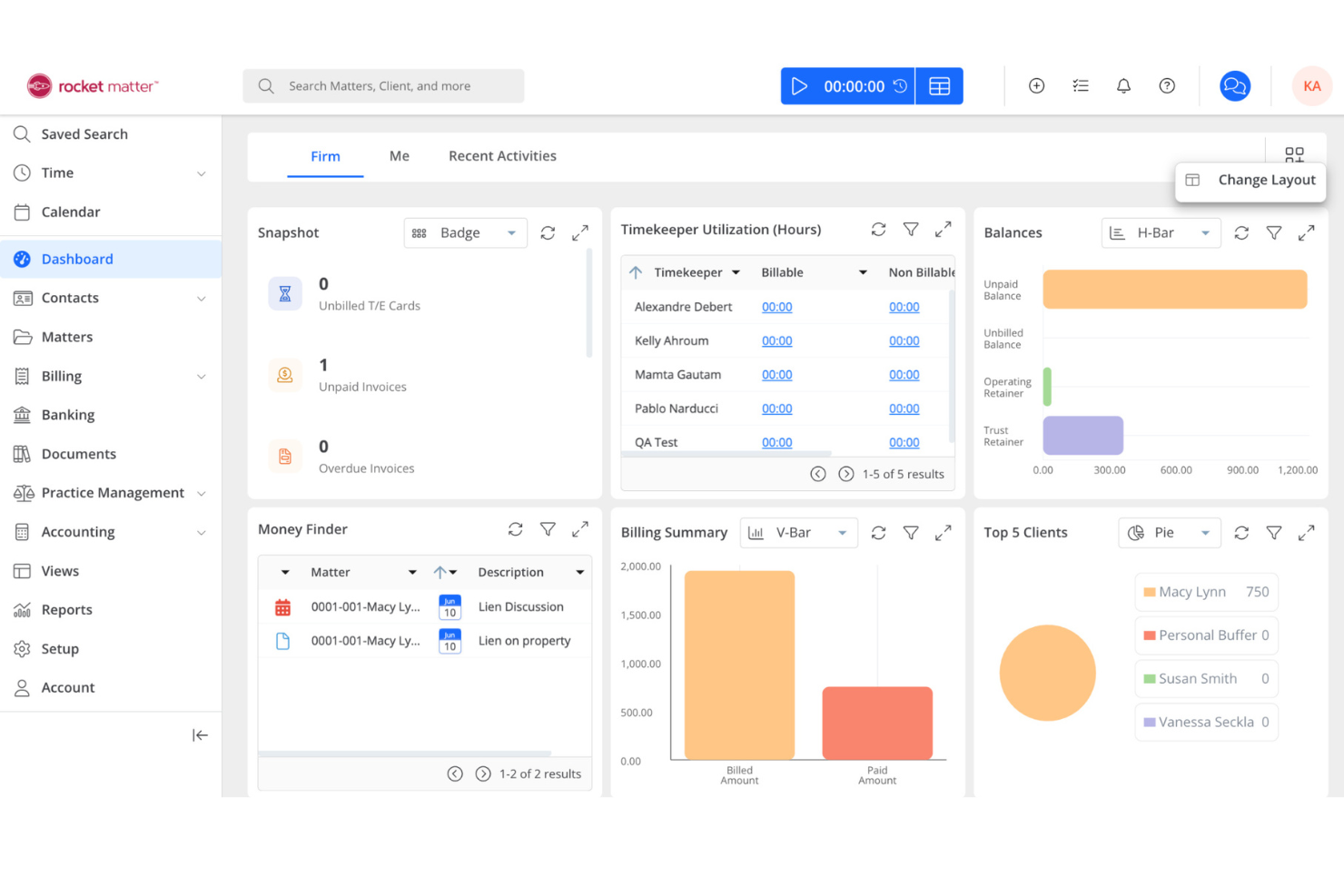
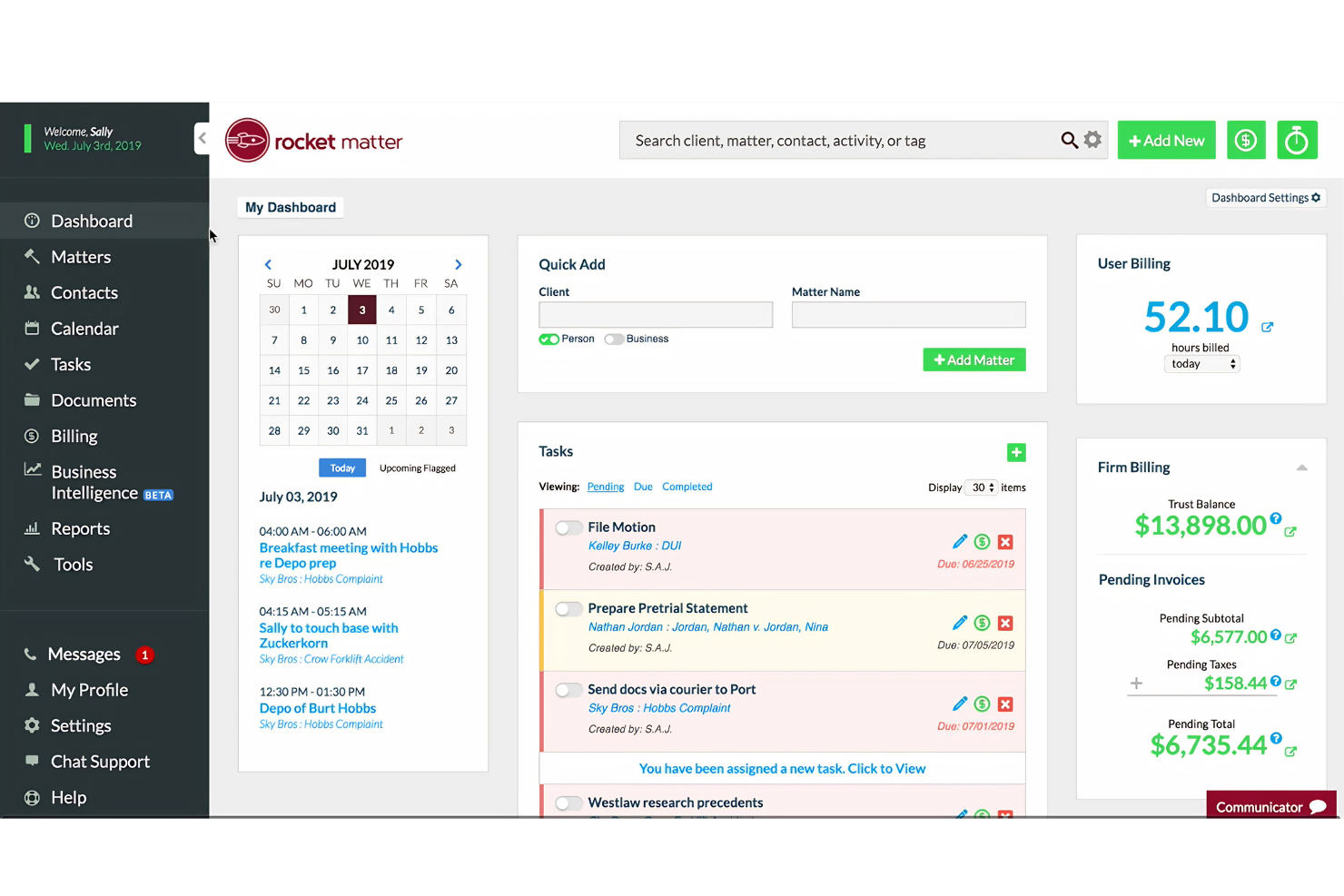
Track all case details, deadlines, and communications in one dashboard. You can assign tasks, set reminders, and keep every matter organized.
Time Tracking
Log billable hours directly from your desktop or mobile device. Built-in timers and manual entry options help you capture every minute.
Billing and Invoicing
Generate detailed invoices, apply LEDES billing codes, and manage trust accounting. Rocket Matter supports batch billing and customizable invoice templates.
Document Management
Store, organize, and search documents securely within each matter. Version control and permission settings help you manage sensitive files.
Calendar and Task Management
Sync court dates, deadlines, and appointments with your calendar. Automated reminders and recurring tasks keep your team on schedule.
Client Portal
Share documents, invoices, and updates securely with clients online. Clients can view case progress and pay bills through the portal.
Ease of Use
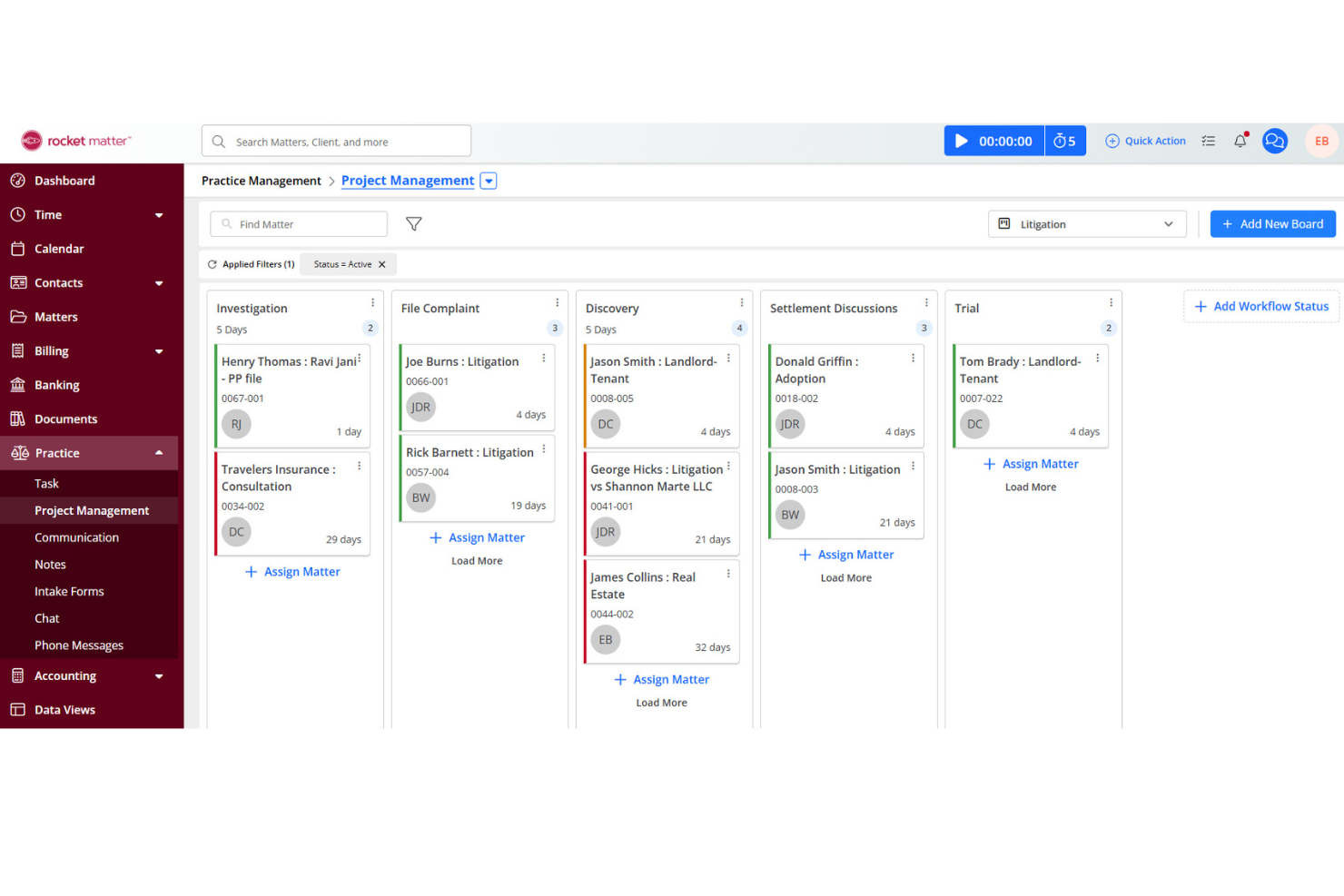
Rocket Matter is one of the more approachable legal matter management platforms, with a clean interface and logical navigation that new users pick up quickly. Most users say setup is straightforward, and features like drag-and-drop document uploads and one-click time tracking make daily tasks simple.
The dashboard puts key information front and center, so you spend less time searching for what you need. Even teams without IT support can get up and running with minimal hassle.
Integrations
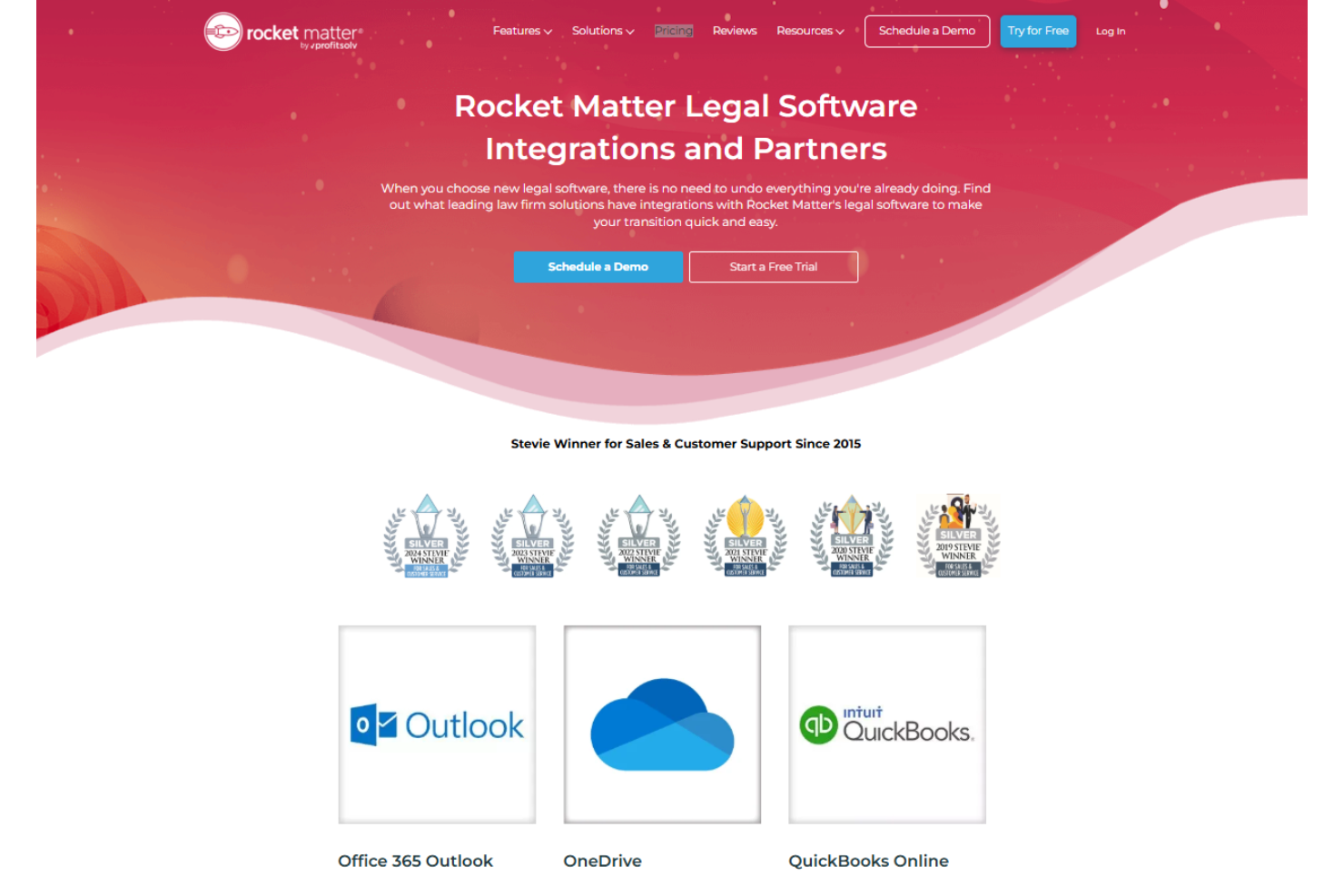
Rocket Matter integrates with Office 365 Outlook, OneDrive, QuickBooks Online, NetDocuments, Dropbox, Google Calendar, Box, LawToolBox, Fujitsu ScanSnap, and Chrometa, among others.
Rocket Matter also offers an API for custom integrations and connects with select third-party tools.
Rocket Matter Specs
- 2-Factor Authentication
- API
- Approval Workflows
- Audit Trail
- Calendar Management
- Compliance Tracking
- Contract Management
- Custom Reports
- Customer Management
- Data Export
- Data Import
- Document Management
- External Integrations
- Multi-User
- NDA Management
- Notifications
- Policy Management
- Scheduling
- Workflow Management


