


MyCase vs. Clio: Comparison and Expert Reviews for 2026


Juggling deadlines, documents, and client communications can leave you searching for a better way to manage your law firm. MyCase and Clio both promise to simplify your workflow, but choosing the right legal practice management software can feel overwhelming. You want a solution that fits your team, your budget, and your security needs.
In this article, you’ll get a clear comparison of MyCase and Clio—including pros and cons, use cases, pricing, security, and usability. I’ll help you decide which platform makes the most sense for your practice.
MyCase vs. Clio: An Overview
MyCase

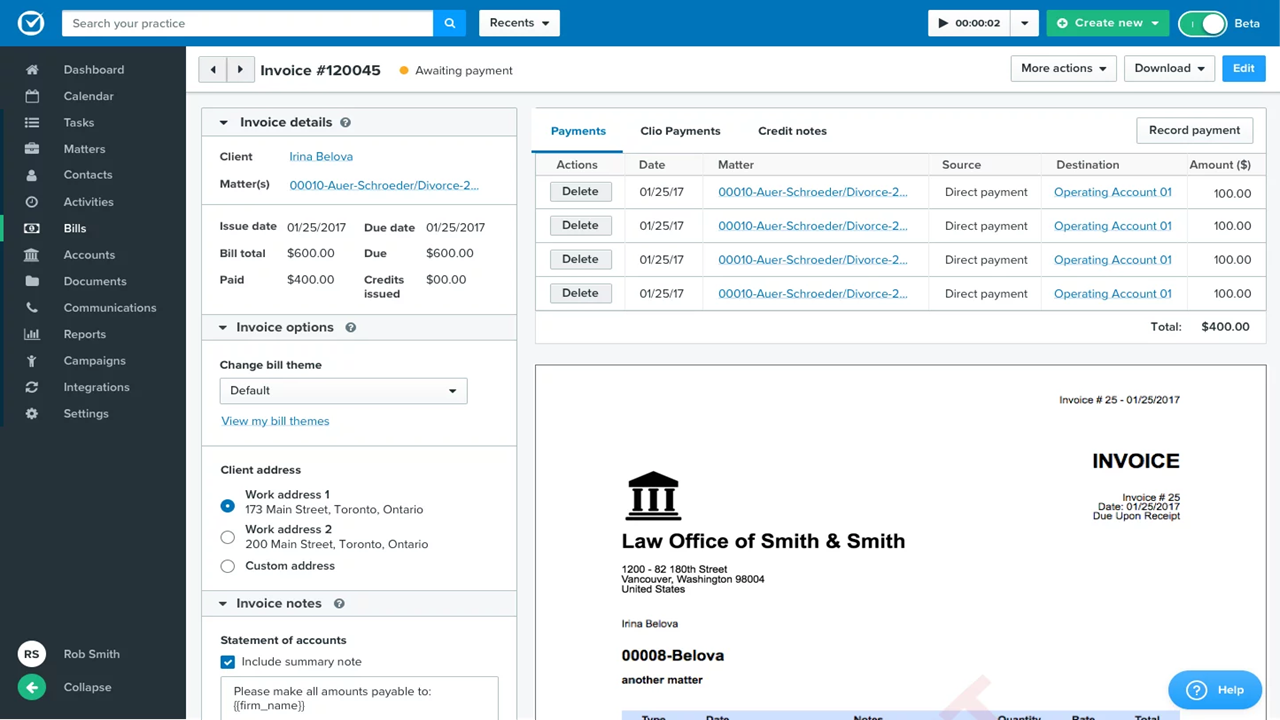
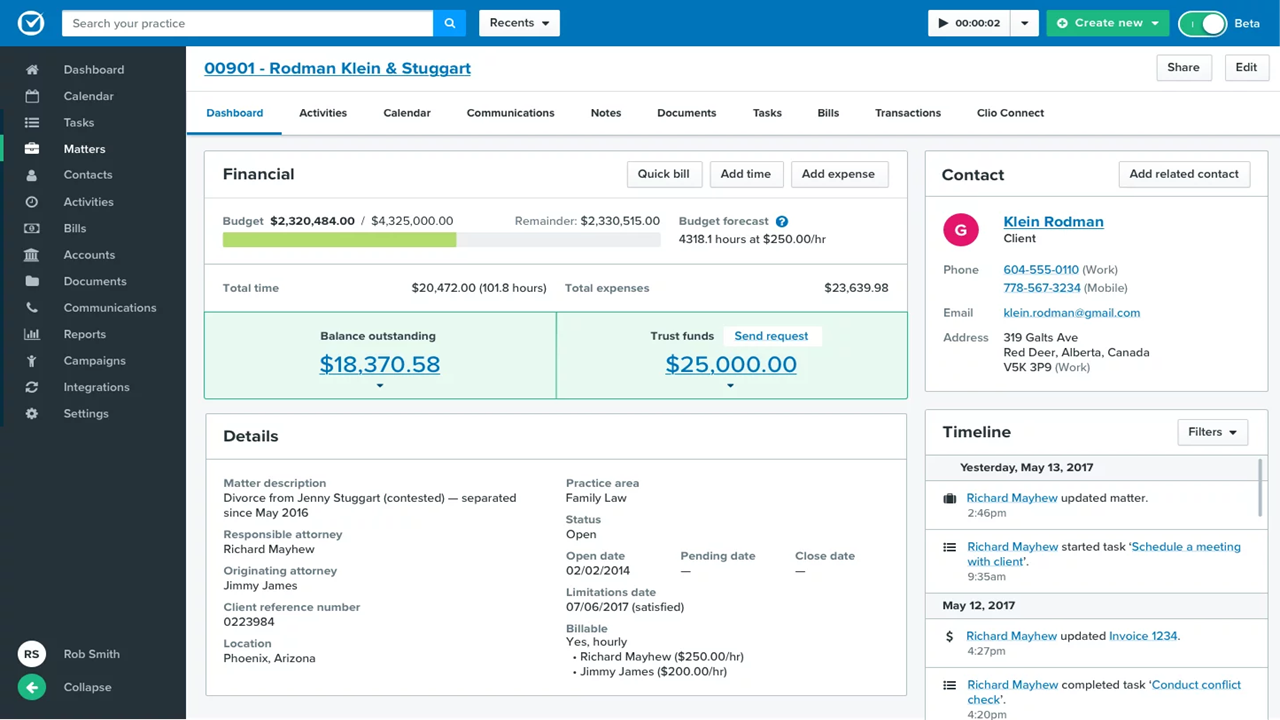
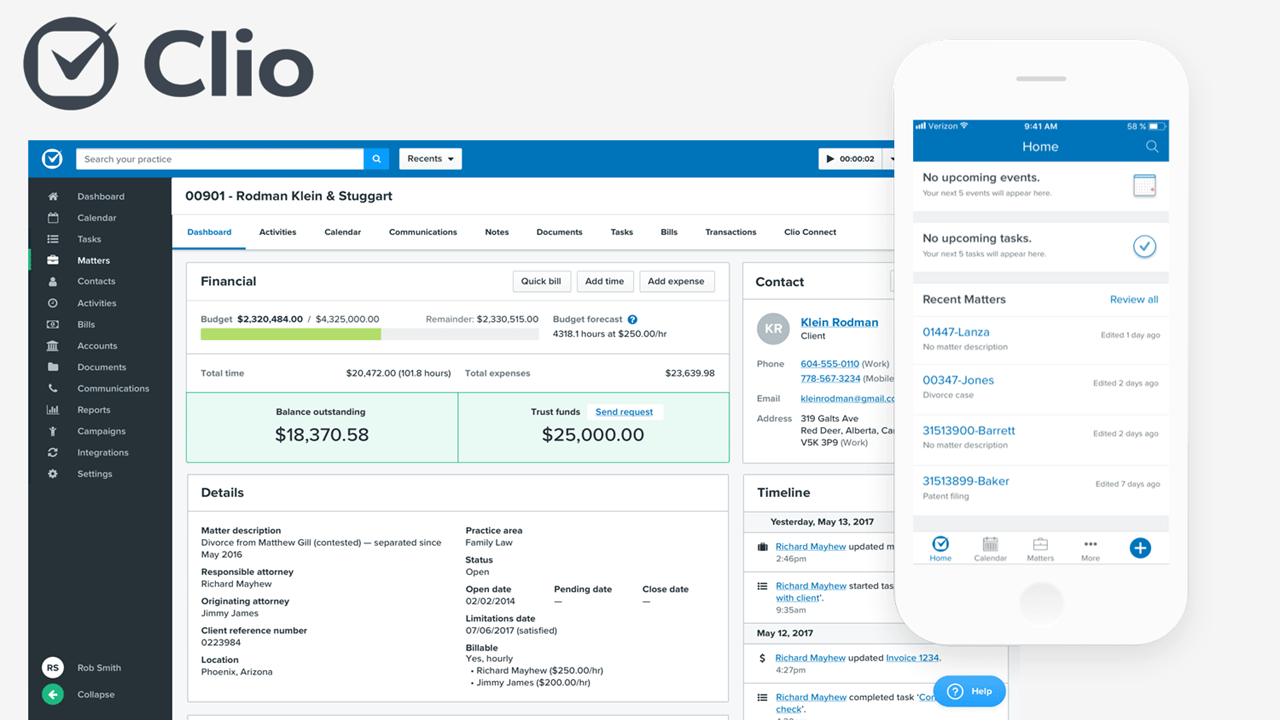
Clio

Why You Can Trust Us
We’ve been testing and reviewing legal software since 2023. As legal practice leaders ourselves, we know how critical and difficult it is to make the right decision when selecting software.
We invest in deep research to help our audience make better software purchasing decisions. We’ve tested more than 2,000 tools for different legal practice use cases and written over 1,000 comprehensive software reviews. Learn how we stay transparent & our software review methodology.
MyCase vs. Clio Pricing Comparison
| MyCase | Clio | |
|---|---|---|
| Free Trial | 10-day free trial + free demo available | 7-day free trial + free demo available |
| Pricing | From $39/user/month (billed annually) | From $49/user/month (billed annually) |
MyCase vs. Clio Pricing & Hidden Costs
MyCase and Clio both use subscription-based pricing models, offering different tiers based on features and firm size. MyCase typically includes core features in its base plan, but you may encounter extra charges for advanced integrations or add-ons. Clio’s pricing is also tiered, with certain features—like advanced reporting or specialized integrations—available only at higher levels. Both platforms may have additional costs for data migration, premium support, or third-party integrations.
To choose the right vendor, look beyond the monthly subscription and consider the total cost of ownership. Review which features are included at each tier, ask about onboarding or migration fees, and check if essential integrations are covered or require extra payment. Reach out to sales teams for a detailed breakdown of costs and request a trial (or demo) to see if the included features truly meet your firm’s needs.
MyCase vs. Clio Feature Comparison
MyCase and Clio both cover the key features you’d expect from legal practice management software, including case management, document storage, time tracking, billing, and secure client communication. Both platforms also offer mobile apps, calendar management, and integration with popular productivity tools, making daily tasks easier for your team.
MyCase stands out with its built-in client payment portal and automated payment reminders, helping you get paid faster. Clio, on the other hand, shines with its extensive integration marketplace and advanced reporting tools, giving you more flexibility and deeper insights into your firm’s performance. These unique features can make a real difference depending on your firm’s priorities.
| MyCase | Clio | |
|---|---|---|
| 2-Factor Authentication | ||
| API | ||
| Approval Workflows | ||
| Audit Trail | ||
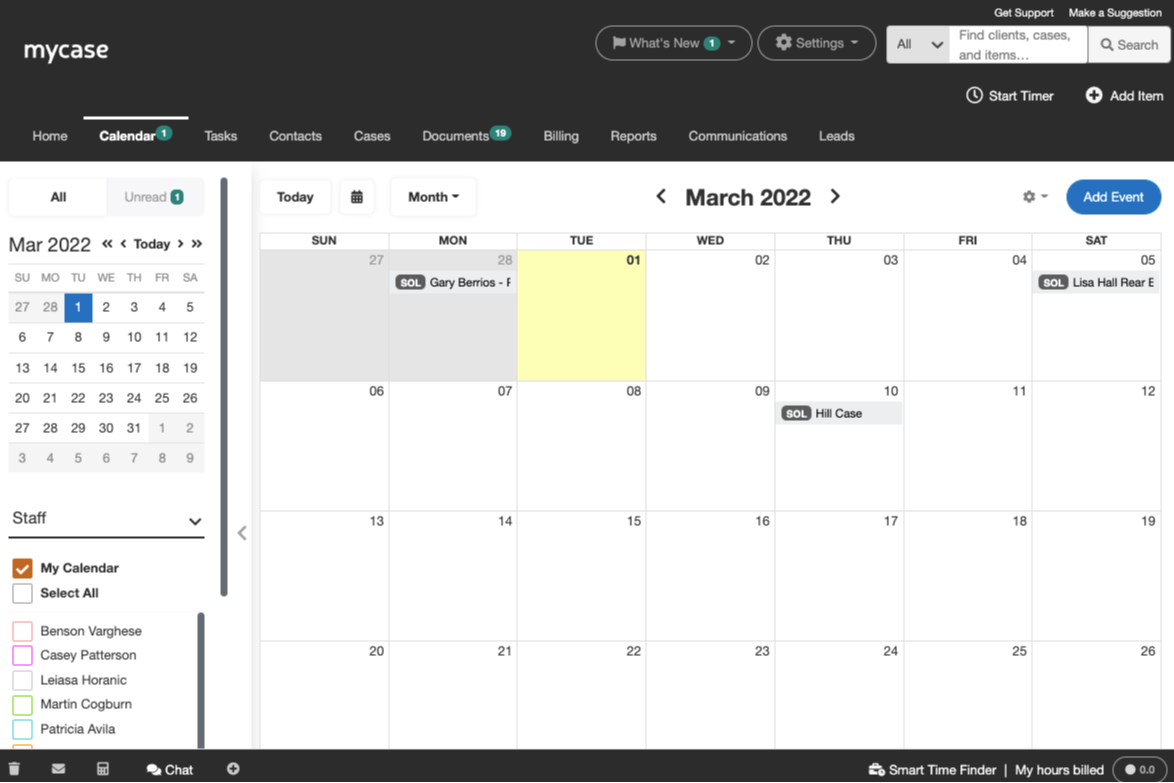
| Calendar Management | ||
| Compliance Tracking | ||
| Contract Management | ||
| Custom Reports | ||
| Customer Management | ||
| Data Export | ||
| Data Import | ||
| Document Management | ||
| External Integrations | ||
| Multi-User | ||
| NDA Management | ||
| Notifications | ||
| Policy Management | ||
| Scheduling | ||
| Workflow Management |
MyCase vs. Clio Integrations
| Integration | MyCase | Clio |
|---|---|---|
| QuickBooks | ✅ | ✅ |
| Google Calendar | ✅ | ✅ |
| Microsoft Outlook | ✅ | ✅ |
| Dropbox | ✅ | ✅ |
| LawPay | ✅ | ✅ |
| NetDocuments | ✅ | ✅ |
| Xero | ❌ | ✅ |
| Zoom | ❌ | ✅ |
| Mailchimp | ✅ | ❌ |
| InfoTrack | ✅ | ✅ |
| API | ✅ | ✅ |
| Zapier | ✅ | ✅ |
Clio offers a wider range of integrations (250+), especially with accounting and communication tools like Xero and Zoom, while MyCase covers the essentials with a smaller set (50+ pre-built integrations). Both platforms support API and Zapier, so you can connect to hundreds of other apps, making either a strong choice for most law firms’ integration needs.
MyCase vs. Clio Security, Compliance & Reliability
| Factor | MyCase | Clio |
|---|---|---|
| Data Encryption | Uses bank-grade encryption for data at rest and in transit. | Uses 256-bit SSL encryption for all data and communications. |
| Regulatory Compliance | Follows ABA and state bar guidelines for data security and privacy. | Complies with GDPR, HIPAA, and ABA standards for legal data. |
| Data Backups | Performs daily automated backups with secure off-site storage. | Offers real-time backups and geographically redundant data centers. |
| Access Controls | Provides customizable user permissions and two-factor authentication. | Supports granular user roles and multi-factor authentication. |
| Uptime Guarantee | Maintains 99.9% uptime with transparent status reporting. | Delivers 99.9% uptime and publishes real-time system status. |
Both MyCase and Clio deliver strong security and compliance, but Clio stands out with broader regulatory coverage and more advanced backup infrastructure. MyCase’s straightforward security features are easy to manage, while Clio’s compliance certifications and reliability give extra peace of mind for legal professionals and firms with strict requirements.
MyCase vs. Clio Ease of Use
| Factor | MyCase | Clio |
|---|---|---|
| User Interface | Features a clean, intuitive dashboard designed for quick navigation. | Offers a modern, customizable interface with easy access to key tools. |
| Onboarding | Provides guided setup and in-app tutorials for new users. | Delivers step-by-step onboarding and a robust knowledge base. |
| Learning Curve | Simple workflows make it easy for teams to get started quickly. | Slightly steeper learning curve due to advanced features, but clear help resources. |
| Customer Support | Offers responsive live chat and phone support during business hours. | Provides 24/5 support with live chat, phone, and email options. |
| Mobile Experience | The mobile app is straightforward and mirrors desktop functionality. | The mobile app is feature-rich and highly rated for usability. |
MyCase offers an intuitive interface and easier user experience for beginners to pick up, while Clio’s advanced features and customization options reward those willing to invest a bit more time. MyCase shines for its simplicity and fast setup, while Clio stands out for its depth and flexible user experience. Both offer a responsive support team if you run into any issues.
MyCase vs Clio: Pros & Cons
MyCase
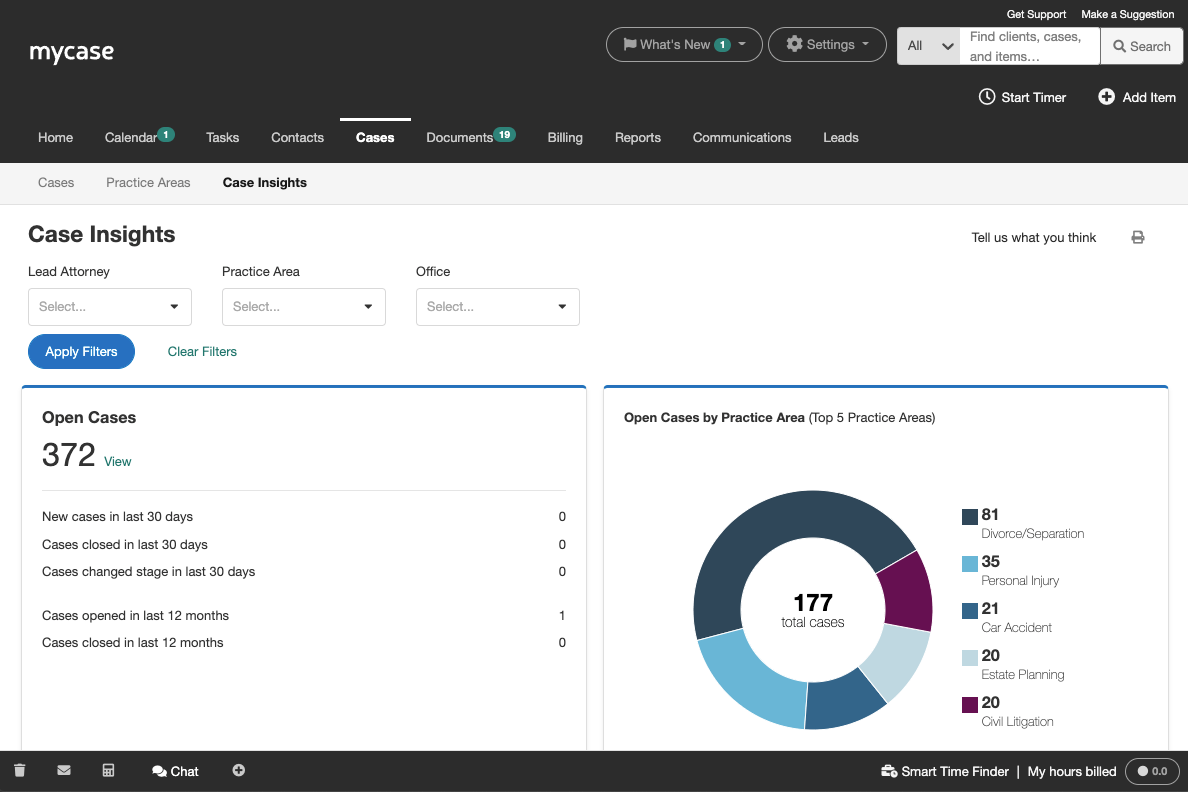
- MyCase simplifies client communication, making it easy for your team to stay connected with clients.
- The document management feature helps you organize your legal documents efficiently.
- Customer support is highly responsive, ensuring you get help when you need it.
- Some users find the interface a bit dated compared to newer legal software.
- The mobile app lacks some functionalities available on the desktop version.
- Customization options are limited, which might not suit all your firm's needs.
Clio
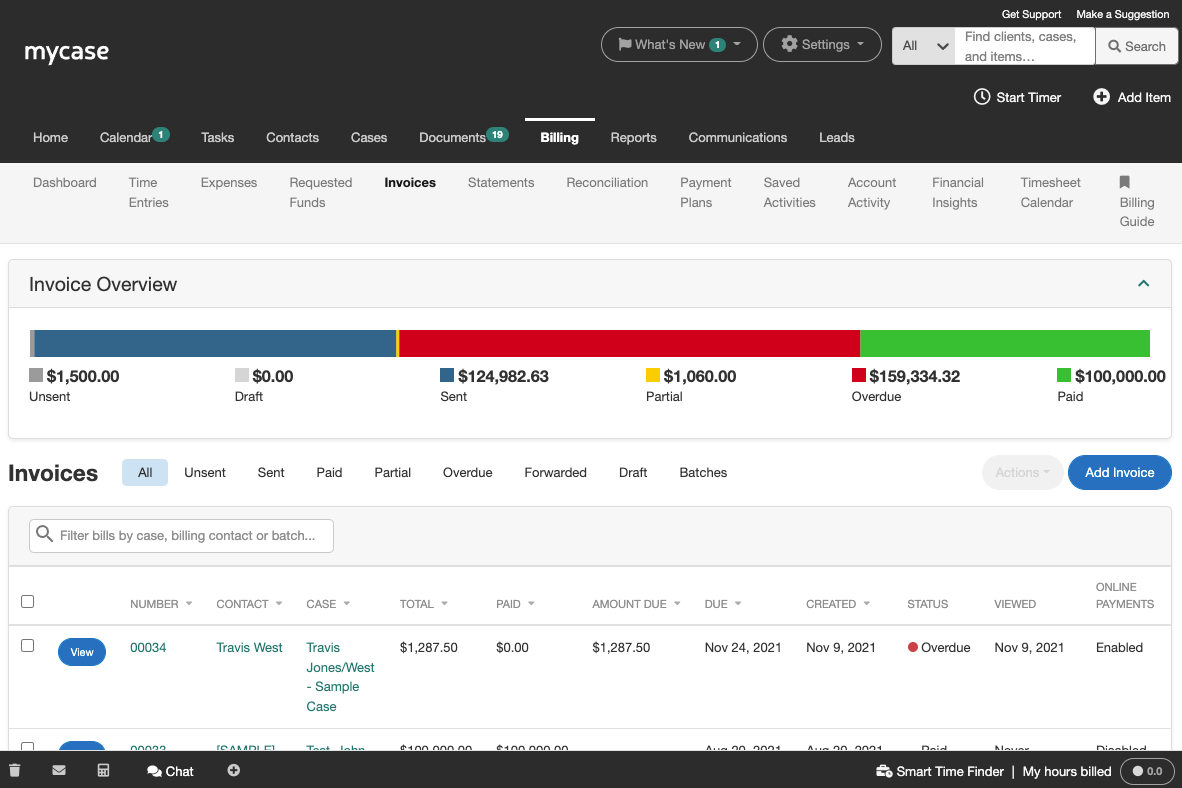
- The software provides efficient billing and invoicing tools to streamline your financial tasks.
- Clio offers responsive customer support that helps your team quickly resolve issues.
- You can manage cases and documents easily with Clio's intuitive interface.
- Some users report occasional glitches that disrupt their workflow.
- Advanced customization options are limited compared to other tools.
- Your team might find the onboarding process a bit cumbersome.
Best Use Cases for MyCase and Clio
MyCase
- Small Law Firms MyCase helps your small team manage cases and clients efficiently, keeping everything organized.
- Solo Practitioners With MyCase, you can handle every aspect of your practice without feeling overwhelmed.
- Family Law MyCase’s communication tools keep you connected with clients during sensitive cases.
- Personal Injury The document management feature simplifies handling extensive paperwork for your cases.
- Criminal Defense MyCase provides a structured way to manage complex criminal cases, ensuring nothing falls through the cracks.
- Legal Aid Organizations Its user-friendly interface allows your team to focus on helping clients rather than administrative tasks.
Clio
- Solo Practitioners You can easily handle client interactions and document management with Clio's straightforward interface.
- Small Law Firms Use Clio's billing and case management tools to help your small firm manage tasks efficiently without the need for extensive resources.
- Family Law Practices Clio's intuitive tools keep your case management organized, ensuring you focus on your clients' needs.
- Legal Departments The platform supports your legal department with responsive customer service and efficient workflow management.
- Real Estate Law Firms Clio's document automation and billing features streamline your work, allowing you to handle transactions smoothly.
- Corporate Legal Departments Clio's powerful features help your corporate team maintain compliance and manage cases effectively.
Who Should Use MyCase, And Who Should Use Clio?
MyCase is best suited for solo attorneys and small law firms that want a simple, all-in-one system they can start using immediately. Its strength lies in ease of use, built-in features like client portals and payments, and minimal setup—making it ideal for firms with limited resources or technical needs. If this is you, you typically prioritize efficiency and affordability over deep customization or advanced integrations.
Clio, on the other hand, is better for growing or more complex firms that need flexibility, scalability, and integrations with other tools. It’s designed to support a wide range of firm sizes (small firms, large firms, solo legal professionals) and workflows, especially if you’re planning to expand or require advanced reporting, automation, and customization. In short, Clio fits firms with long-term growth ambitions and more sophisticated operational needs.
Differences Between MyCase and Clio
| MyCase | Clio | |
|---|---|---|
| Automation | Limited workflow automation and task triggers. | Offers robust workflow automation and document automation. |
| Client Intake & CRM | Built-in client intake forms, CRM, and lead management tools included. | Advanced intake, CRM, and marketing tools (including scheduling and ads). |
| Document Management | Strong document management and automation with templates and eSignature built in. | More advanced document automation, including court e-filing and template libraries. |
| Integration Options | Fewer third-party integrations, focused on legal tools. | An extensive integration marketplace, connecting with a range of third-party tools, like legal and business apps. |
| Reporting Features | Basic reporting for billing and case management. | Advanced, customizable reporting and analytics tools. |
| Read MyCase ReviewOpens new window | Read Clio ReviewOpens new window |
Similarities Between MyCase and Clio
| Case Management | Both offer a centralized case management system with document storage, calendaring, and task tracking for each matter. |
|---|---|
| Cloud-Based Platform | Both are fully cloud-based, allowing remote access, automatic updates, and secure data backup without local servers. |
| Mobile Access | MyCase and Clio have mobile apps that let you manage cases, track time, and communicate with clients on the go. |
| Secure Communication | Both support secure client portals for messaging, document sharing, and updates, keeping communications confidential. |
| Time Tracking | Each platform provides built-in time tracking tools that sync with billing and invoicing features. |
| Read MyCase ReviewOpens new window Read Clio ReviewOpens new window | |