


PracticePanther vs. Clio: Comparison and Expert Reviews for 2026



Managing deadlines, documents, and client communications can leave you searching for a better way to manage your practice. If you’re weighing PracticePanther against Clio, you want legal practice management software that actually makes your day easier, not harder. Both tools promise to streamline your workflow, but which one truly fits your firm’s needs?
In this article, you’ll get a side-by-side comparison of PracticePanther and Clio, including their pros and cons, best use cases, pricing, security, and usability. I’ll help you cut through the noise so you can make a confident, informed decision.
PracticePanther vs. Clio: An Overview
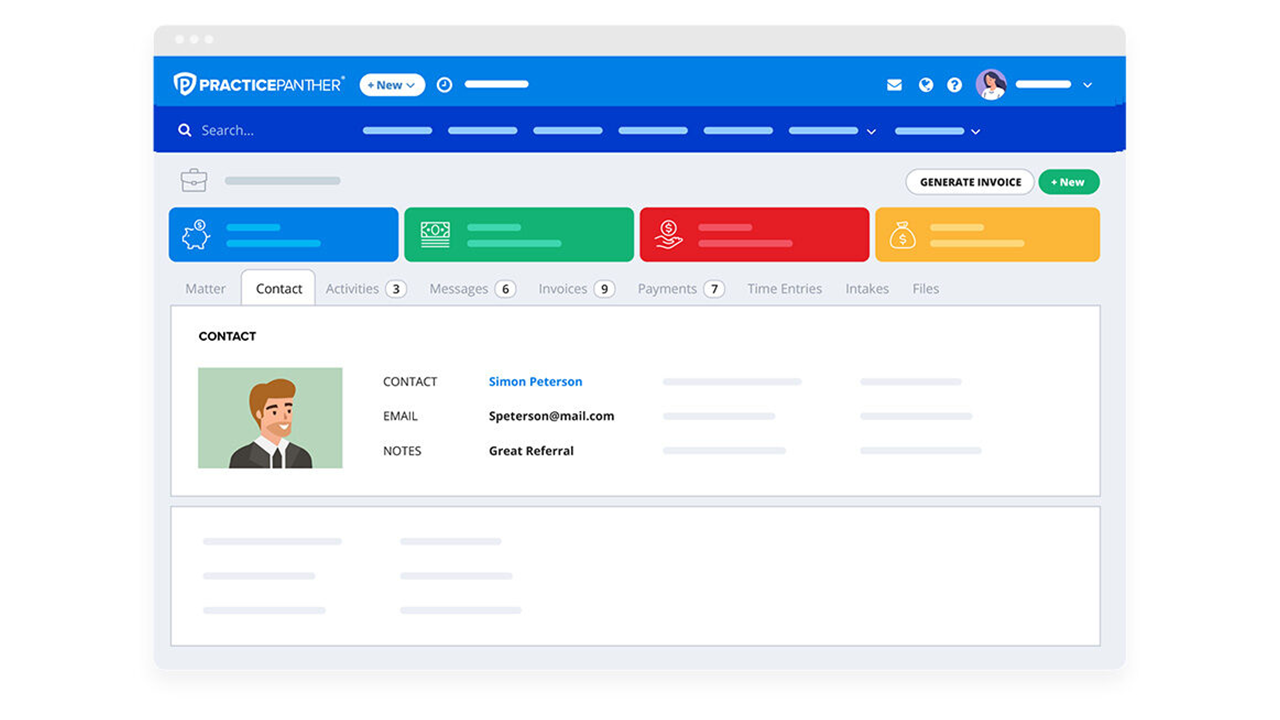
PracticePanther
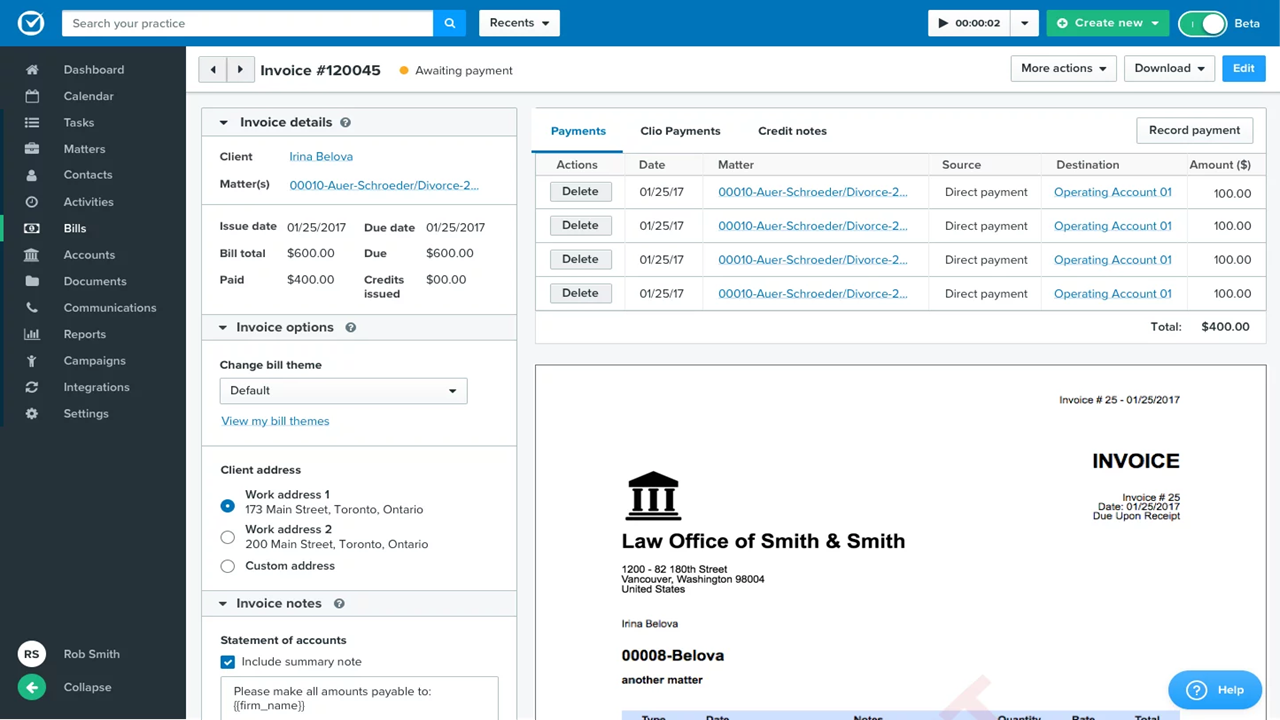
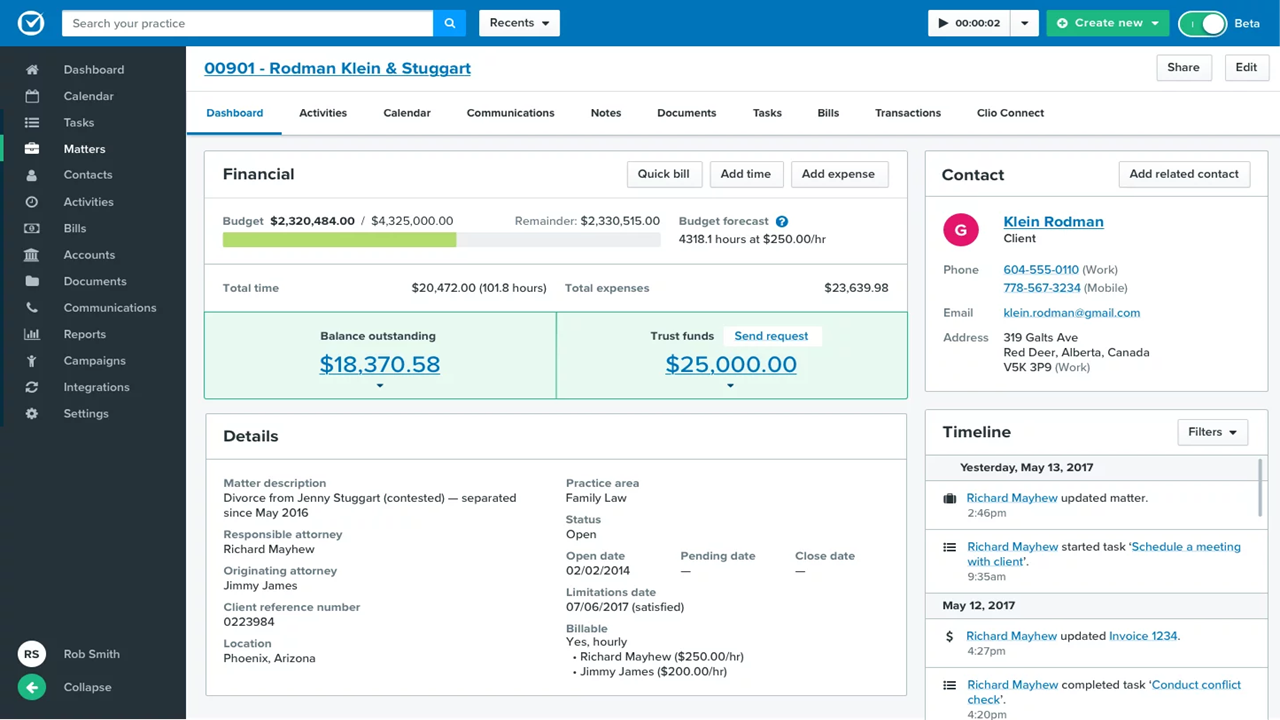
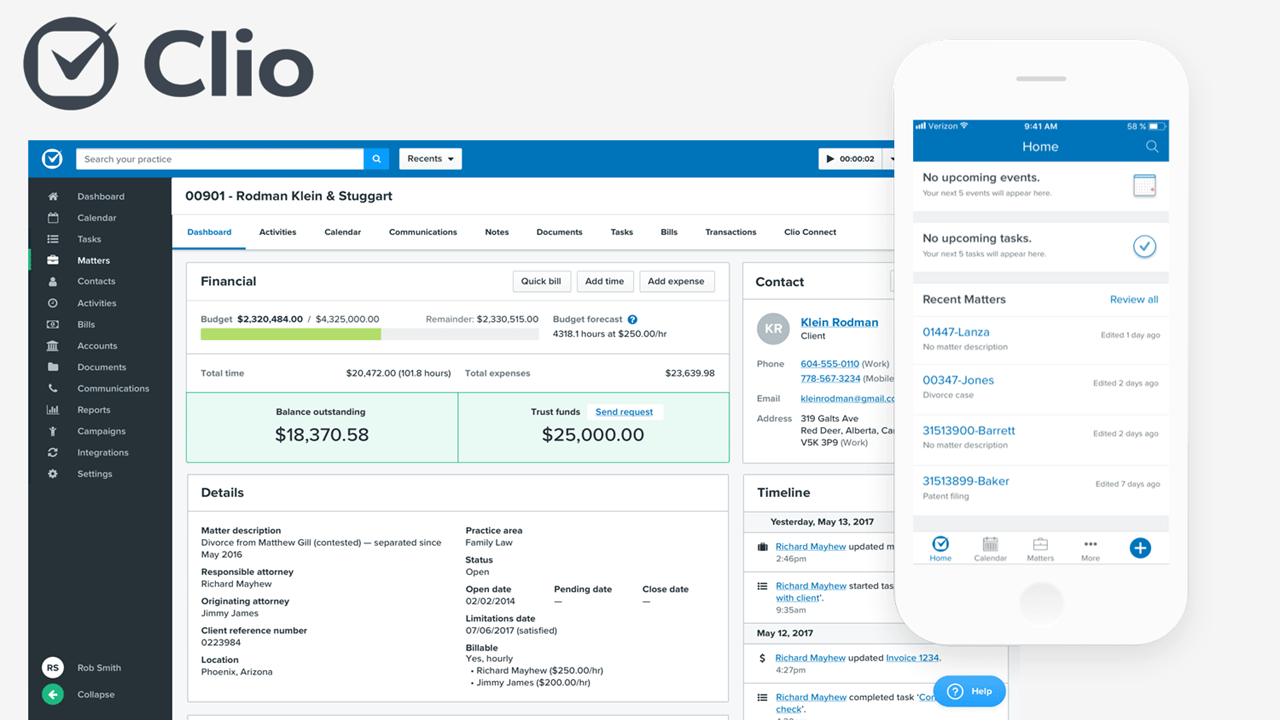
Clio

Why You Can Trust Us
We’ve been testing and reviewing legal software since 2023. As legal practice leaders ourselves, we know how critical and difficult it is to make the right decision when selecting software.
We invest in deep research to help our audience make better software purchasing decisions. We’ve tested more than 2,000 tools for different legal practice use cases and written over 1,000 comprehensive software reviews. Learn how we stay transparent & our software review methodology.
PracticePanther vs. Clio Pricing Comparison
| PracticePanther | Clio | |
|---|---|---|
| Free Trial | 7-day free trial + free demo available | 7-day free trial + free demo available |
| Pricing | From $49/user/month (billed annually) | From $49/user/month (billed annually) |
PracticePanther vs. Clio Pricing & Hidden Costs
PracticePanther and Clio both use tiered subscription models, offering different feature sets at each level. They both charge on a per-use basis. They also may charge extra for premium features, integrations, or add-ons, and you could encounter costs for data migration, training, or support beyond the basics.
To choose the right pricing model, look beyond the monthly subscription and consider your firm’s growth plans, the features you’ll actually use, and any potential costs for scaling up or adding integrations. Ask vendors for a detailed breakdown of what’s included, clarify support and migration fees, and request a trial (or demo) to see if the features you need are available at your chosen tier. This approach helps you avoid surprises and ensures you’re investing in a solution that fits your workflow and budget over time.
PracticePanther vs. Clio Feature Comparison
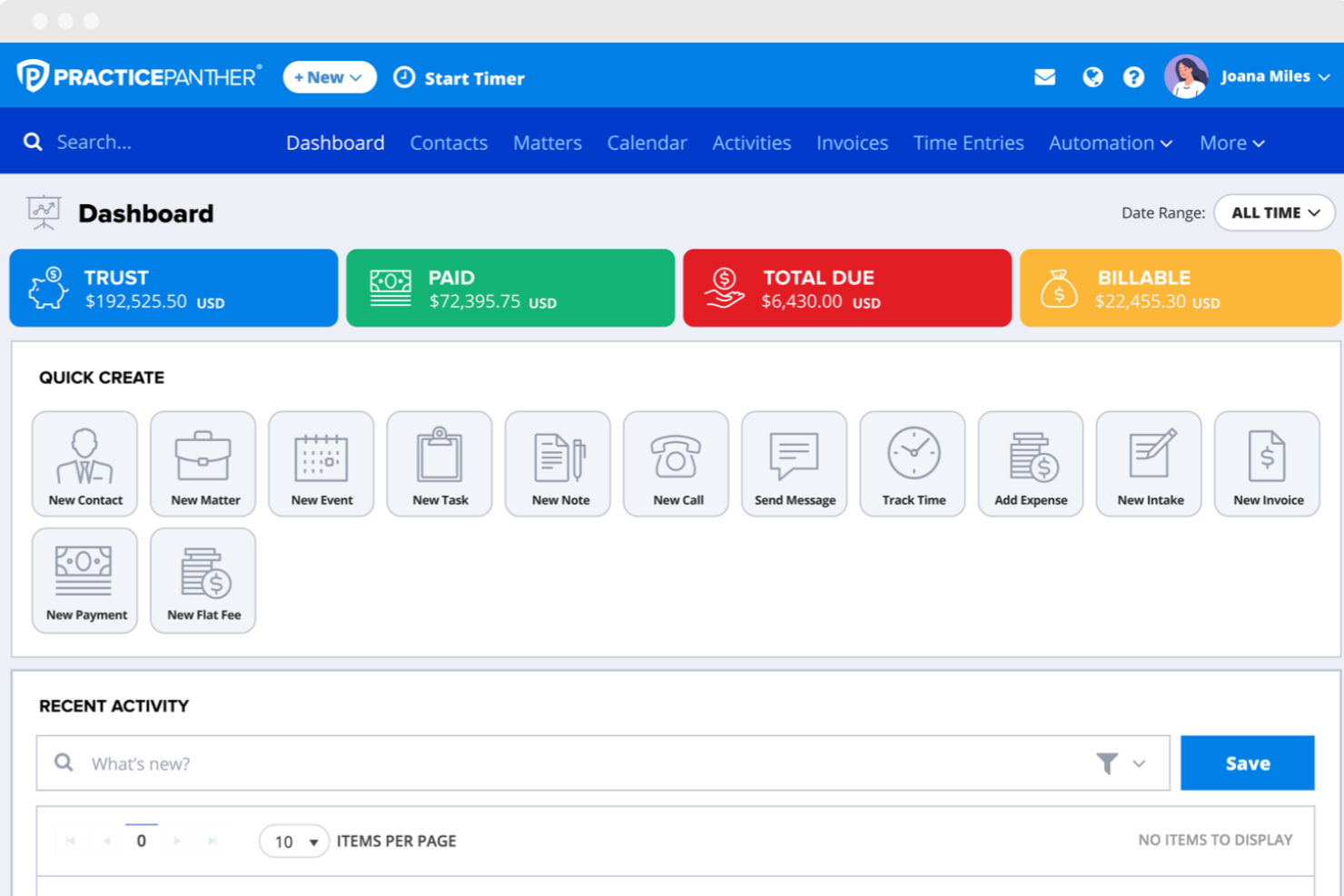
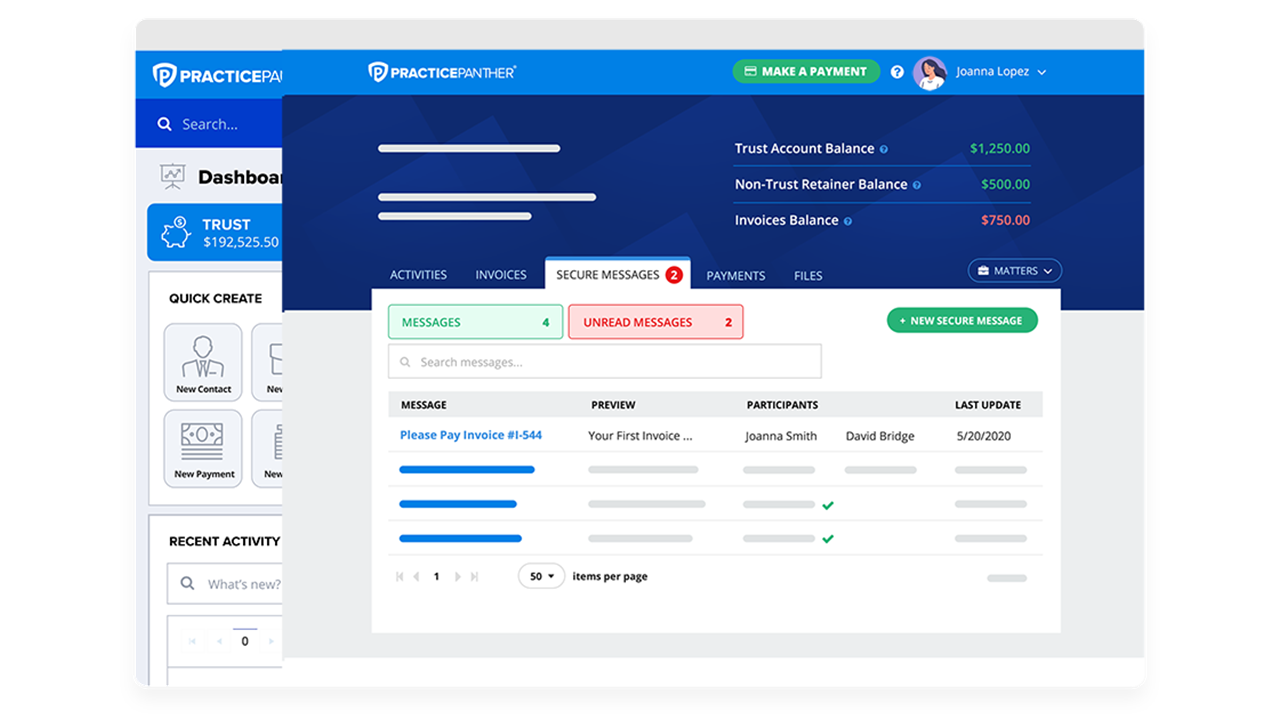
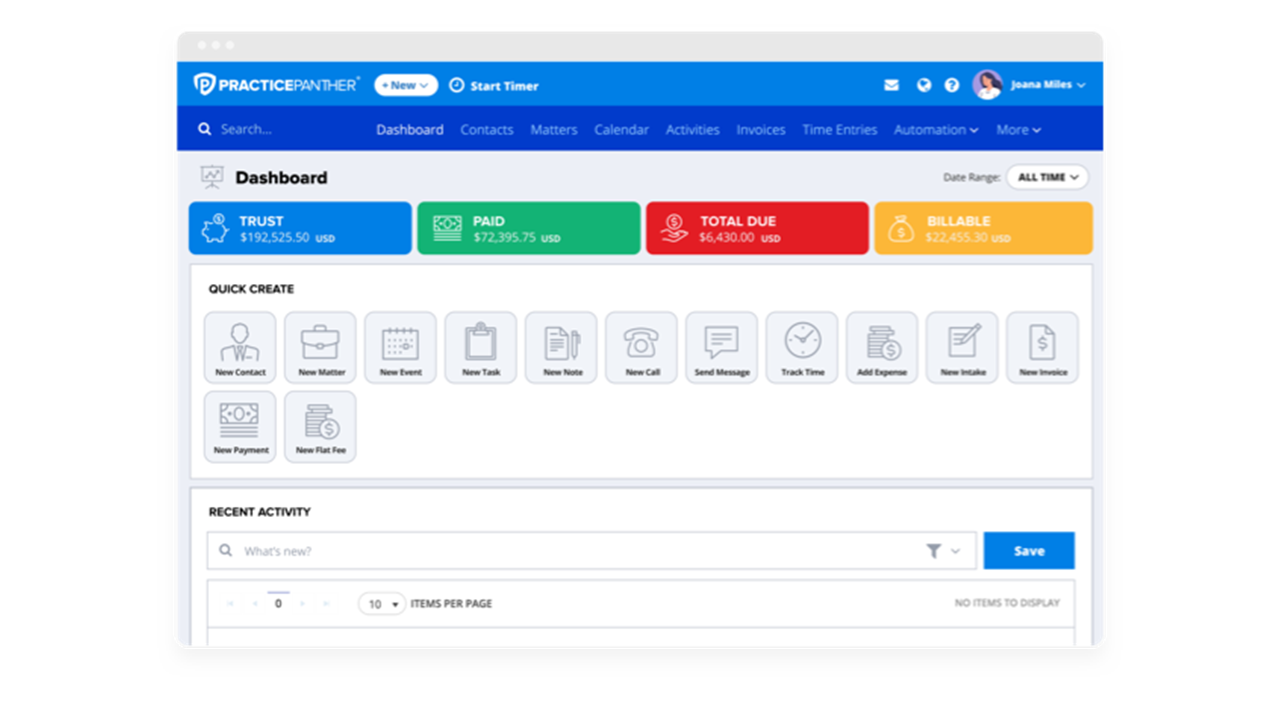
Both PracticePanther and Clio cover the essentials you expect from law practice management software, including case management, time tracking, billing, document storage, and client management and communication tools. You’ll also find integrations with popular apps, secure client portals, and workflow automation in both platforms.
PracticePanther stands out with its customizable automation tools and built-in payment processing, making it easy to tailor workflows and get paid faster. Clio, on the other hand, shines with its extensive app marketplace and advanced reporting features, giving you more flexibility to connect with other tools and gain deeper insights into your firm’s performance.
| PracticePanther | Clio | |
|---|---|---|
| 2-Factor Authentication | ||
| API | ||
| Approval Workflows | ||
| Audit Trail | ||
| Calendar Management | ||
| Compliance Tracking | ||
| Contract Management | ||
| Custom Reports | ||
| Customer Management | ||
| Data Export | ||
| Data Import | ||
| Document Management | ||
| External Integrations | ||
| Multi-User | ||
| NDA Management | ||
| Notifications | ||
| Policy Management | ||
| Scheduling | ||
| Workflow Management |
PracticePanther vs. Clio Integrations
| Integration | PracticePanther | Clio |
|---|---|---|
| QuickBooks | ✅ | ✅ |
| Outlook | ✅ | ✅ |
| Google Drive | ✅ | ✅ |
| Dropbox | ✅ | ✅ |
| Xero | ❌ | ✅ |
| Lawmatics | ✅ | ✅ |
| WealthCounsel | ✅ | ✅ |
| OurFamilyWizard | ❌ | ✅ |
| InfoTrack | ❌ | ✅ |
| Smith.ai | ✅ | ✅ |
| API | ✅ | ✅ |
| Zapier | ✅ | ✅ |
Both PracticePanther and Clio offer a strong lineup of popular integrations, but Clio stands out with a broader marketplace (250+ vs. PracticePanther’s 25+) and more specialized legal tech connections. Both platforms support API and Zapier, so you can connect to thousands of other tools, making either a flexible choice for most law firms’ integration needs.
PracticePanther vs. Clio Security, Compliance & Reliability
| Factor | PracticePanther | Clio |
|---|---|---|
| Data Encryption | Uses bank-grade 256-bit SSL encryption for data in transit and at rest. | Secures data with 256-bit SSL encryption both in transit and at rest. |
| Regulatory Compliance | Supports HIPAA and GDPR compliance with detailed audit trails and access controls. | Offers HIPAA and GDPR compliance, plus regular third-party security audits. |
| Data Backups | Performs daily automated backups with geographically redundant storage. | Runs daily backups and stores data in multiple secure locations. |
| Uptime Guarantee | Maintains 99.9% uptime with real-time system status monitoring. | Delivers 99.9% uptime and publishes live status updates. |
| Access Controls | Provides customizable user permissions and two-factor authentication. | Offers granular user permissions and two-factor authentication. |
Both PracticePanther and Clio deliver strong security and compliance, but Clio’s regular third-party audits and transparent status updates give it a slight edge for firms with strict requirements. PracticePanther’s strengths lie in its detailed audit trails and robust access controls, while Clio stands out for its proactive transparency and external validation.
PracticePanther vs. Clio Ease of Use
| Factor | PracticePanther | Clio |
|---|---|---|
| User Interface | Highly intuitive, clean interface focused on simplicity and quick access to key tasks. | Modern, polished interface with structured navigation across modules and features. |
| Onboarding | Fast setup with guided onboarding and minimal configuration required. | Structured onboarding with in-app guidance, help center, and training resources. |
| Learning Curve | Very easy to learn, especially for solo and small firms with straightforward needs. | Still user-friendly, but slightly steeper due to broader feature set and customization. |
| Customer Support | Offers phone, chat, and email support, plus onboarding assistance. | 24/5 support, extensive help resources, and training (e.g., Clio Academy). |
| Mobile Experience | Solid mobile app (iOS and Android) covering core features like time tracking and case updates. | More robust mobile experience with broader feature parity and reliability in its mobile app (iOS and Android). |
Both PracticePanther and Clio are user-friendly for legal professionals, but they prioritize ease of use differently. PracticePanther is easier to pick up quickly, thanks to its simplicity, automation, and minimal setup—making it especially appealing for smaller firms managing day-to-day work. Clio is still intuitive, but its broader feature set and modular design mean there’s slightly more to learn, balanced by stronger support resources and a more fully featured mobile experience.
PracticePanther vs Clio: Pros & Cons
PracticePanther
- Automated workflows and reminders reduce manual admin work
- Responsive customer support with live chat and onboarding help
- Built-in e-signature and payment processing included in all plans
- Trust accounting can be less intuitive for complex needs
- Document management tools are basic compared to some competitors
- Reporting features lack advanced customization options
Clio
- The software provides efficient billing and invoicing tools to streamline your financial tasks.
- Clio offers responsive customer support that helps your team quickly resolve issues.
- You can manage cases and documents easily with Clio's intuitive interface.
- Some users report occasional glitches that disrupt their workflow.
- Advanced customization options are limited compared to other tools.
- Your team might find the onboarding process a bit cumbersome.
Best Use Cases for PracticePanther and Clio
PracticePanther
- Legal Billing Departments Integrated time tracking and payment processing simplify invoicing and collections.
- Virtual Law Firms Cloud-based access and mobile app enable remote work and collaboration.
- Immigration Law Offices Automated reminders and workflow templates support high-volume casework.
- Family Law Practices Secure client portals and document sharing help manage sensitive cases.
- Small Law Firms Flat-rate pricing and easy onboarding suit firms with limited IT resources.
- Solo Practitioners PracticePanther’s all-in-one dashboard and automation save time for solo attorneys.
Clio
- Solo Practitioners You can easily handle client interactions and document management with Clio's straightforward interface.
- Small Law Firms Use Clio's billing and case management tools to help your small firm manage tasks efficiently without the need for extensive resources.
- Family Law Practices Clio's intuitive tools keep your case management organized, ensuring you focus on your clients' needs.
- Legal Departments The platform supports your legal department with responsive customer service and efficient workflow management.
- Real Estate Law Firms Clio's document automation and billing features streamline your work, allowing you to handle transactions smoothly.
- Corporate Legal Departments Clio's powerful features help your corporate team maintain compliance and manage cases effectively.
Who Should Use PracticePanther, and Who Should Use Clio?
PracticePanther is ideal for solo practitioners, small law firms, or mid-sized firms that values ease of use and automation. It’s designed to reduce administrative work with features like automated workflows, reminders, and fast billing, so you can spend more time practicing law instead of managing operations. If you want a streamlined, all-in-one tool that’s quick to learn and efficient out of the box, PracticePanther is a strong fit.
Clio is ideal if you’re part of a growing mid-sized or larger firm—or you expect to scale—and need more flexibility. Clio’s strength is in its extensibility, with a large integration ecosystem, advanced reporting, and modular products that can support more complex workflows over time. If your firm has evolving needs or requires deeper customization in your legal practice management solution, Clio is the better long-term choice.
Differences Between PracticePanther and Clio
| PracticePanther | Clio | |
|---|---|---|
| Client Intake | Automated intake forms with customizable fields and CRM features. | More robust CRM with marketing tools like scheduling and ads. |
| Document Management | Batch document creation and eSignature are built in. | Advanced legal document automation, templates, and court e-filing. |
| Integration Range | Integrates with key legal tools but has a smaller marketplace. | Features an extensive app marketplace with a wide range of integrations. |
| Reporting Features | Includes standard reports with some customization options. | Delivers advanced, customizable reporting and analytics for deeper insights. |
| Workflow Automation | Strong automation functionality with task management triggers, reminders, and workflows. | Advanced automation including legal workflows and document automation. |
| Read PracticePanther ReviewOpens new window | Read Clio ReviewOpens new window |
Similarities Between PracticePanther and Clio
| Billing & Invoicing | Both support customizable billing, trust accounting, and online payment processing for faster collections. |
|---|---|
| Case Management | Both offer a robust case management system, including matter tracking, document storage, and client portals. |
| Cloud Accessibility | Both are fully cloud-based, allowing secure access to your practice from any device, anywhere. |
| Security Standards | PracticePanther and Clio use 256-bit SSL encryption, daily backups, and two-factor authentication. |
| Time Tracking | Each platform provides built-in time tracking and easy conversion of tracked time into invoices. |
| Read PracticePanther ReviewOpens new window Read Clio ReviewOpens new window | |