Legal teams face case management challenges every day, from missed deadlines and outdated contract versions to overlooked compliance requirements. These issues can create financial risk, delay matters, and make it harder for legal departments and law firms to stay organized.
Many legal teams case management challenges come from disconnected processes across matter management, collaboration, budgeting, document management, calendars, compliance, and reporting. When these areas are managed separately or inconsistently, small errors can quickly affect the entire matter.
This guide covers the most common legal case management challenges, why they happen, how they affect in-house teams and law firms differently, and practical ways to decide which problems to address first.
12 Legal Teams Case Management Challenges
1. Information Silos and Fragmented Data
One of the most common legal teams case management challenges is having matter information scattered across email inboxes, shared drives, individual folders, document management systems, and outside counsel portals. Without a central source of information, attorneys can waste time searching for documents, confirming case status, or tracking down prior work.
Fragmented data can also create duplicate work, outdated reporting, and knowledge gaps when attorneys leave the organization.
For example, two attorneys may research the same issue without realizing the work has already been completed, while legal leaders may need to collect information manually just to understand current litigation exposure.
How it differs by team type: Law firm silos often develop between partners or practice groups, while in-house legal departments may struggle with information spread across legal teams, business units, and outside counsel.
How to address it: Establish one system of record for matters, documents, deadlines, communications, and related data. Just as important, set clear rules for where information should be stored and make the system part of everyday workflows. Centralization only works when the entire legal team uses it consistently.
2. Lack of Standardized Workflows and Processes
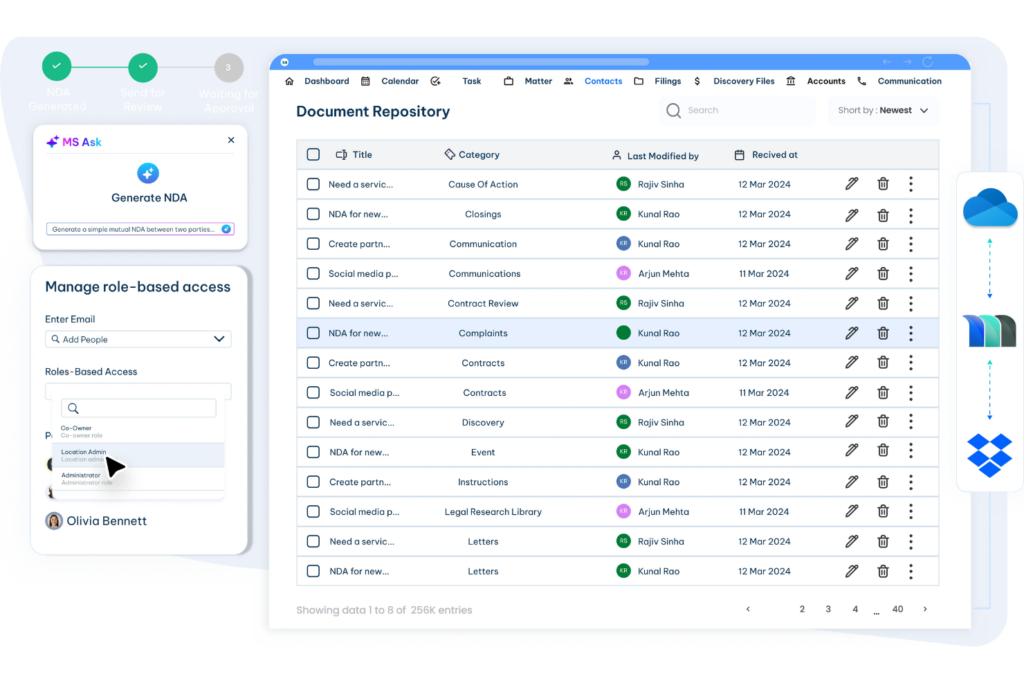
Another common legal teams case management challenge is the lack of standardized workflows. Attorneys may track tasks in different ways, rely on personal notes, or use the firm’s matter management system inconsistently. Without a repeatable process for common matters, teams are more likely to miss steps, duplicate work, or handle similar cases differently.
Inconsistent workflows also make onboarding harder and weaken handoffs between attorneys and support staff. When there is no shared process, quality depends too heavily on individual habits rather than a consistent approach.
How it differs by team type: Law firms may struggle with standardization because attorneys value autonomy over how they manage matters. In-house legal teams may already have workflows, but those processes can become outdated as the department grows or regulatory requirements change.
How to address it: Start with the highest-volume or highest-risk matter types. Map the current process, identify the most effective steps, document them, and build them into your legal case management system. Standard workflows should guide routine work while still allowing attorneys to use professional judgment when a matter requires it.
3. Deadline and Calendar Management Failures
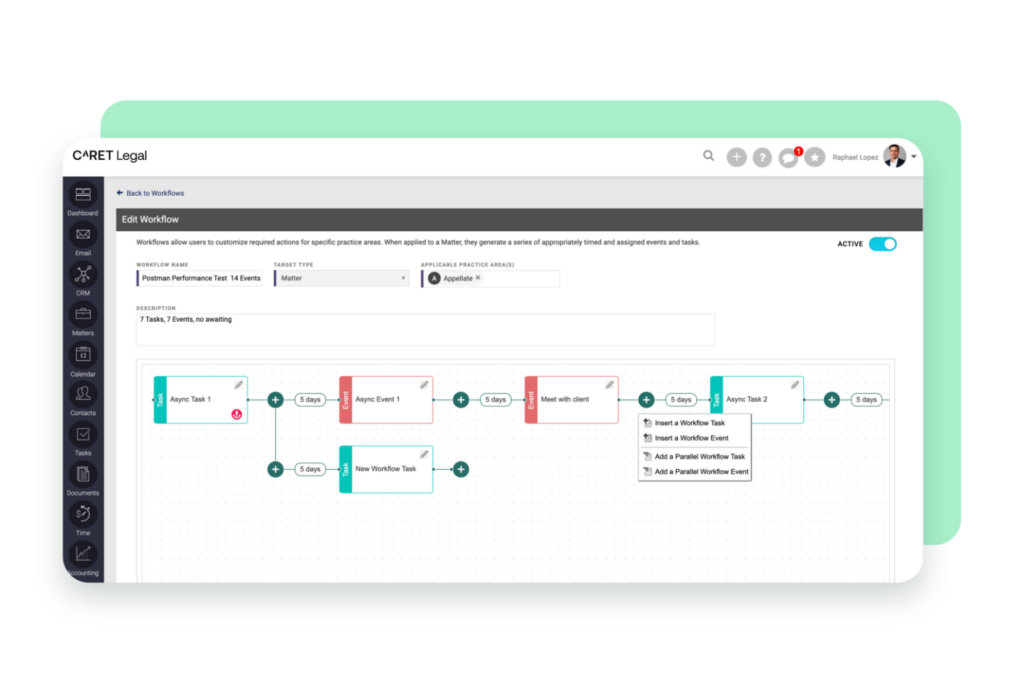
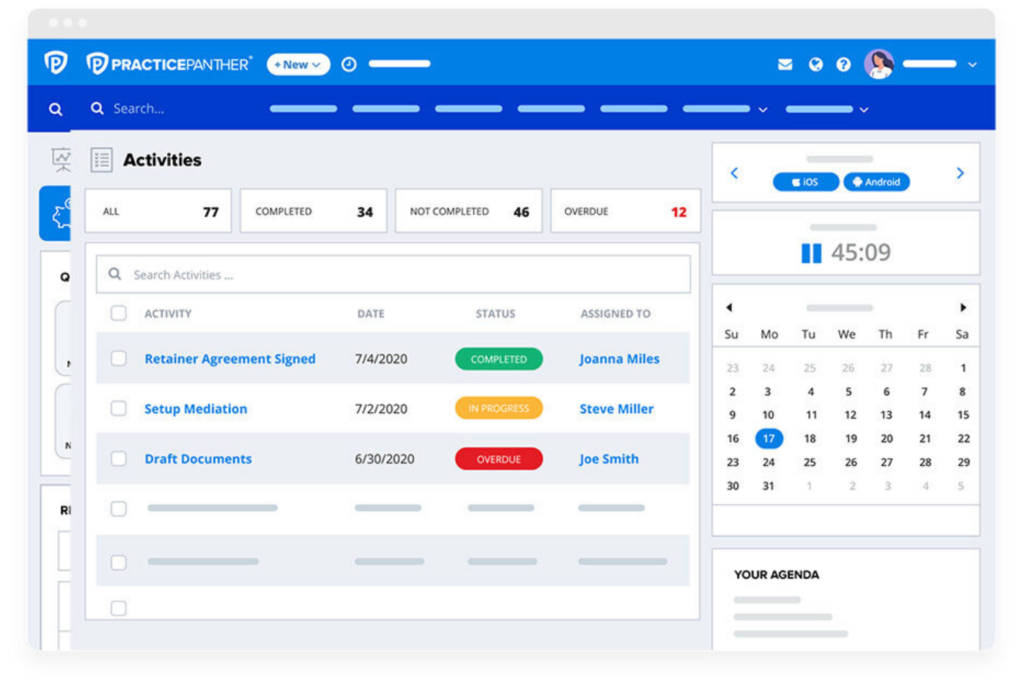
Deadline management is one of the most serious legal teams case management challenges. Court filings, discovery cutoffs, statutes of limitations, regulatory deadlines, and contractual milestones can vary by jurisdiction, matter type, and court, making manual tracking risky.
Disconnected calendars and individual tracking methods also create single points of failure. A missed update, absence, or handoff can put an important deadline at risk. Even frequent last-minute filings can signal that the current process is too dependent on individual memory.
How it differs by team type: Litigation-focused law firms deal with a high volume of court-imposed deadlines, while in-house legal teams are more likely to manage regulatory filings, contract milestones, and other business-critical dates.
How to address it: Use centralized docketing and calendaring with automated deadline calculations where appropriate. Assign primary and backup owners, send reminders at set intervals, maintain a shared deadline dashboard, and periodically review active deadlines to catch missing or incorrect entries.

4. Document Management and Version Control Issues
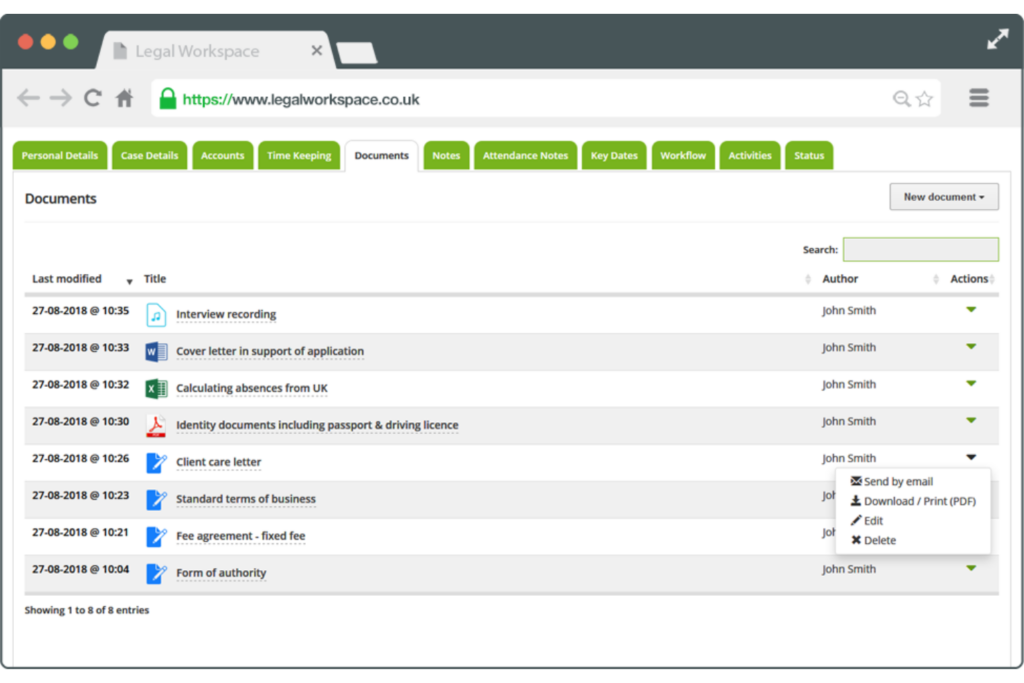
Document management is another major legal teams case management challenge. Contracts, briefs, and regulatory filings often pass through multiple reviewers, making it easy for outdated drafts or conflicting edits to circulate when version control is weak.
Poor document control can lead to incorrect filings, outdated contract terms, and difficulty locating the final executed version of an agreement. It can also create problems when teams need to verify who changed a document, when it was approved, or which version is authoritative.
How it differs by team type: Law firms may have dedicated document management systems but inconsistent adoption across attorneys and practice groups. In-house legal teams often rely on general file-sharing tools that may lack matter-based organization, audit trails, or legal-specific controls.
How to address it: Use one approved document management system with version history, audit trails, and matter-level organization. Set clear naming and storage rules, connect documents to the correct matters, and make consistent system use part of the team’s standard workflow.
5. Cross-Functional and Cross-Departmental Collaboration Barriers
Legal work often depends on input from HR, finance, operations, procurement, outside counsel, and other stakeholders. When communication happens through scattered emails, chat messages, and informal requests, matters can slow down and important context can be missed.
For many organizations, this becomes one of the more persistent legal teams case management challenges because legal teams rely on people outside the department who may have different priorities, deadlines, and systems. Delayed responses can hold up discovery, contract approvals, investigations, and compliance work.
How it differs by team type: In-house legal departments often coordinate with multiple business functions, while law firms may need to manage collaboration across practice groups, clients, co-counsel, and external parties.
How to address it: Use standardized intake forms, shared workflows, and controlled collaboration spaces for requests, documents, approvals, and updates. Define responsibilities early so each stakeholder knows what is required, who owns the next step, and when information is due.
6. Difficulty Tracking and Reporting on Matter Status
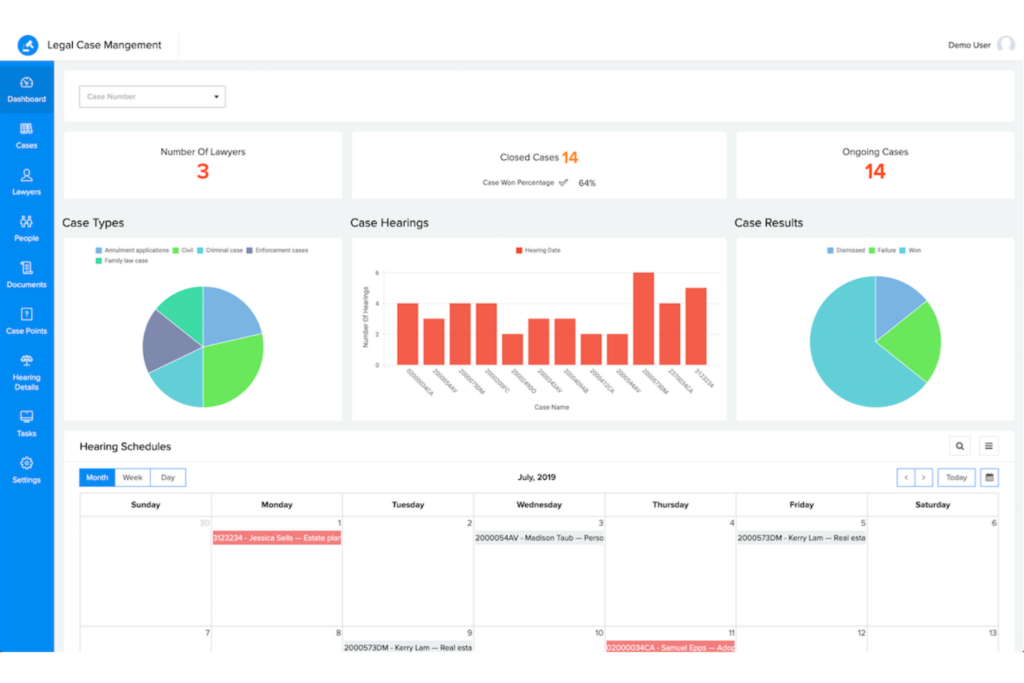
Legal leaders should be able to answer basic questions about active matters, litigation exposure, workload, and outside counsel spend without collecting data manually. When matter information is spread across spreadsheets, emails, and individual files, producing even a simple status report can take days.
Poor reporting is one of the legal teams case management challenges that can affect more than day-to-day operations. Without reliable data, legal departments may struggle to explain workload, justify budgets, or show their contribution to broader organizational goals.
How it differs by team type: In-house legal teams need reporting to communicate workload, risk, and spending to executives. Law firms face similar pressure from clients who expect visibility into matter progress, staffing, and legal costs.
How to address it: Use standardized matter categories and reporting dashboards that pull current information directly from your case management system. Tailor reports to the audience so General Counsel, executives, business leaders, and clients receive the information most relevant to their decisions.
7. Budget Overruns and Cost Management
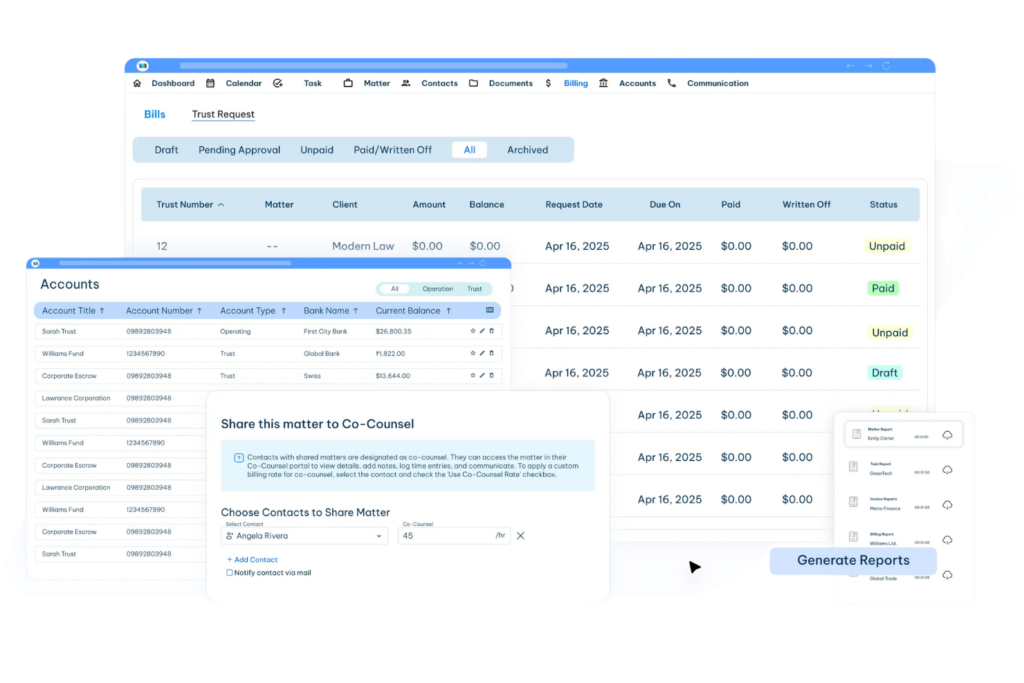
Legal teams often struggle to track matter costs in real time, especially when outside counsel invoices arrive weeks after the work is completed. In-house departments may also have little visibility into the internal time spent on each matter, making it harder to forecast costs or spot overruns early.
Among the more costly legal teams case management challenges, limited spend visibility can affect budgeting, outside counsel relationships, and financial planning. When legal leaders only see costs after invoices arrive, they have fewer opportunities to adjust staffing, scope, or spending before a matter exceeds its budget.
How it differs by team type: In-house teams typically focus on controlling outside counsel spend and improving budget predictability. Law firms face pressure from clients for clearer estimates, fewer write-offs, and more predictable billing arrangements.
How to address it: Set matter budgets at the start, track actual spend against those budgets, and use e-billing tools to review invoices and monitor costs. Alternative fee arrangements, such as fixed or capped fees, can also give both legal teams and outside counsel clearer expectations around cost and scope.
8. Compliance, Risk, and Regulatory Tracking
Legal teams often manage compliance obligations across multiple jurisdictions, industries, and regulatory frameworks. When requirements are tracked manually or spread across separate systems, it becomes harder to identify changes, assign responsibility, and meet deadlines consistently.
This is one of the more complex legal teams case management challenges because compliance work depends on both current regulatory information and clear internal ownership. Missed obligations can lead to fines, remediation costs, audit findings, and reputational risk.
How it differs by team type: In-house legal departments carry the direct responsibility for managing organizational compliance, while law firms typically provide regulatory guidance and subject-matter expertise. Effective compliance often requires close coordination between both.
How to address it: Use regulatory tracking tools, compliance calendars, automated alerts, and risk-based prioritization to monitor obligations and deadlines. Assign clear ownership for each compliance area so someone is responsible for tracking changes, coordinating responses, and documenting completed actions.
9. Technology Adoption Resistance and Change Management
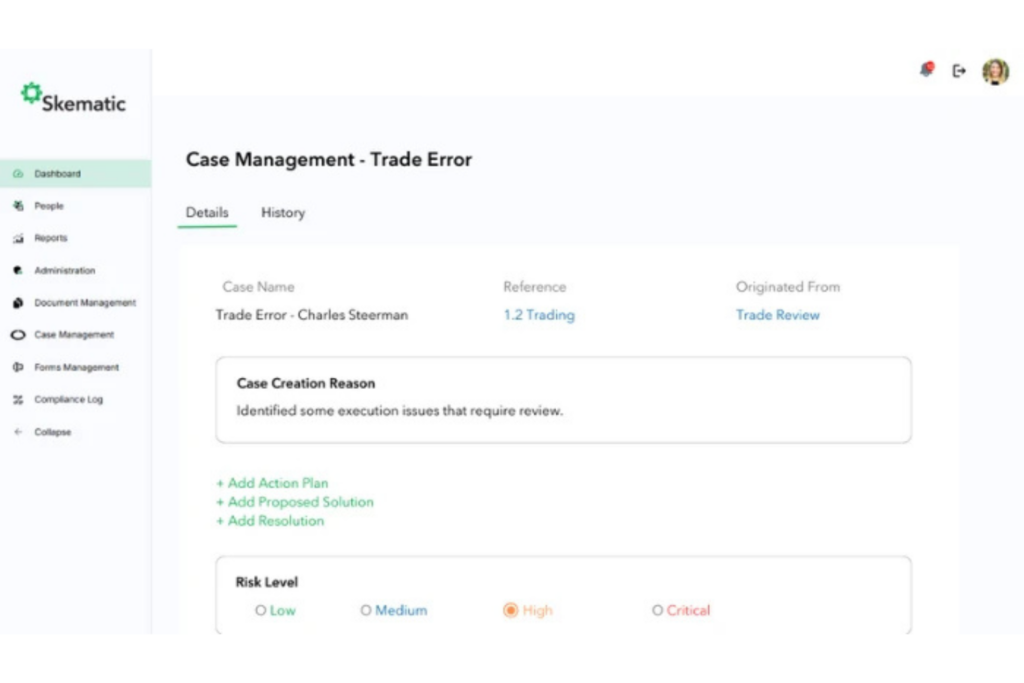
Legal teams can invest in capable matter management software and still see little value if attorneys do not use it consistently. Many legal professionals remain comfortable with familiar tools such as email, Word, and spreadsheets, which can make new systems feel like extra work rather than part of the workflow.
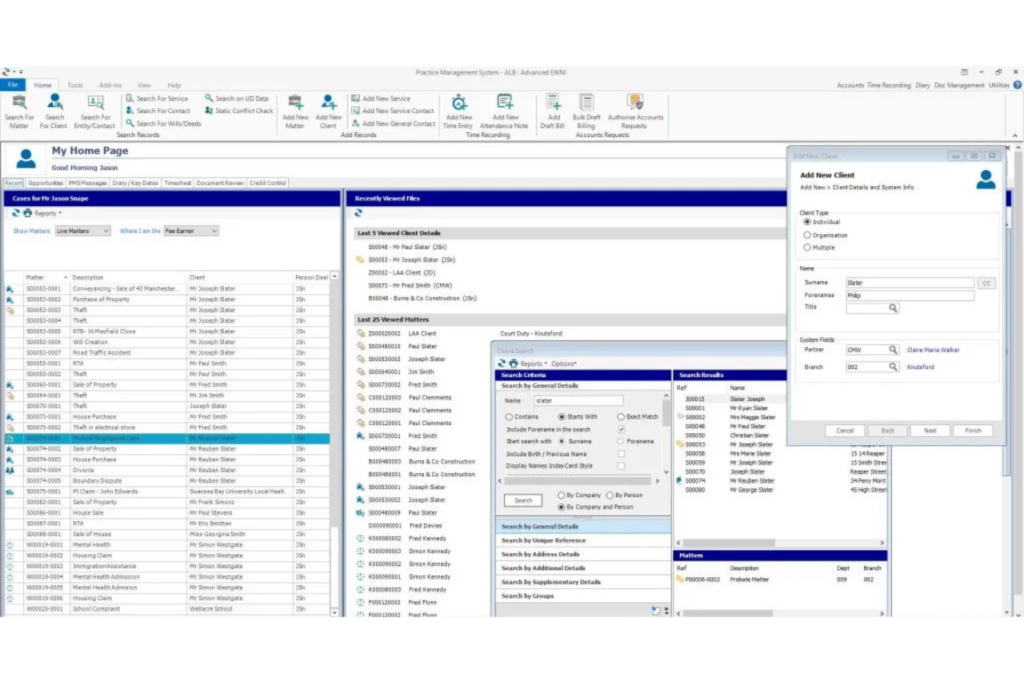
Low adoption creates another problem: incomplete data. If some attorneys use the system and others continue working outside it, reporting becomes unreliable and the platform turns into another information silo.
How it differs by team type: Law firms may struggle more because partner autonomy can make mandatory processes difficult to enforce. In-house departments usually have clearer authority to standardize tools, but adoption can still suffer without active support from the General Counsel and legal operations leadership.
How to address it: Treat adoption as a governance issue, not just a training exercise. Set clear expectations for system usage, build the platform into everyday workflows, provide practical training, and secure visible support from senior leadership. The goal is to make the system the standard way work gets done rather than an optional tool.
10. Scaling Challenges as Case Volume Grows
Processes that work for a small number of matters often become difficult to manage as case volume increases. Manual tracking, informal communication, and inconsistent workflows can quickly create bottlenecks when the team is handling hundreds of active matters.
Scaling problems usually show up as heavier workloads, slower response times, and more errors. Teams may also struggle to justify additional staff when they lack reliable data on matter volume, complexity, and resource use.
How it differs by team type: Law firms may respond by hiring more associates or support staff, while in-house departments often need to justify additional headcount to business leaders. Without clear workload reporting, securing those resources becomes harder.
How to address it: Track matter volume, complexity, and team capacity so workload issues are visible before they become critical. Standardize intake and prioritization, review workflows as volume grows, and consider alternative service providers for routine, high-volume work that does not require attorney-level judgment.
11. Security, Confidentiality, and Ethical Wall Enforcement
Legal teams handle highly sensitive information, including privileged communications, litigation strategy, transaction documents, and investigation files. As more work moves across cloud platforms, remote environments, outside counsel, and third-party vendors, controlling access becomes more difficult.
Security failures can expose confidential information, weaken privilege protections, and damage client or stakeholder trust. Ethical wall failures create additional risk when attorneys or staff gain access to matters they should be screened from.
How it differs by team type: Law firms must protect confidential information across multiple clients and enforce ethical walls where conflicts exist. In-house departments face a broader internal access challenge, since employees may have access to company systems but should not necessarily see privileged legal material.
How to address it: Use matter-level role-based permissions, automated ethical walls, audit logs, and secure collaboration tools for outside counsel. Review access regularly and conduct security audits that specifically test who can view, edit, and share sensitive legal data.
12. AI Integration and Automation Growing Pains
AI tools are becoming part of legal research, contract review, document analysis, drafting, and case strategy. The challenge is not whether these tools can save time, but whether legal teams can use them without creating new risks around accuracy, confidentiality, and professional responsibility.
AI-generated work can appear reliable even when it contains errors, which makes review essential. Teams also need clear rules for which tools are approved, what client data can be shared, and how AI-generated output should be checked before it affects a matter.
How it differs by team type: Law firms face pressure from clients to use AI for faster and more efficient service, while in-house teams may benefit from lower costs and quicker turnaround but still carry the risk of incorrect output affecting the organization.
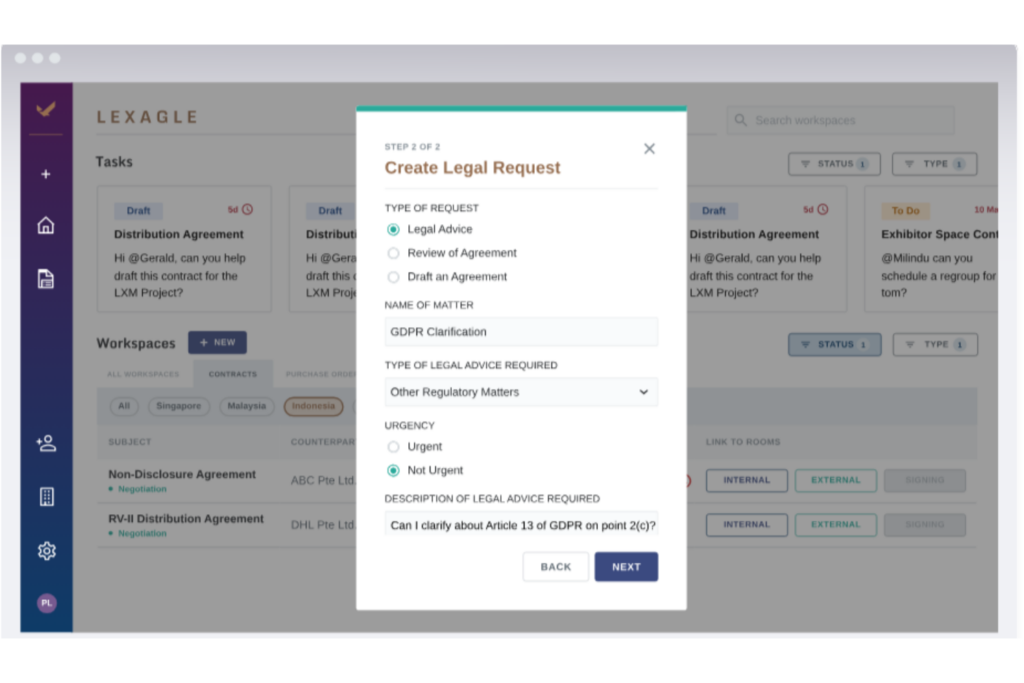
How to address it: Start with lower-risk uses such as clause extraction, document classification, and first-draft research. Create an AI usage policy, define review responsibilities, protect confidential data, and treat AI output as a draft rather than a finished product. Whenever possible, connect AI tools with existing matter, document, and reporting systems so they do not create another information silo.
A Prioritization Framework: Where to Start
Prioritize each challenge based on two factors: risk if left unresolved and effort required to fix it. Use that ranking to decide which legal case management best practices to implement first.
1. Fix First
- Deadline and calendar management: Reduce the risk of missed filings, penalties, and malpractice claims with centralized docketing, reminders, and regular deadline reviews.
- Information silos: Create a single system of record for matters, documents, deadlines, and communications.
- Security and ethical walls: Protect privileged information with matter-level permissions, access controls, and ethical screens.
2. Build Next
- Standardized workflows: Start with high-volume matter types and create repeatable processes for common legal work.
- Compliance tracking: Assign ownership, centralize obligations, and monitor regulatory deadlines.
- Cost management: Introduce matter budgets, e-billing, and clearer controls over outside counsel spend.
More Articles
3. Improve and Scale
- Reporting: Use centralized matter data to track workload, risk, spending, and performance.
- Cross-functional collaboration: Create structured intake, approval, and communication workflows for legal and business teams.
- Technology adoption: Make new systems part of everyday work rather than optional tools.
- Scaling: Use standardized processes and workload data before adding headcount.
4. Invest Strategically
Document management: Strengthen version control, storage rules, and document governance within the broader matter management system.
AI integration: Test lower-risk use cases once core case management processes are stable.
Ready to Find the Right Legal Case Management Software?
Once you’ve identified the challenges your team needs to address, compare our shortlist of the best legal case management software for small firms to find platforms that match your workflows, security requirements, collaboration needs, and growth plans.